應用說明
App & Game Blocker with Built-in GPS Tracker
AirDroid Parental Control prioritizes your child's safety. Its robust features make it easy to stay connected and ensure your child’s well-being, even when you're apart or they can't respond right away. Locate your child with a single tap—it's incredibly simple!
We've introduced the latest online monitoring, content filtering, and anti-cyberbullying tools. These enhancements strengthen your child's digital safeguards, ensuring they remain under the protective shield you create.
Are you aware of what's happening in your child's world? Struggling to find time for extra oversight? Do you know how they use their phone online? Concerned when they come home late? Want to understand your child better? Try AirDroid Parental Control for free today!
Here’s why AirDroid Parental Control is the right choice:
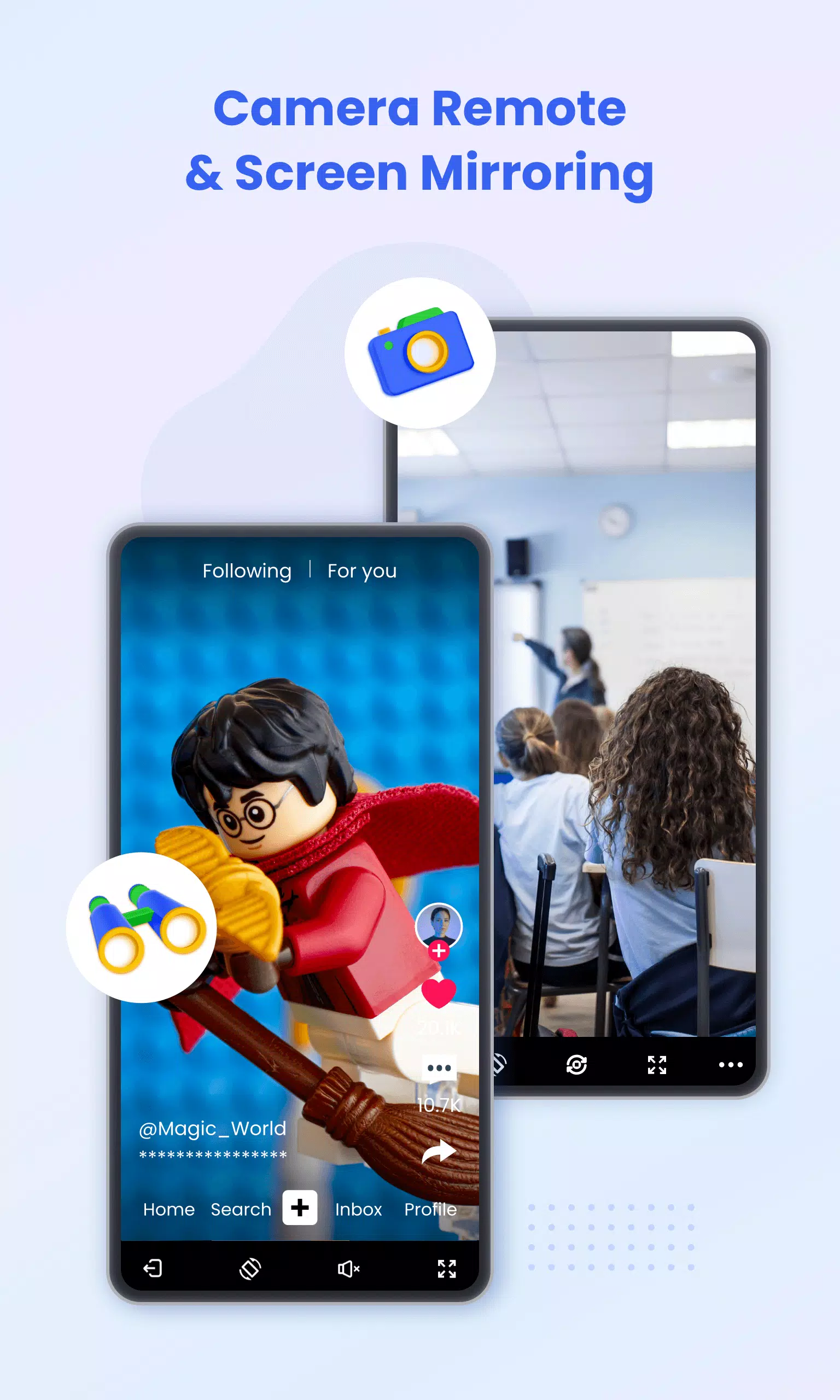
◆ Real-Time Screen Mirroring – View your child's device screen live on your phone. Monitor their app usage during school and overall frequency to help prevent phone addiction.
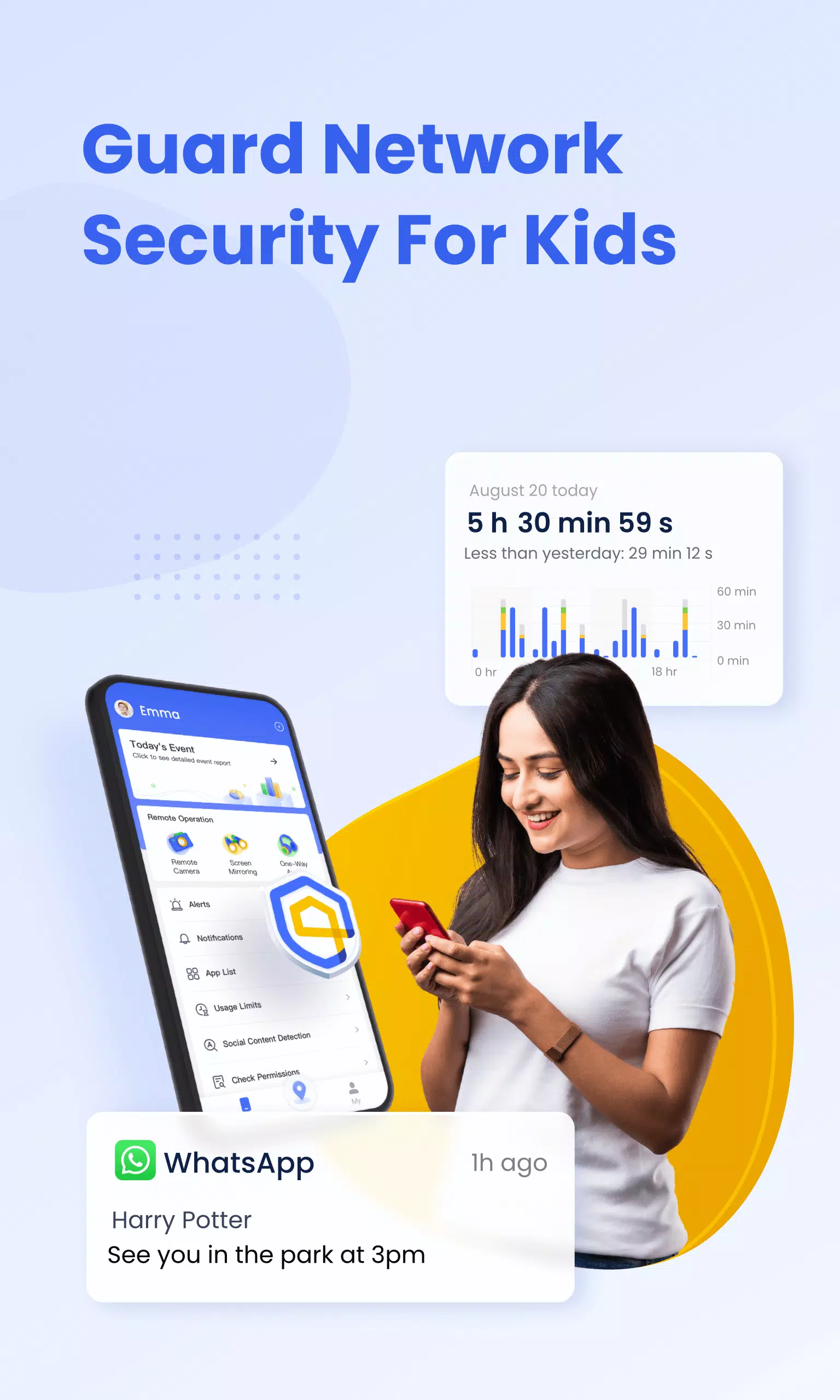
◆ App Notification Sync – Stay informed about your child's social media activity on platforms like Facebook, Instagram, and Messenger. Help shield them from cyberbullying and online scams.
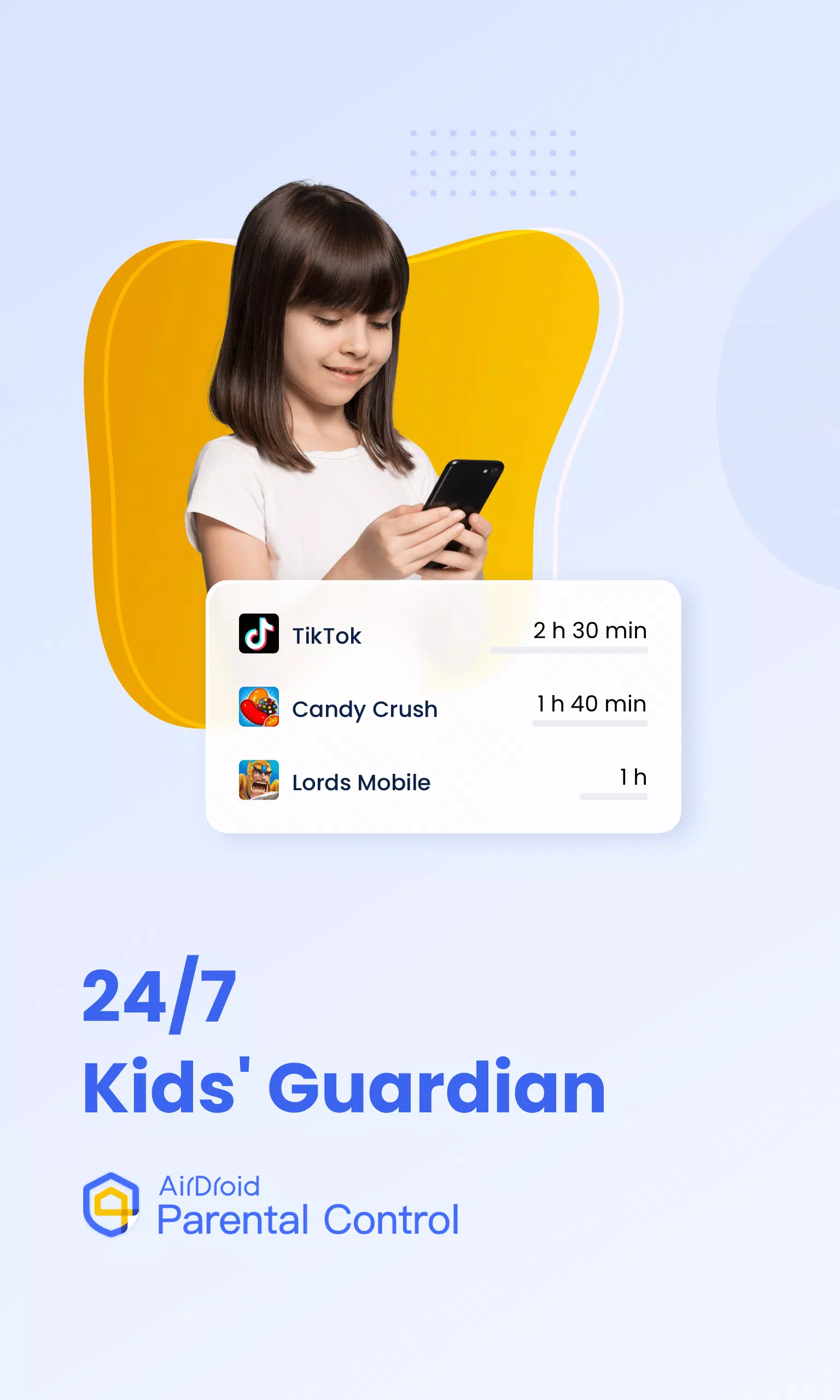
◆ Screen Time Management – Create custom schedules to limit device use and keep your child focused during class time.
◆ App Blocker – Control phone access by allowing only approved apps. Receive instant alerts if your child attempts to install or uninstall applications.
◆ GPS Location Tracker – Pinpoint your child's whereabouts on a map with high accuracy and review their daily travel history. Ensure their safety and that they avoid high-risk areas.
◆ Location Alerts – Set up custom Geofences. Get notified when your child enters or leaves a designated area, like having a 24/7 guardian watching over them.
◆ Battery Check – Monitor your child's device battery level. Receive a low-power notification sent directly to their phone, reminding them to charge up and stay connected.
Getting started with AirDroid Parental Control is simple:
1. Install 'AirDroid Parental Control' on your phone.
2. Connect your child's device using the invitation link or code.
3. Successfully install 'AirDroid Kids' on their device.
4. Link your account to your child's device, and you're all set.
To use AirDroid Parental Control, the app must be installed on each device you wish to manage. A single paid account supports up to 10 devices.
AirDroid Parental Control is completely ad-free.
The app offers a 3-day free trial of all Premium features. After the trial, a subscription is required, with discounted rates available for longer-term plans.
Subscription fees are charged to your Google Play account. Your subscription will auto-renew at the selected interval unless canceled at least 24 hours before the current period ends. You can manage your subscription in your Google Play account settings after purchase.
The app requires the following permissions:
- Camera and Photos – for screen mirroring functionality.
- Contacts – to select a phone number when configuring GPS settings.
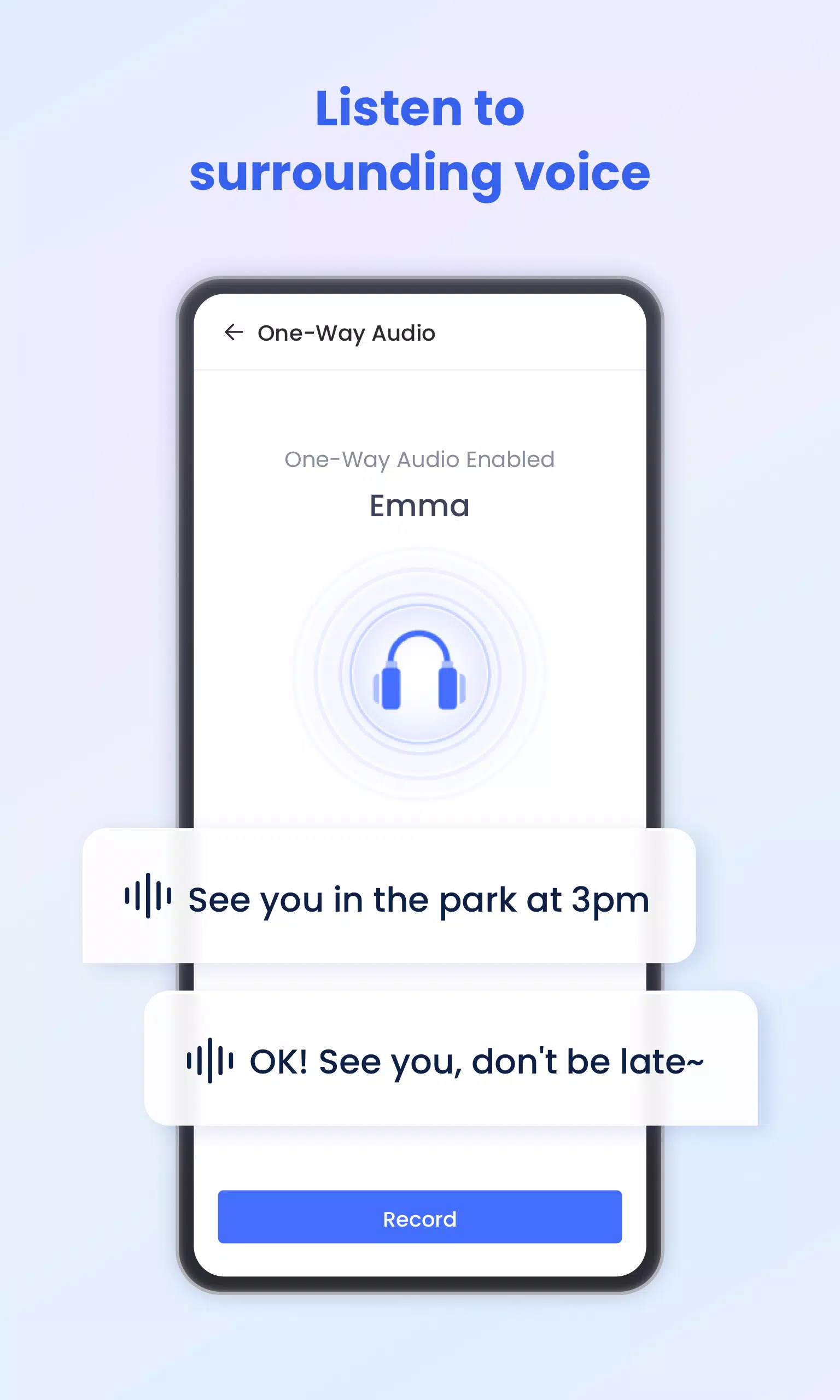
- Microphone – for sending voice messages in chat and hearing ambient sound.
- Push Notifications – to receive alerts about your child's location and new chat messages.
Please review the following before using AirDroid Parental Control.
Privacy Policy: https://kids.airdroid.info/#/Privacy
Terms of Service: https://kids.airdroid.info/#/Eula
Payment Terms: https://kids.airdroid.info/#/Payment
Contact Us:
For suggestions or questions, please contact us at [email protected]
What's New in the Latest Version 2.1.0.0
Last updated on Sep 7, 2024
2024/09/06 v2.1.0.0
1. Added options to the Instant Block feature: block apps for 1 hour, 2 hours, or until midnight.
2. Added separate restriction settings for weekdays and weekends in Downtime, App Limits, and Website Limits.
3. Support quick responses to your child's requests directly from the home screen.
4. Bug fixes and refinements to improve overall stability and user experience.
螢幕截圖
評論
AirDroid Parental Control 等應用


















](https://images.dyk8.com/uploads/18/17380116246797f3e8a8a39.jpg)