
Anwendungsbeschreibung
Here's a clear, concise summary of Navigation for Google Maps Go based on the provided information:
🗺️ Navigation for Google Maps Go – Key Features
Designed for:
Low-memory smartphones (optimized for performance on budget or older devices)
What It Is:
A companion app to Google Maps Go, delivering full turn-by-turn navigation only when launched from within Google Maps Go.
✅ Key Features:
-
Voice-Guided Directions
Real-time, GPS-powered voice navigation with clear, spoken turn-by-turn instructions. -
Supports Multiple Modes of Travel
- Driving
- Walking
- Cycling
- Motorcycling (where available)
-
Works Offline
Route is saved so you get continuous guidance—even if you lose internet connection. -
Over 50 Languages
Voice instructions available in a wide range of languages. -
Lightweight & Fast
Optimized to run smoothly on devices with limited RAM and storage. -
Seamless Integration
Must be launched from within Google Maps Go after searching for a destination.
Not a standalone app.
📲 How to Use:
- Open Google Maps Go.
- Search for your destination.
- Tap the Navigation button.
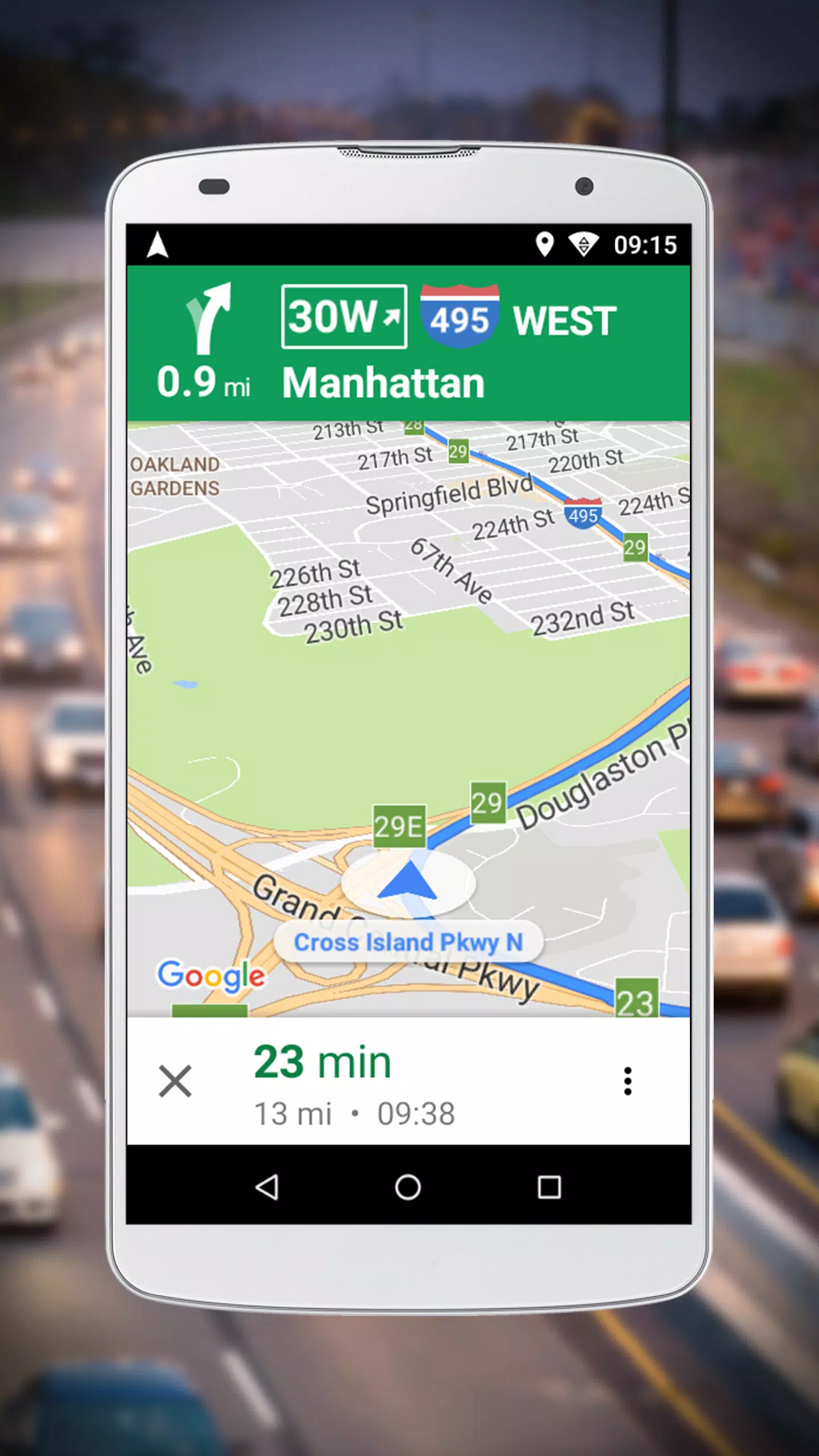
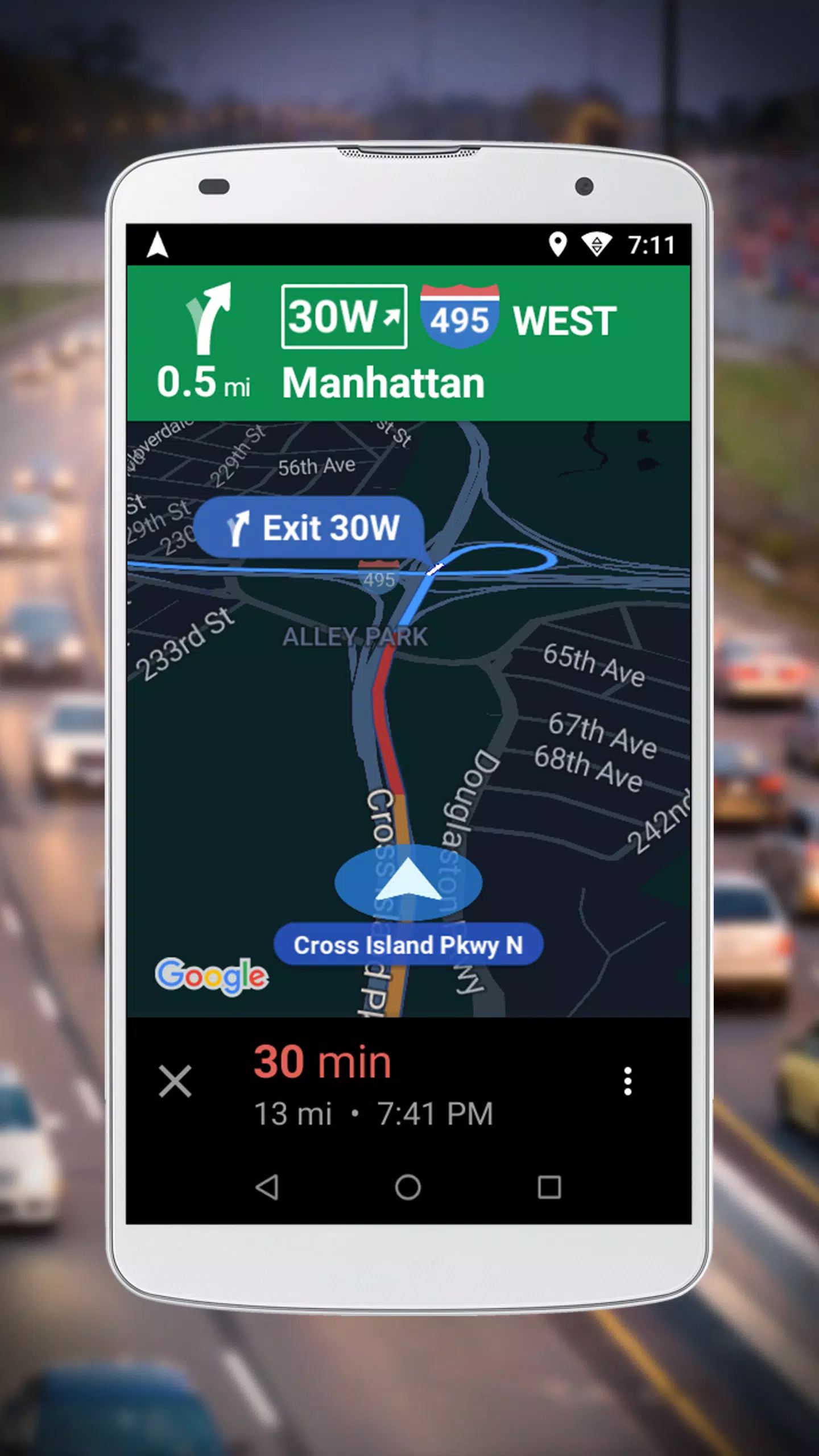
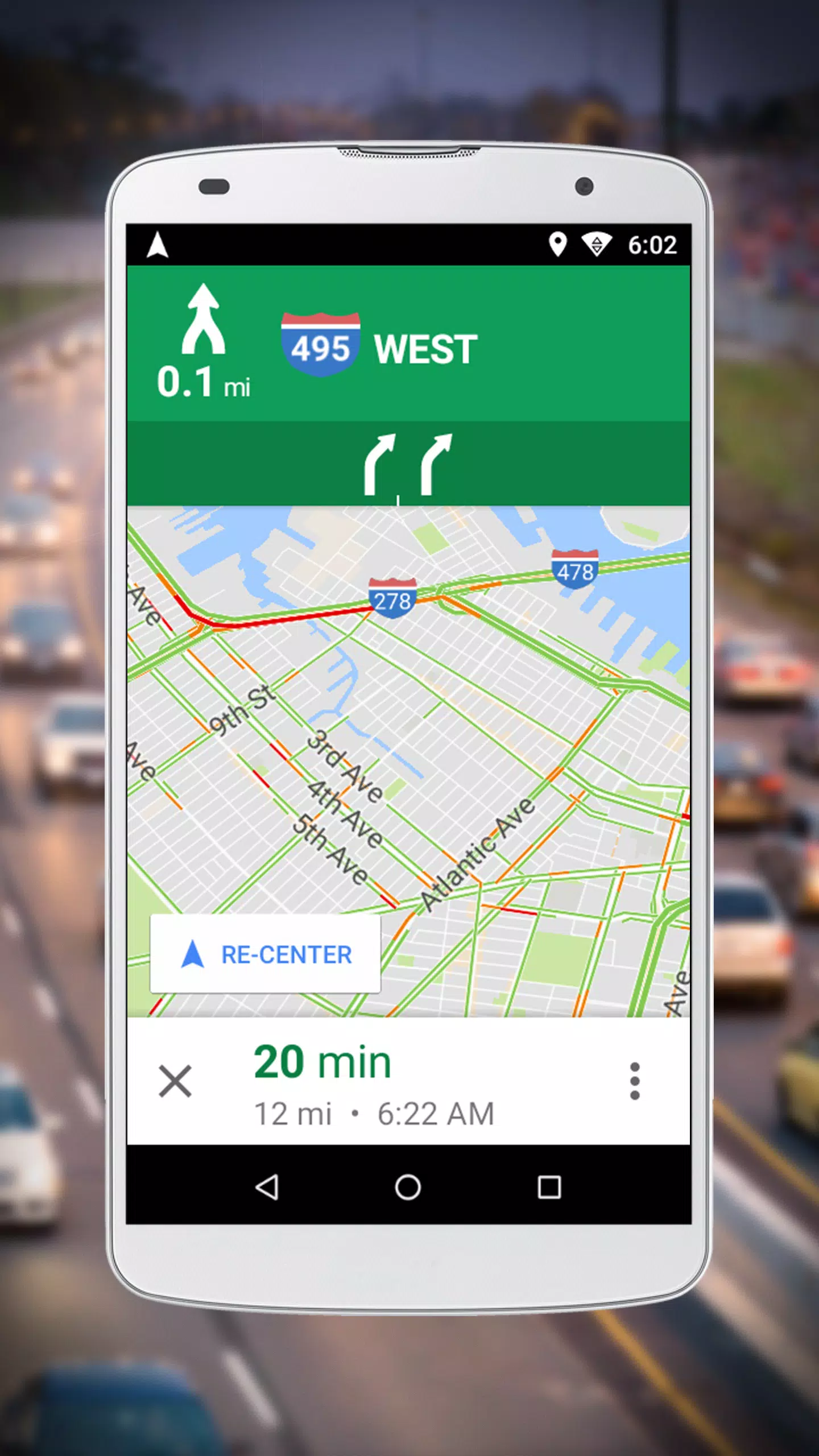
- Start your journey with voice-guided turn-by-turn directions.
📅 Latest Update:
Version 10.74.3 – Released October 14, 2021
Improvements focused on voice navigation and performance on low-memory devices.
⚠️ Important Note:
- Not a standalone app – Must be used as part of Google Maps Go.
- Ideal for users with older or entry-level Android phones who need reliable navigation without heavy data or storage use.
Get smarter navigation on a smaller phone. Download Google Maps Go and start navigating today! 🚶♂️🚴♀️🚗
Screenshot

Rezensionen
Apps wie Google Maps Go – Navigation












Trend-Apps








Top-Nachrichten
](https://images.dyk8.com/uploads/18/17380116246797f3e8a8a39.jpg)






Neueste Apps




Neueste Artikel