
Description de l'application
Here's a clear and concise summary of Navigation for Google Maps Go, based on the information you provided:
🗺️ Navigation for Google Maps Go – Key Features
Designed for: Phones with limited memory (low RAM devices)
Not a standalone app – must be launched from within Google Maps Go
✅ What It Offers:
-
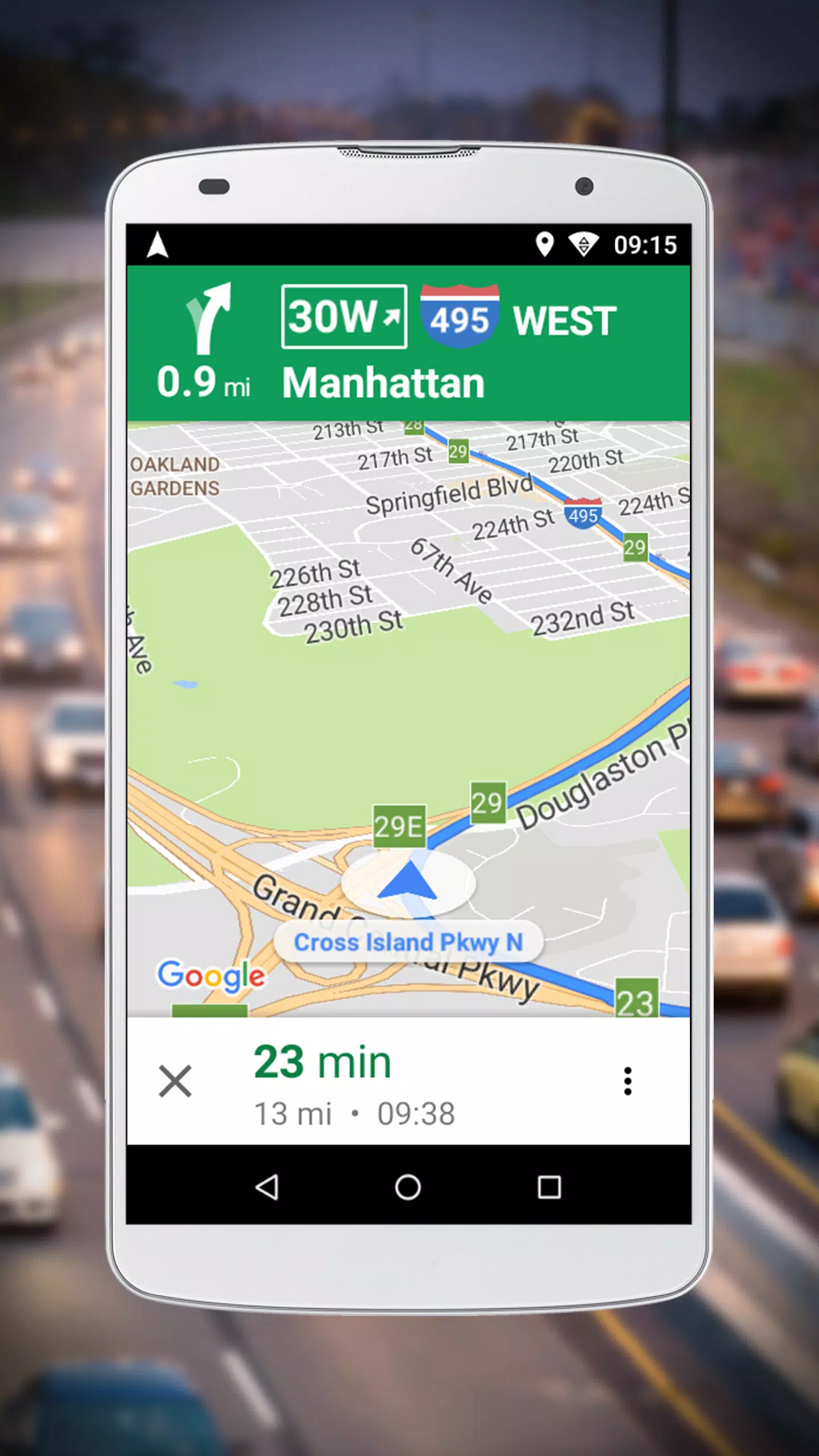
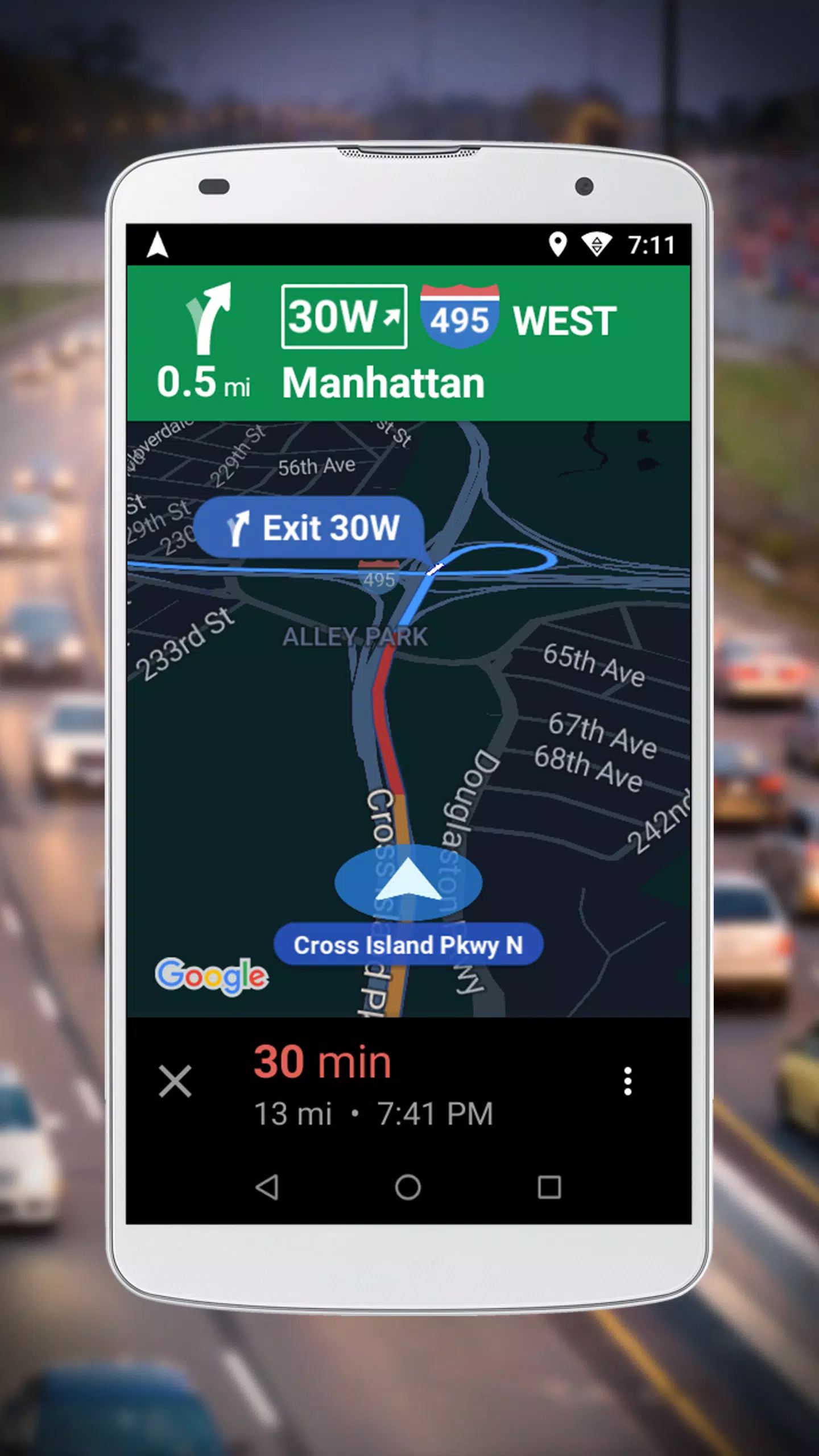
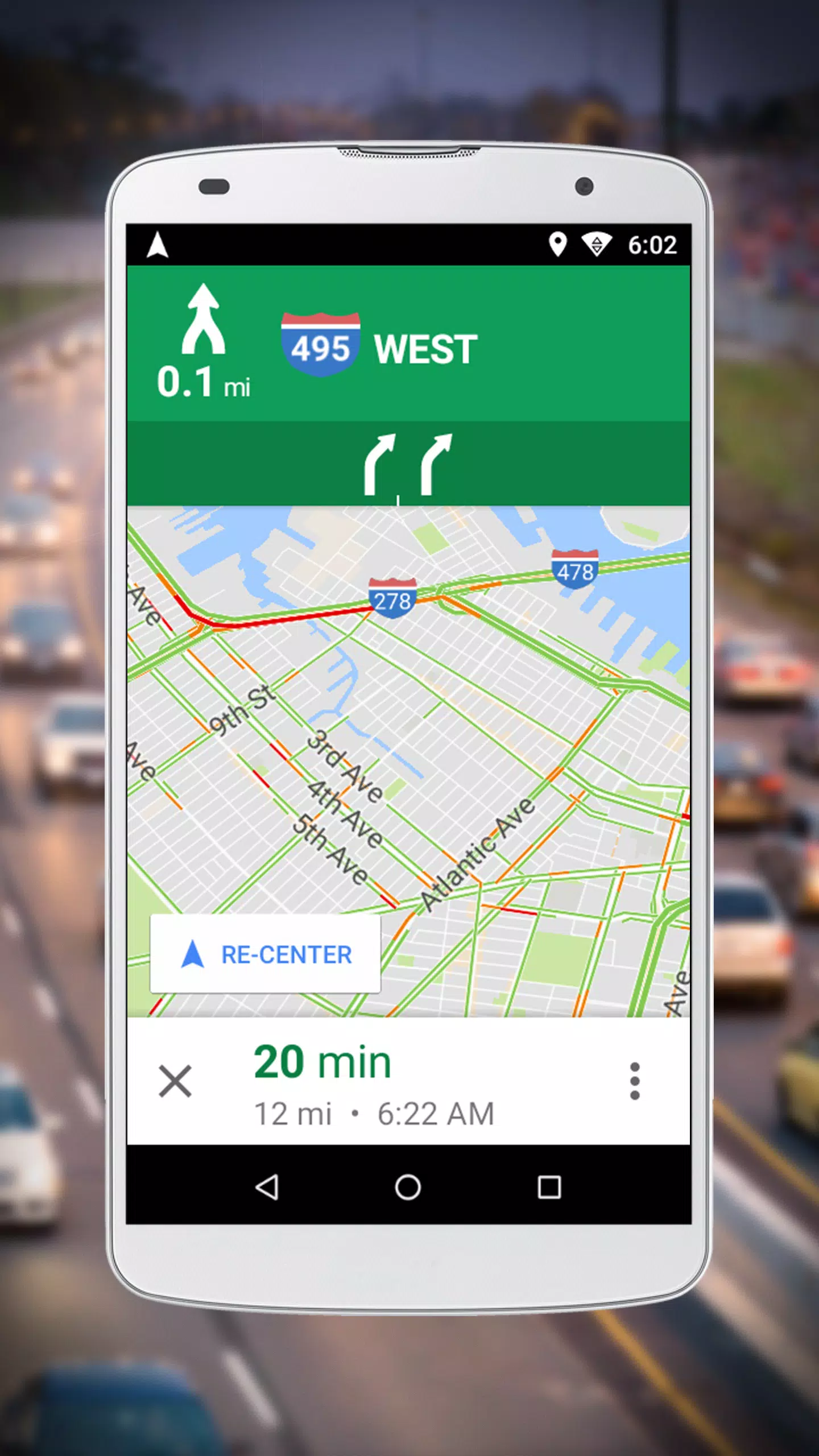
Voice-Guided Turn-by-Turn Navigation
Real-time, GPS-powered directions with spoken instructions to keep you on track. -
Optimized Performance
Lightweight design ensures smooth navigation even on older or low-memory Android devices. -
Supports Multiple Travel Modes:
- Driving
- Walking
- Cycling
- Motorcycling (where available)
-
Offline Route Saving
Your route is saved so you can keep getting guidance even if you lose internet connection. -
Multilingual Voice Support
Over 50 languages available for voice instructions. -
Seamless Integration
Search for a destination in Google Maps Go → Tap Navigation → Start getting directions instantly.
📱 How to Use:
- Open Google Maps Go
- Search for your destination
- Tap the Navigation button
- Begin receiving real-time, voice-guided turn-by-turn directions
🔔 Note: This app is not available separately. It’s a companion feature within Google Maps Go.
🔄 Latest Update: Version 10.74.3 (Released: October 14, 2021)
- Focuses on improving voice navigation performance
- Enhanced stability and efficiency for low-memory devices
- Continual optimization for better battery and memory use
📌 Final Notes:
- Perfect for users with budget or older Android phones
- Maintains the reliability of full Google Maps, but with a lighter footprint
- Ideal for daily commutes, walking, biking, or driving in areas with spotty connectivity
Download Google Maps Go from the Play Store to get started — navigation is built right in!
🌐 Available on Android devices with limited memory. Check your phone’s compatibility in the Play Store.
Capture d'écran

Applications semblables à Navigation pour Google Maps Go










Applications tendance








Meilleures nouvelles
](https://images.dyk8.com/uploads/18/17380116246797f3e8a8a39.jpg)






Dernières applications





Derniers articles
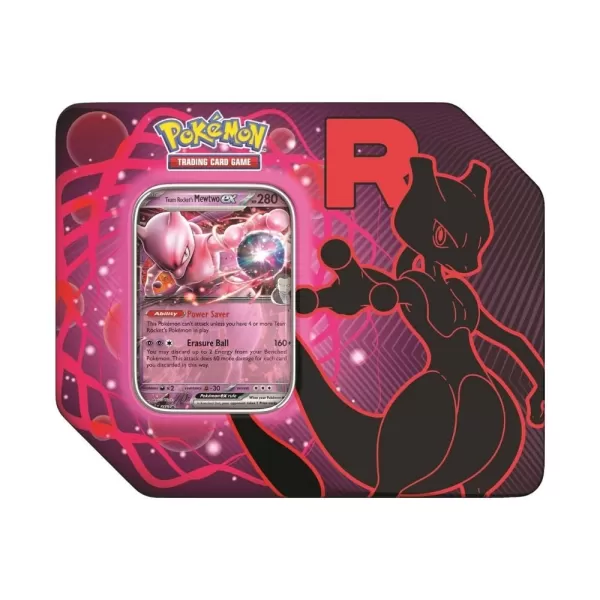 Pokémon TCG : Le Tin Team Rocket est de nouveau en stock sur Amazon aujourd'hui, avec des boosters Destined Rivals inclus

 Le sabre laser Yoda Force FX Elite de la série Star Wars The Black Series de Hasbro chute à 119 $ sur Amazon