Application Description
View, edit, convert, and sign PDF files online with text, highlights, and drawings.
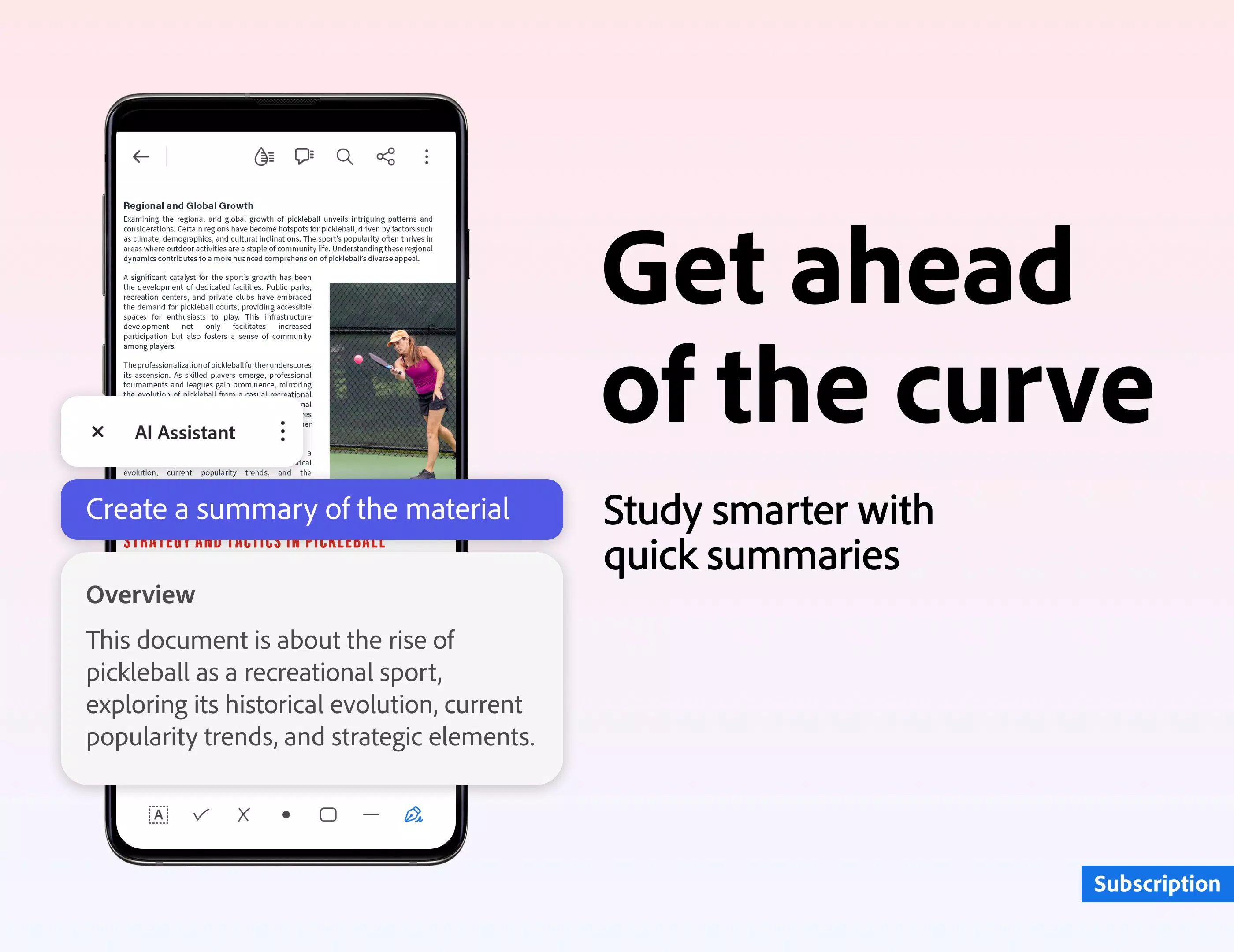
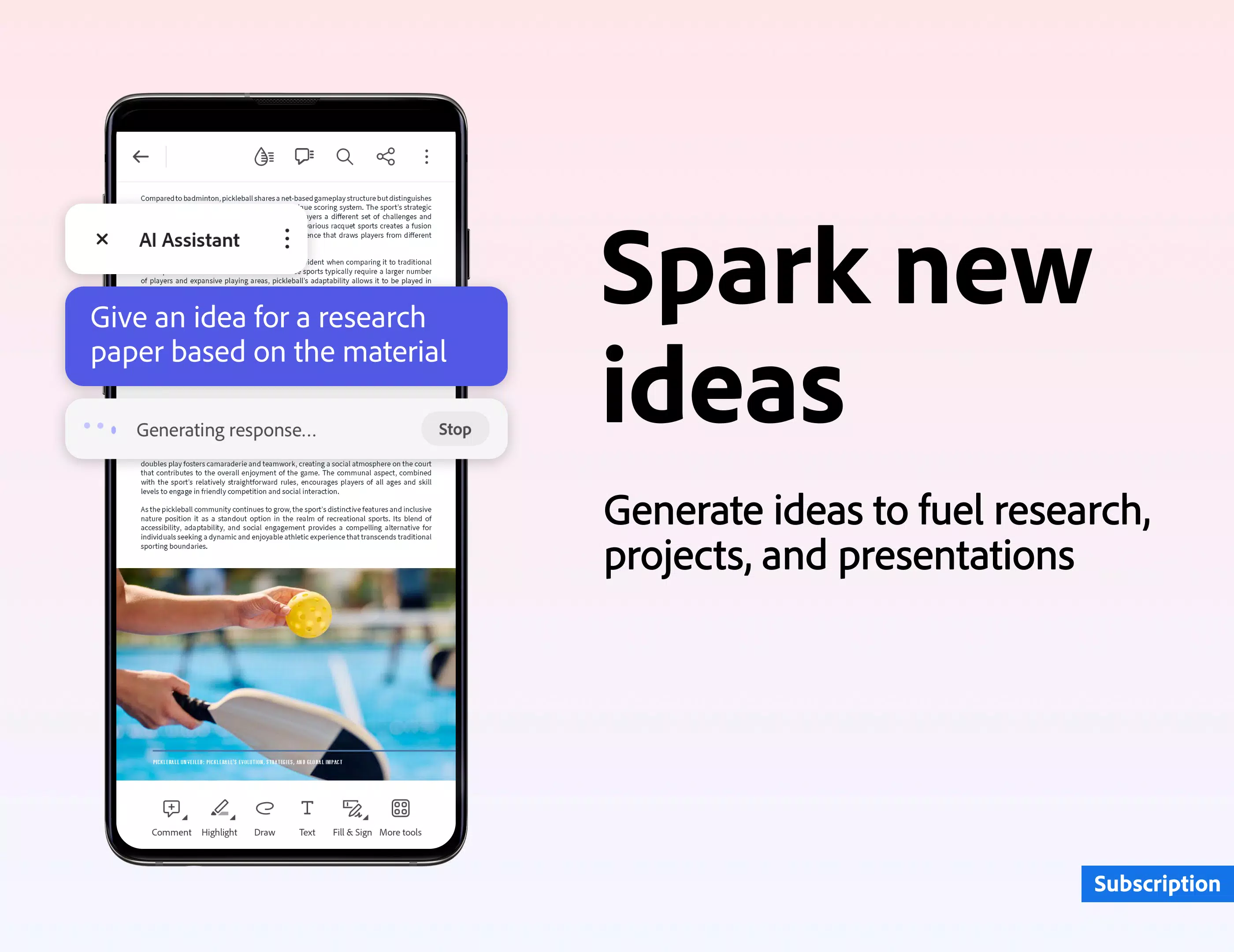
Adobe Acrobat is a free PDF reader and file manager that lets you view and edit your PDFs anytime, anywhere.
-- Edit, sign, and handle PDFs like a professional.
-- Enjoy a better reading experience with Liquid Mode.
-- Share files via link and collaborate easily by adding comments or just viewing.
-- It's free to use, with a paid premium subscription for advanced features.
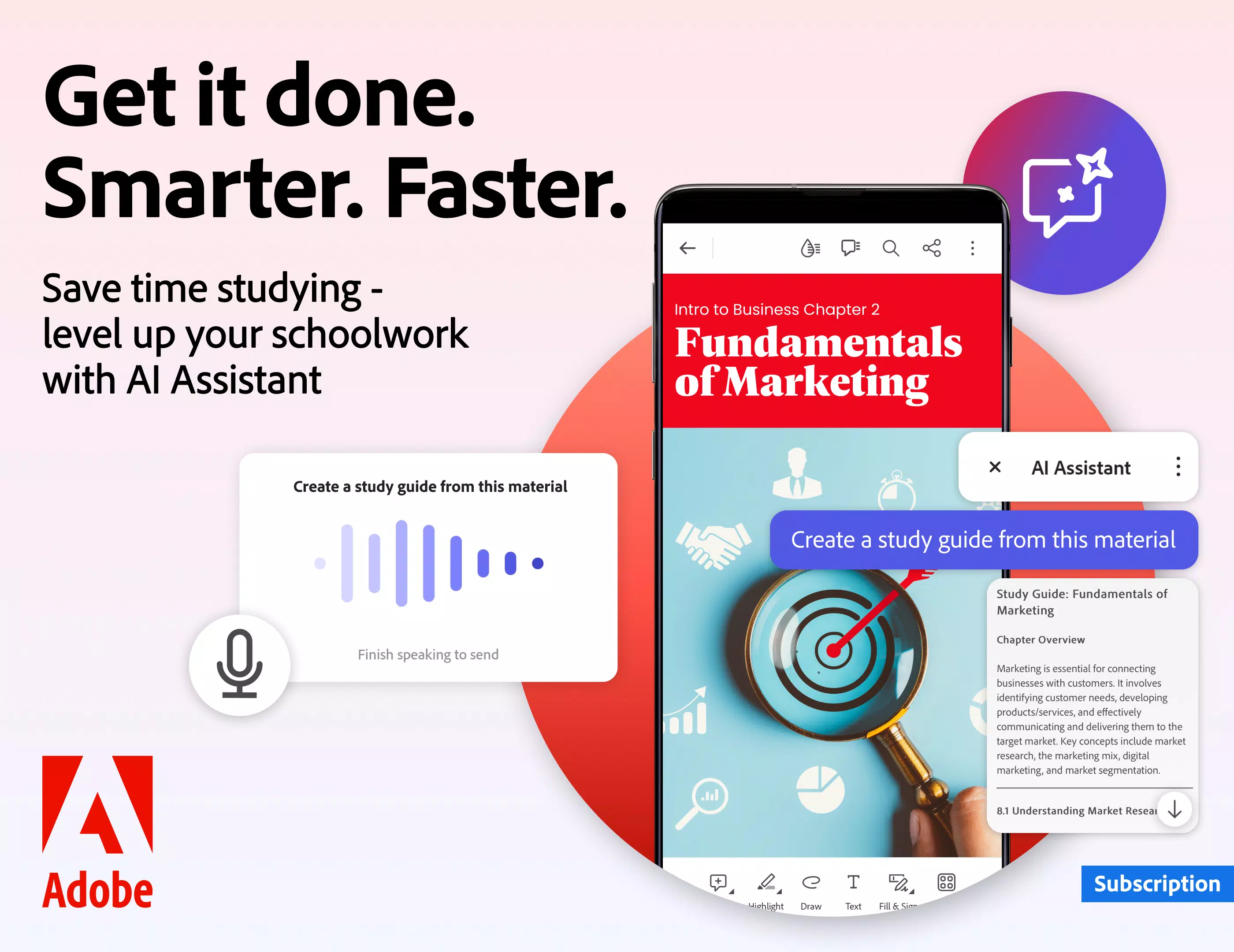
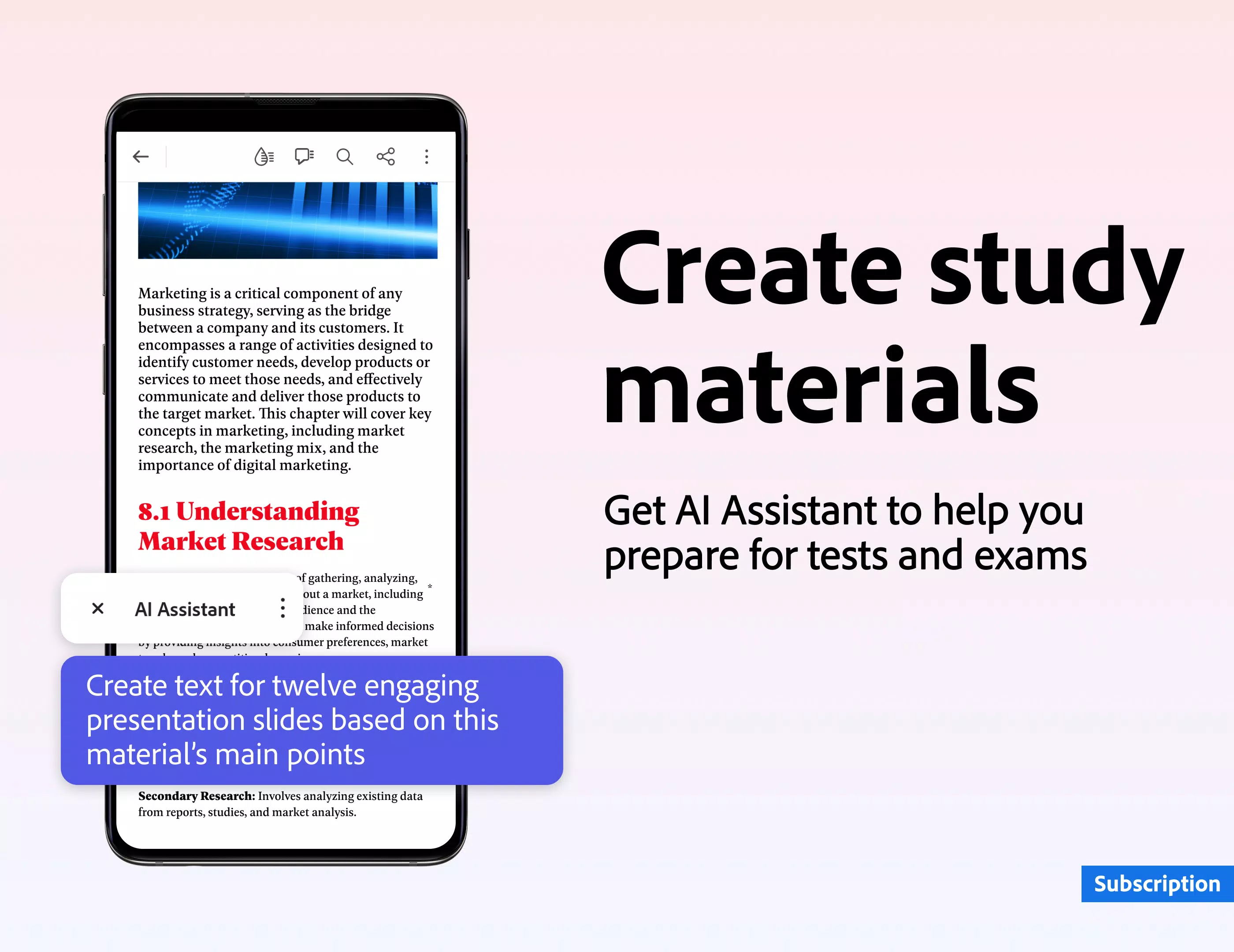
Need to work with documents on the go? Get the Adobe Acrobat Reader mobile app, the world’s most trusted PDF viewer, with over 635 million installs. Store files online and read PDFs anywhere with this leading, free PDF reader and file manager. You can also view, share, annotate, and add e-signatures to PDFs.
With a premium subscription, use Acrobat Reader as a PDF editor to edit text and images, a PDF converter to export to and from PDF, or access other advanced tools to create, combine, organize, and more.
VIEW AND PRINT PDFs
• Open and view PDFs with the free Adobe PDF viewer.
• Choose Single Page or Continuous scroll mode.
• Save battery with dark mode.
• Print documents directly from your device.
READ PDFs MORE EASILY
• Enjoy the best reading experience with Liquid Mode.
• Content reflows to fit your screen.
• Use the Liquid Mode outline for quick navigation.
• Search text quickly in your PDFs.
SHARE PDFs AND COLLABORATE
• Share files for comments or viewing.
• Collect feedback from multiple people in one online file.
• Speed up reviews by responding to comments.
• Get activity notifications for shared files.
ANNOTATE PDFs
• Add notes and comments, including sticky notes and highlights.
• Write on PDFs by adding text or drawings.
• Share a file to gather all comments in one place.
EDIT PDFs
• Subscribe to edit text and images directly in your PDF.
• Fix typos or add paragraphs with the paid PDF editor.
• Add, delete, or rotate images with the upgraded app.
FILL AND SIGN FORMS
• Easily fill PDF forms with the form filler.
• E-sign documents using your finger or stylus.
STORE AND MANAGE FILES
• Sign in to your free account to store and access files across devices.
• Access all files by linking online storage like Microsoft OneDrive, Dropbox, or Google Drive.
• Star files to quickly open important or favorite documents.
CONNECT TO GOOGLE DRIVE
• Connect your Google Drive to access PDFs and files easily.
• View, share, and star Google Drive files directly in Acrobat Reader.
• Create, edit, combine, compress, and export Google Drive files with a subscription.
WORK WITH SCANNED DOCUMENTS
• Access scanned PDFs captured with the free Adobe Scan app.
• Open scans in Acrobat Reader to fill, sign, comment, and share.
IN-APP PURCHASE
Subscribe for more PDF power. Subscriptions work across mobile and web.
• Edit text and images right in your PDF (mobile only).
• Combine files into one PDF and organize pages.
• Create PDFs from documents or images.
• Export PDFs to Microsoft Word, Excel, or PowerPoint.
• Compress PDFs to reduce file size.
• Protect PDFs with passwords.
The Acrobat Reader mobile app is designed to work with Enterprise Mobility Management (EMM).
Terms & Conditions:
Your use of this app is governed by the Adobe General Terms of Use http://www.adobe.com/go/terms_en and the Adobe Privacy Policy http://www.adobe.com/go/privacy_policy_en
Do Not Sell My Personal Information: https://www.adobe.com/go/ca-rights
The Adobe Acrobat Reader PDF creator and editor puts your office in your pocket. View, annotate, fill, sign, and share PDFs with the free Adobe PDF reader. Convert JPG to PDF, create and sign fillable forms, and add your e-signature to shared documents. Working with PDFs has never been easier.
Screenshot
Reviews
Apps like Adobe Acrobat Reader: Edit PDF








Trending apps








Top News
![Roblox Forsaken Characters Tier List [UPDATED] (2025)](https://images.dyk8.com/uploads/18/17380116246797f3e8a8a39.jpg)







Latest Apps

Latest Articles