Application Description
Bedrock Together: Join any Bedrock server on Xbox or PlayStation
BedrockTogether lets any Bedrock Edition server appear as a LAN world on Xbox or PlayStation, allowing for a direct connection without DNS rerouting.
Realms and Nintendo Switch compatibility are not currently supported when using Bedrock Together.
How to connect:
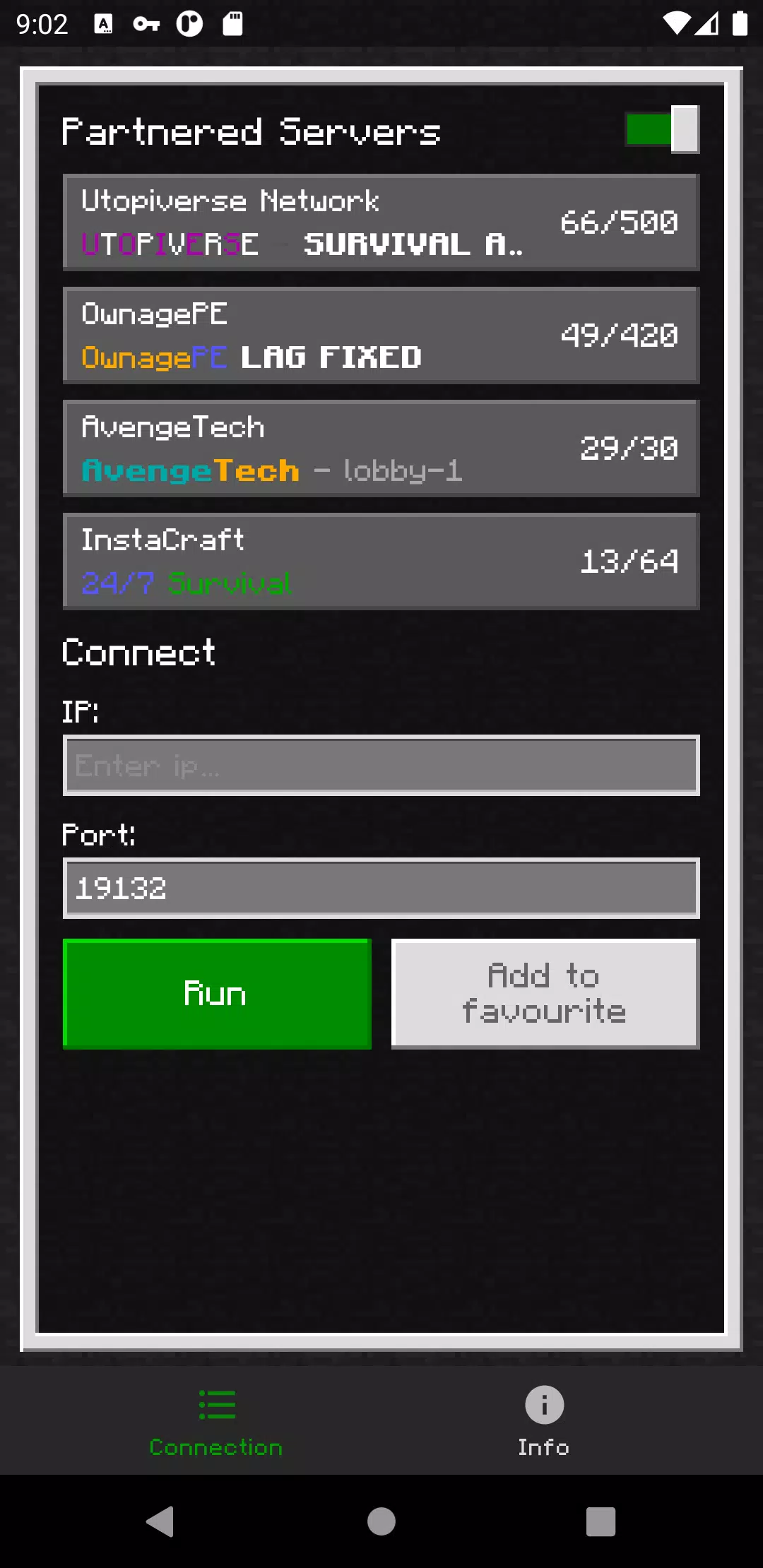
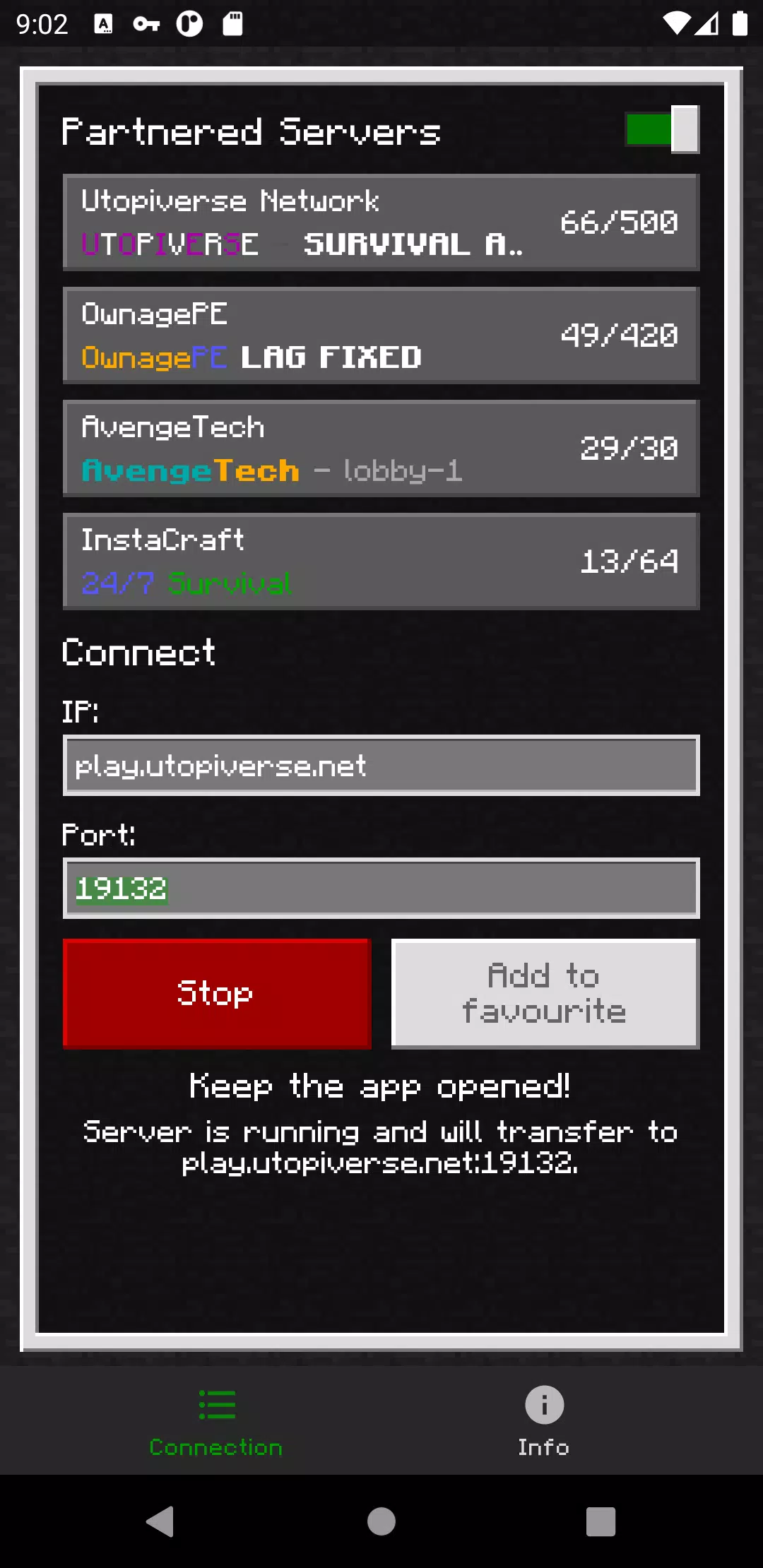
1. Enter your server's IP and port.
2. Click the “Run” button.
3. Open Minecraft and go to the “Friends” tab.
4. Join the server via the LAN section.
5. Close the Bedrock Together app once you've connected.
Troubleshooting:
Make sure that
1. Your console and mobile device are on the same local network.
Found a bug? Join our Discord and report it in the #bugs channel:
https://discord.gg/3NxZEt8 or Telegram: t.me/extollite
App icon created by nataliagemel.pl
Disclaimer: BedrockTogether is a third-party application. It is not endorsed by, affiliated with, or connected to Minecraft, Mojang AB, Microsoft, Xbox, or Xbox Live in any way.
What's New in Version 1.21.40
Last updated on Oct 20, 2024
Added support for game version 1.21.40.
Screenshot
Reviews
Apps like BedrockTogether












Trending apps








Top News

![Roblox Forsaken Characters Tier List [UPDATED] (2025)](https://images.dyk8.com/uploads/18/17380116246797f3e8a8a39.jpg)






Latest Apps




Latest Articles