Application Description
Digitize your chess games by scanning score sheets.
Convert your score sheets into digital games through scanning.
Text is extracted from the score sheet to generate the game. An overview shows the score sheet alongside the recognized moves. If any moves are incorrectly identified, you can quickly correct them using move suggestions.
Afterward, you can categorize games into tournaments, analyze them on Lichess or Chess.com, or export them as PGN files.
Scanning score sheets
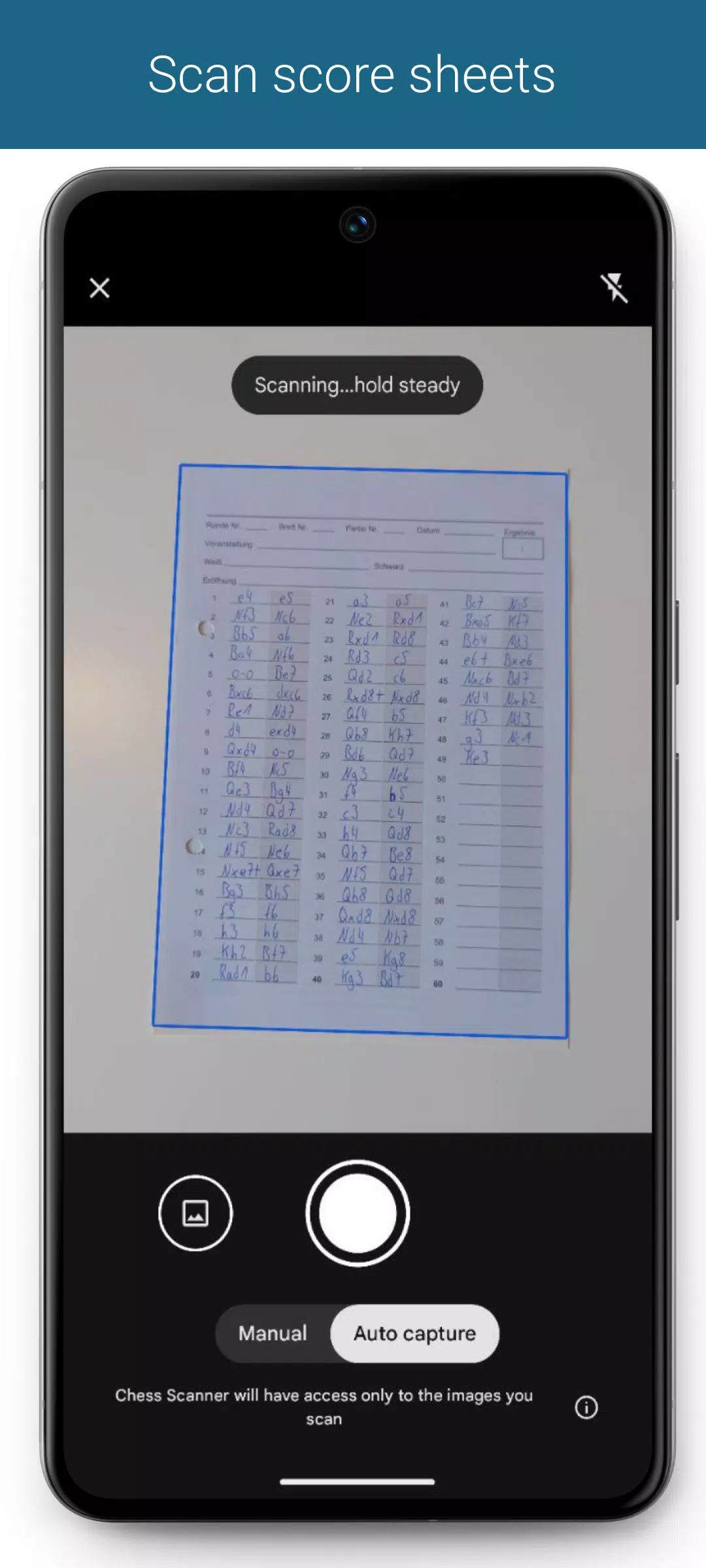
You can capture score sheets using the built-in scanner or select them from your gallery. The text is extracted directly from the image.
You can specify separate score sheets for both White and Black players, which is especially useful for tournament directors. During game generation, both versions are taken into account. Each player can have up to two score sheets assigned.
Generate Game
Generate the game immediately after scanning the score sheets. Alternatively, you can manually overlay the move grid.
Supported notations
- English: N/B/R/Q/K
- German: S/L/T/D/K
- Dutch: P/L/T/D/K
- Spanish/Italian: C/A/T/D/R
- French: C/F/T/D/R
- Portuguese: C/B/T/D/R
- Czech/Slovak: J/S/V/D/K
Other notations can also be specified, but they are analyzed based on models of already supported notations. As a result, text recognition accuracy may be lower for these cases.
Game generation
Score sheets are sent to our servers for game generation. Processing time depends on factors like score sheet legibility, game length, and internet connection, typically ranging from 1 to 10 seconds.
Overview of generated game
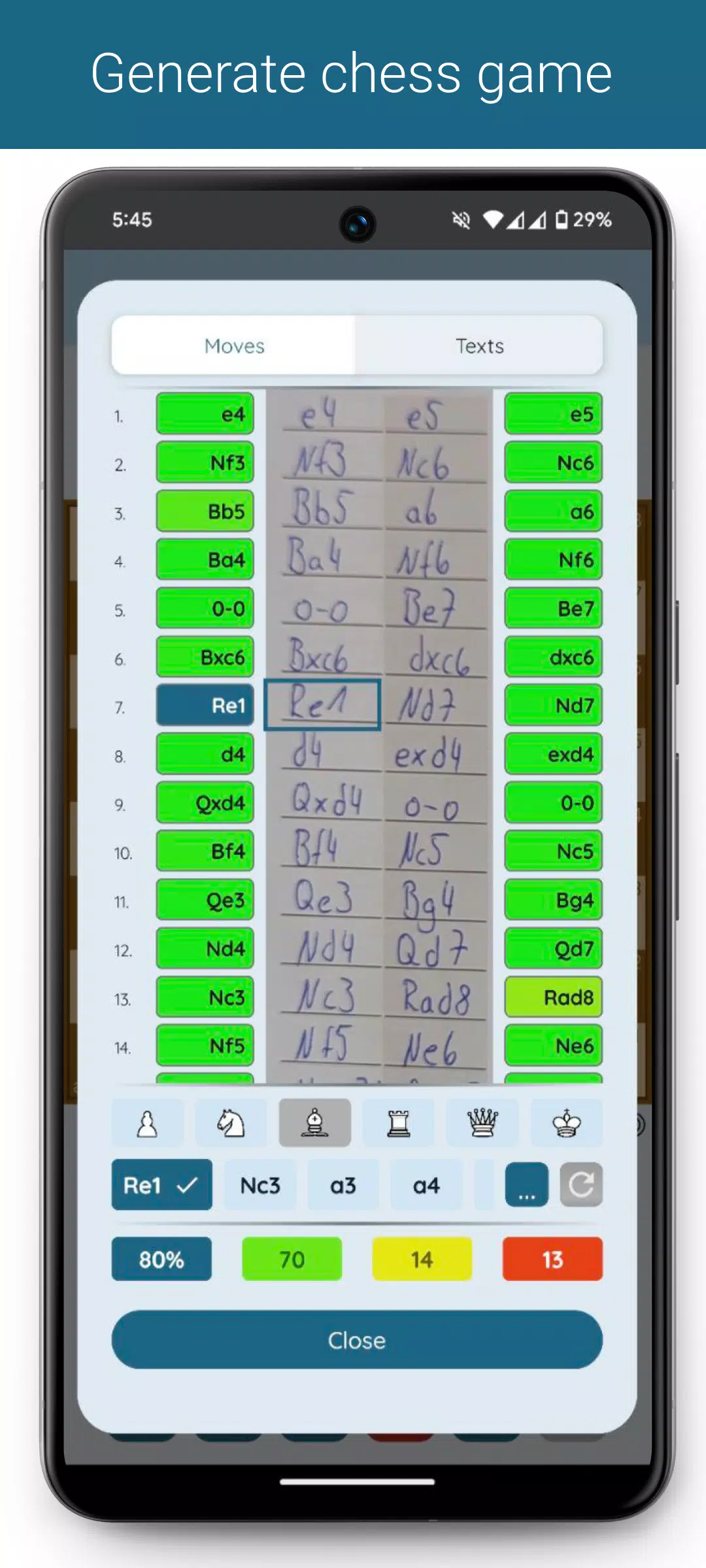
An overview displays score sheet columns alongside generated moves. Each move's background color indicates its probability of being correct. Tap a move to view the corresponding chess position and suggested alternatives.
Move suggestions
If moves are incorrectly recognized, you can easily correct them using move suggestions. These are organized by probability and can be filtered by piece type. After making changes, you can regenerate the game from the current move.
Moves crossed out or missing from the score sheet?
No problem :)
In the game overview, you can skip or insert moves. The game can then be regenerated with your modifications.
Game data
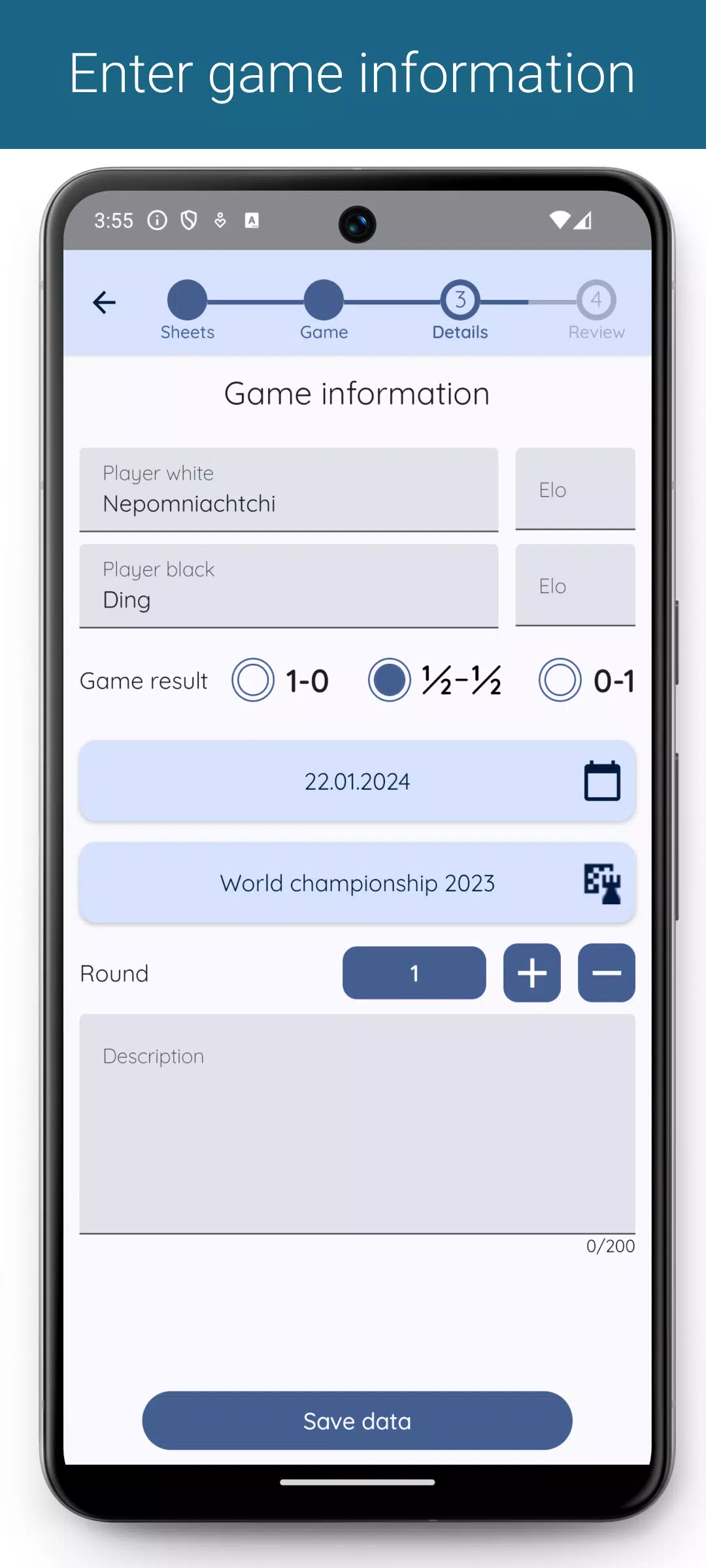
You can add player and tournament data to each game, along with additional information in a description field.
Overview & filtering of games
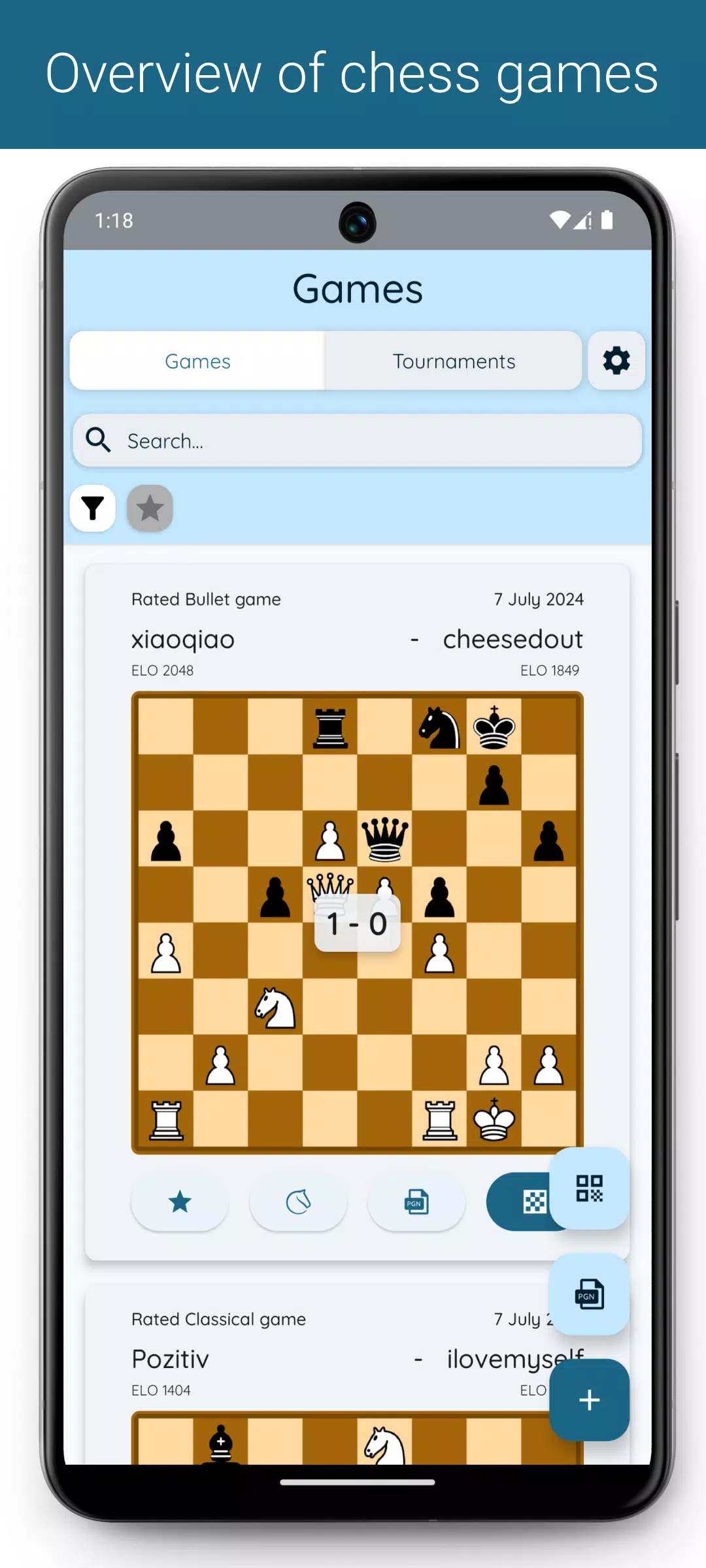
A comprehensive overview displays all entered games. Filter games by tournament, round, or favorites, or use the search field to find games by player names or descriptions.
Exporting games (*)
Export filtered or individual games as PGN files. Customize which data to include in the PGN file through settings, such as tournament, round, and date.
Importing games
Import additional games into the app via PGN files.
Analyze games (*)
Open games directly in Lichess or Chess.com for analysis.
(*) Premium-only features
For error reports, suggestions, or improvements, please email:
What's New in Version 1.8.11
Last updated on Sep 30, 2024
- Added help section with instructional videos for game correction.
- Included support option for reporting app issues.
- Games can now open directly on Chess.com after generation.
- Optimized live update mode.
- Enhanced game view after scanning QR codes.
- Made UI adjustments to text fields.
Screenshot
Reviews
Games like Chess Scanner



Trending Games





Top News
![Roblox Forsaken Characters Tier List [UPDATED] (2025)](https://images.dyk8.com/uploads/18/17380116246797f3e8a8a39.jpg)







Latest Games




Latest Articles
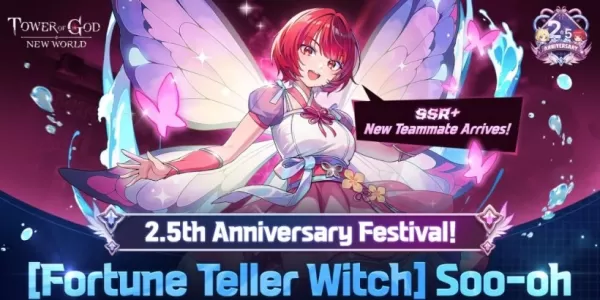 Tower of God: New World celebrates 2.5th anniversary with Soo-oh and major in-game events
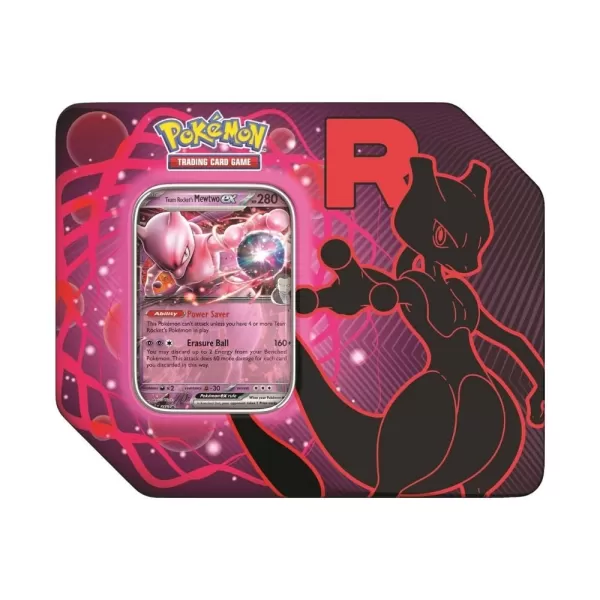 Pokémon TCG: Team Rocket Tin is Back in Stock at Amazon Today, and Includes Destined Rivals Boosters