Application Description
All-In-One Editor for Photo and Video Retouching, Adjustments, and Decoration
Leverage professional editing tools and advanced AI technology to effortlessly edit photos. Supports RAW file compatibility.
[AI Tools]
・ Enhance: Boost clarity and resolution! Produce high-quality images
・ AI Skin: Perfect your complexion by using AI to correct blemishes
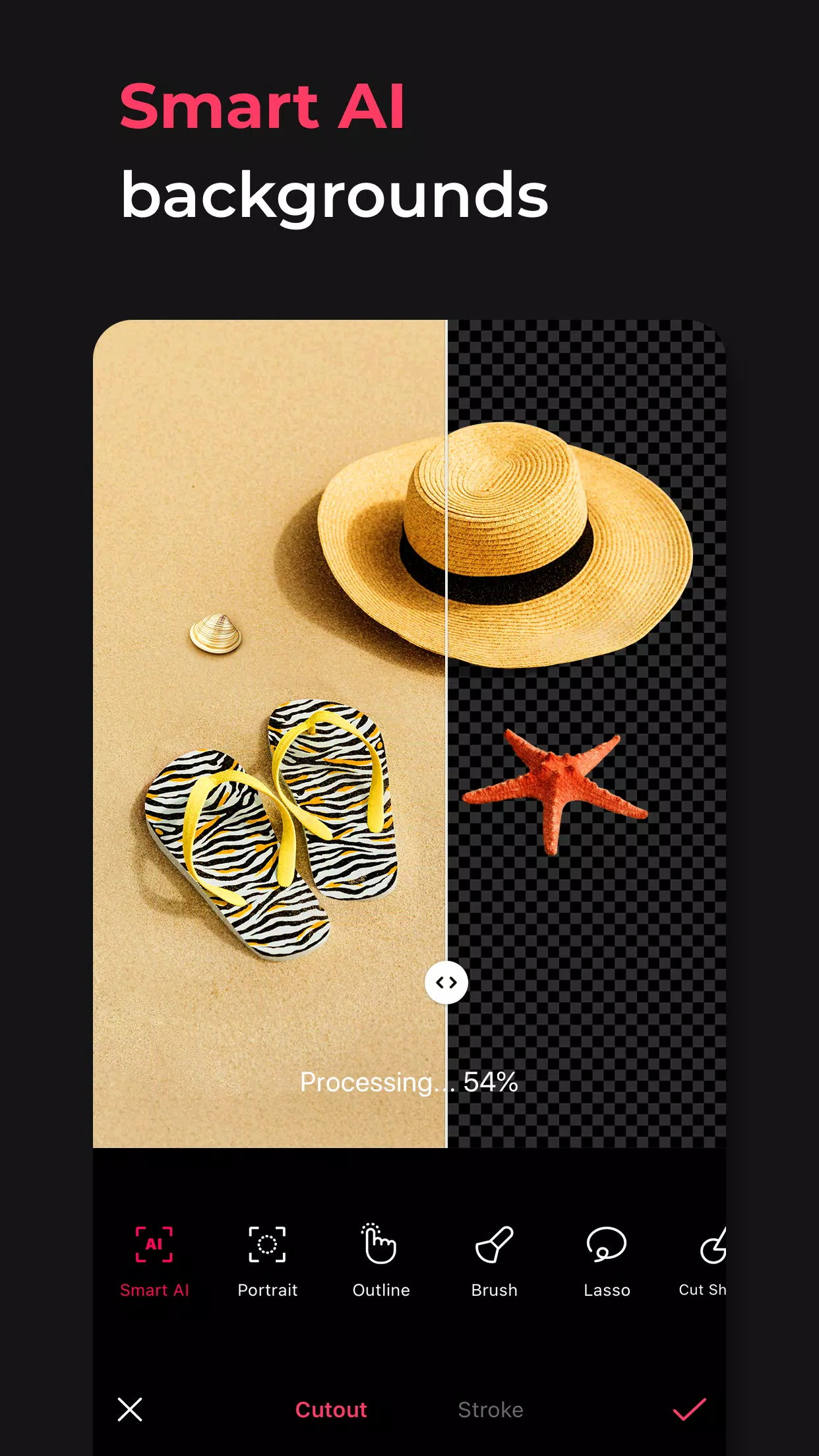
・ Smart AI Cutout: Precisely separate people, objects, and even animals
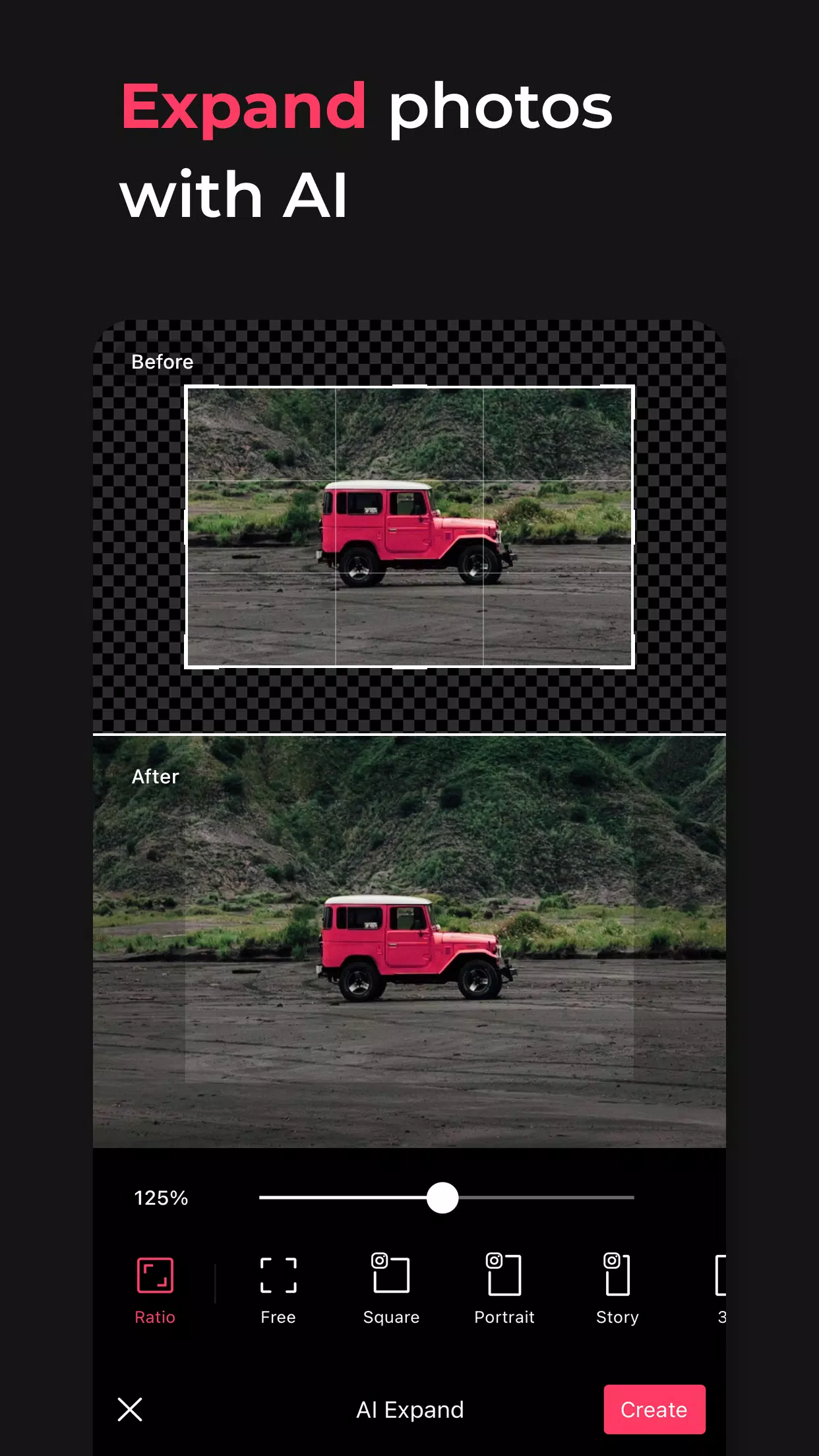
・ Remove: Effortlessly eliminate unwanted elements
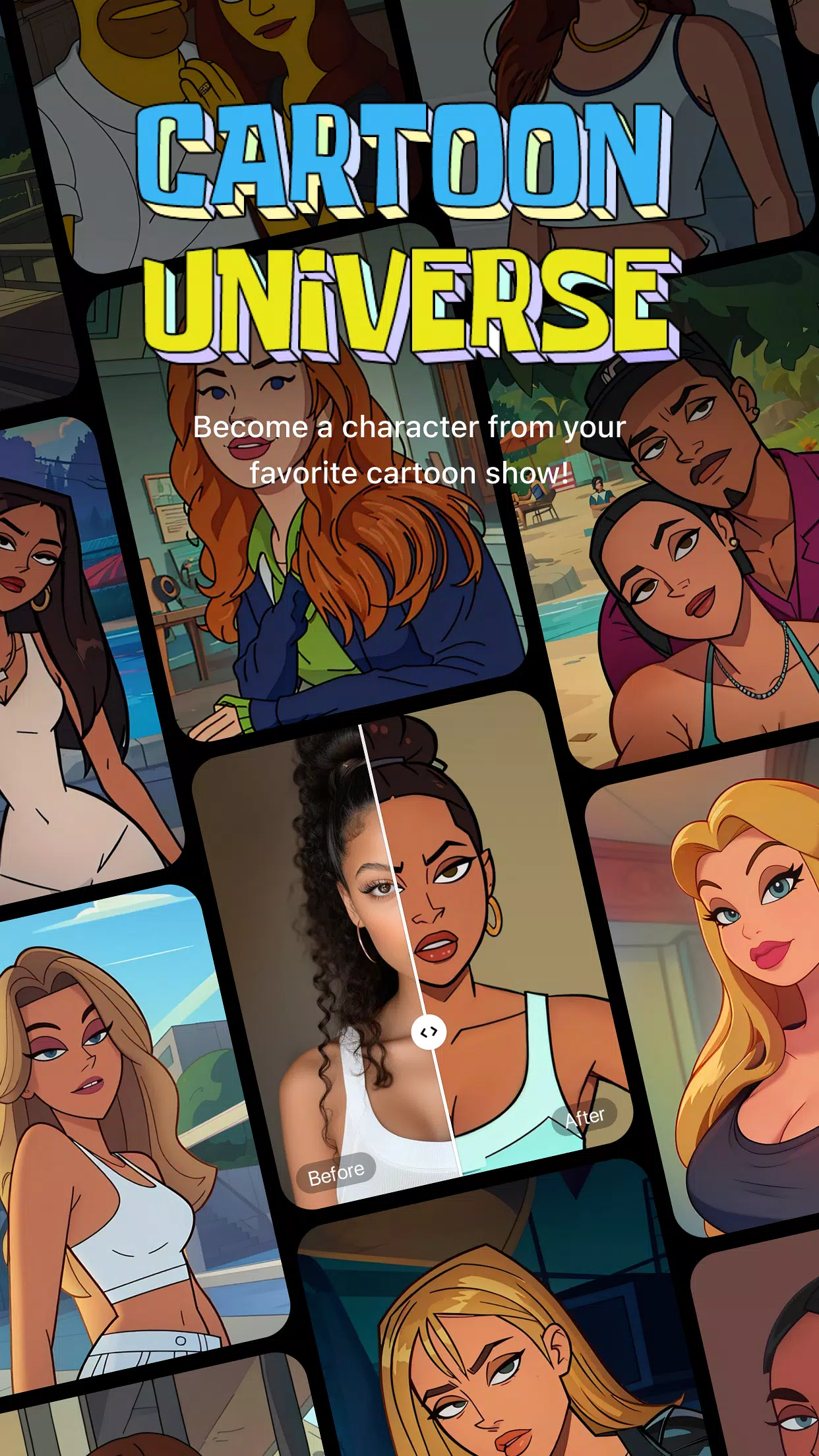
・ AI Filter: Generate unique characters in various styles
・ Hairstyle & Expression: Craft a completely new look
[Professional Photo Editing Tools]
・ HSL, Curves, Split Tone, Selective: Achieve precise color adjustments
・ Lux, Texture, Grain, Brilliance, Vignette: Set the desired mood
・ Crop, Rotate, Mirror, Flip, Perspective, Adjust Resolution: Define your ideal composition
・ Batch Processing: Edit multiple photos simultaneously
・ Patch, Clone: Seamlessly edit or duplicate specific areas
[Perfect Portraits]
・ Looks: Experience one-tap beauty with skin retouching, makeup, face tuning, and filters combined
・ Erase Wrinkles, AI Skin, Blemishes: Achieve smooth, flawless skin
・ Reshape, 3D Face, Mirror Correction (Individual Left-Right Adjustment), Presets, Perspective: Ensure natural and detailed facial corrections
・ Style, Paint, Fine Tune: Apply stylish makeup tailored to your face
・ Body & Length: Capture stunning full-body shots! Create your desired physique
・ Hair Color & Hairstyle: Transform with diverse hairstyles
[Trendy Content]
・ Filters, Effects, Relight: Achieve a trendy aesthetic
・ Stickers, Text, Paint, Draw Shapes: Make your photos stand out
・ Time Stamp: Document your special moments
・ Templates: Access thousands of customizable templates
[Creative Tools]
・ AI Collage: Design unique collages using different images
・ Spot Color: Highlight specific colors you want to emphasize
・ Mosaic: Experiment with various mosaic and blur effects
・ Cutout & Separate: Perform smart cropping
・ Layout: Arrange photos in cool compositions
・ Backgrounds & Patterns: Create your own distinctive backgrounds
・ Custom Stickers, Unique Filters: Design one-of-a-kind elements
[Movie Features]
・ Video Mosaic: Apply easy mosaics with automatic subject tracking
・ Retro Clip: Easily create vintage-style videos
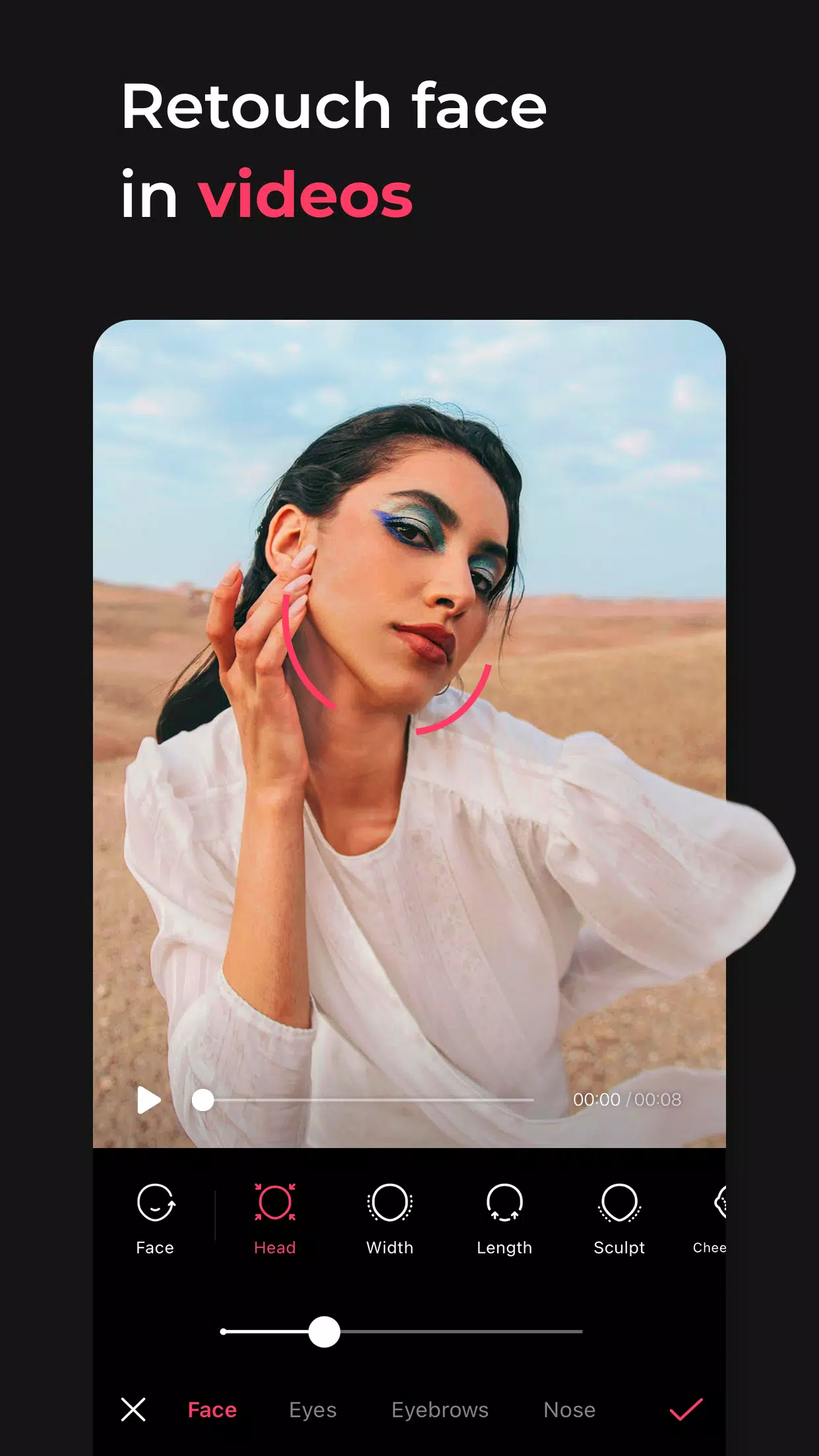
・ Video Face Edit: Naturally retouch faces within video clips
For subscription inquiries, contact [EPIK > Profile > Settings > Contact].
Screenshot
Reviews
Apps like EPIK - AI Photo & Video Editor







Trending apps








Top News
![Roblox Forsaken Characters Tier List [UPDATED] (2025)](https://images.dyk8.com/uploads/18/17380116246797f3e8a8a39.jpg)







Latest Apps