Application Description
A pocket-sized PDF scanner with built-in OCR technology.
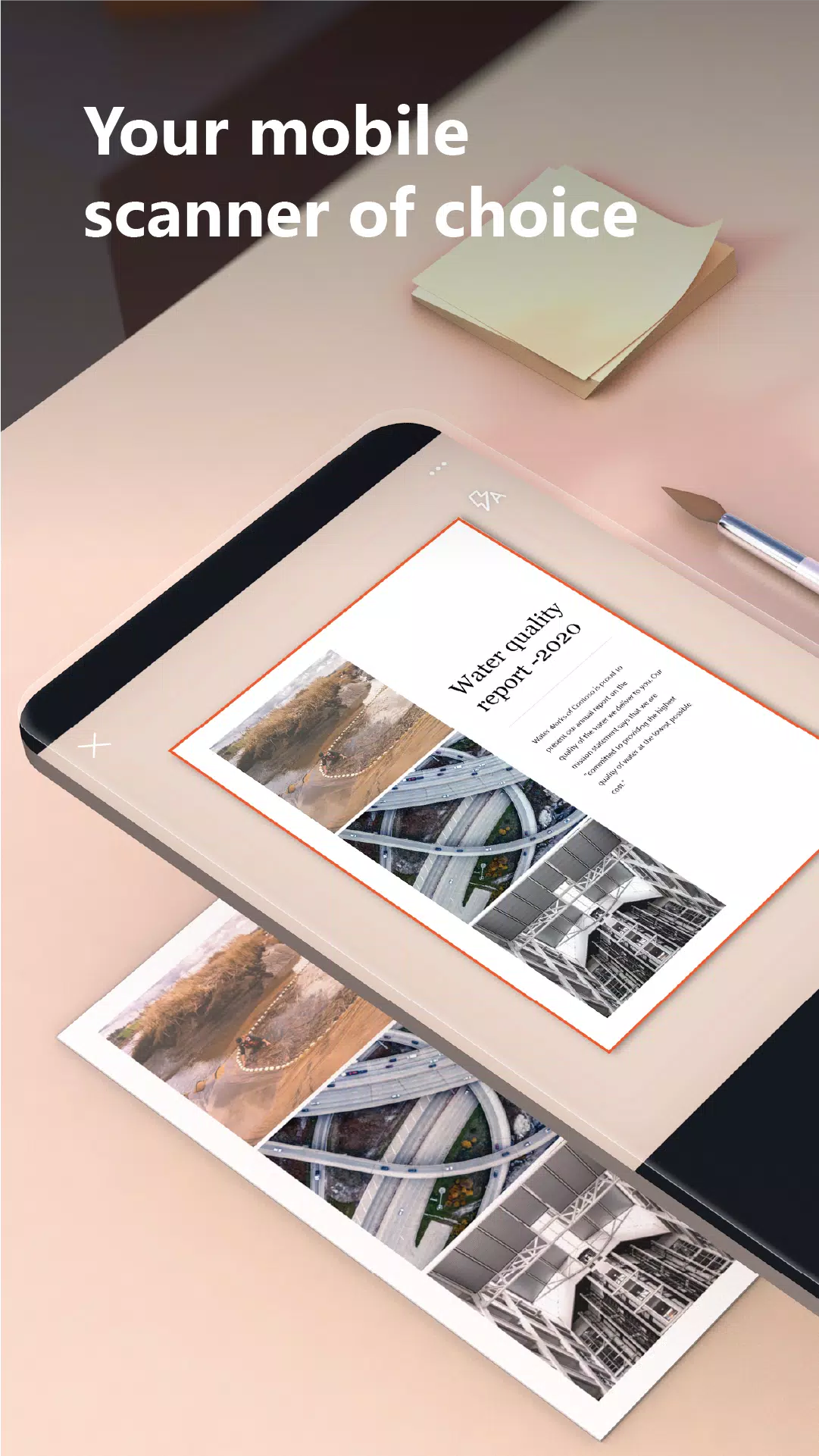
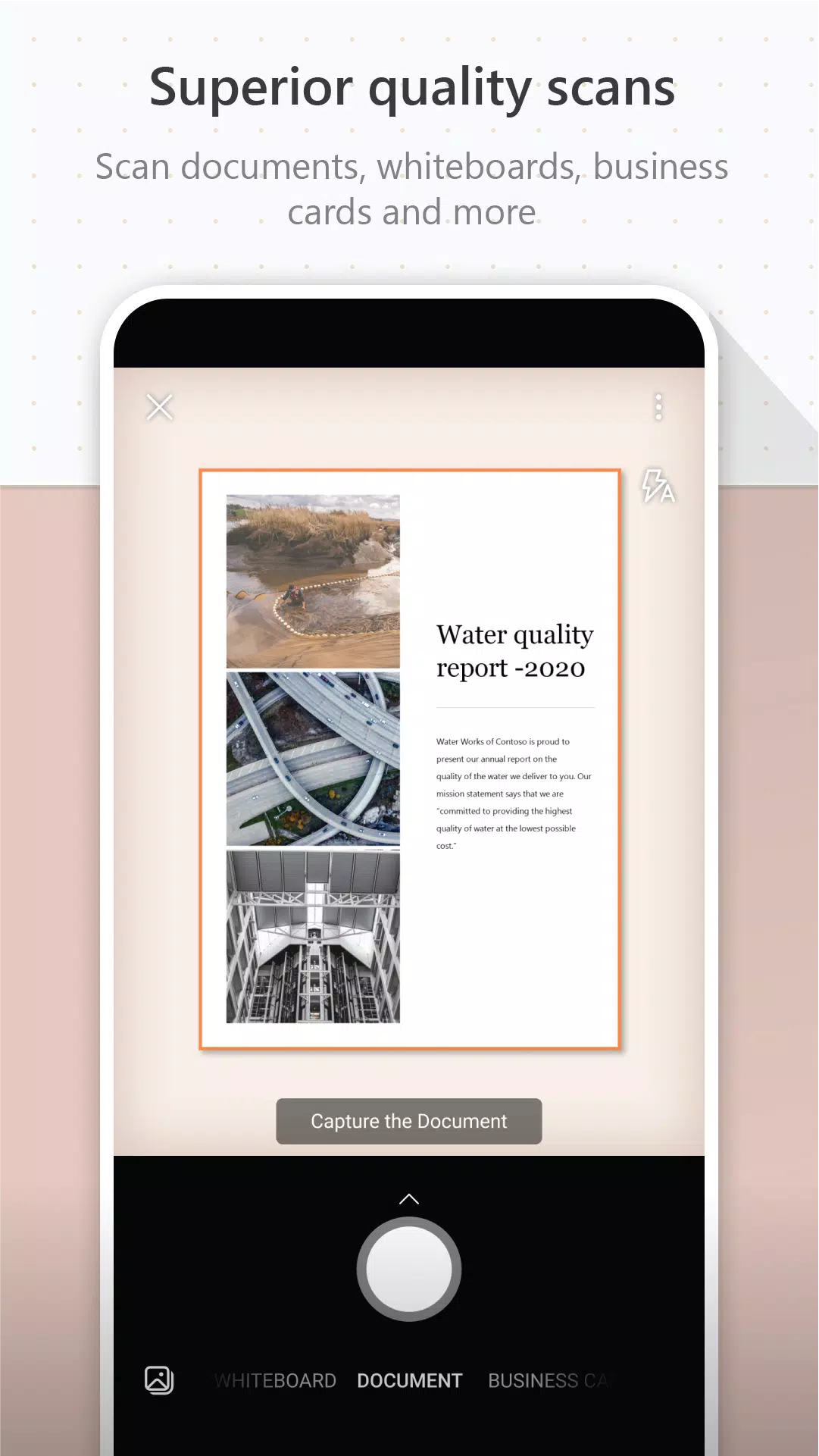
Microsoft Lens (previously known as Microsoft Office Lens) crops, enhances, and transforms photos of whiteboards and documents into clear, readable content.
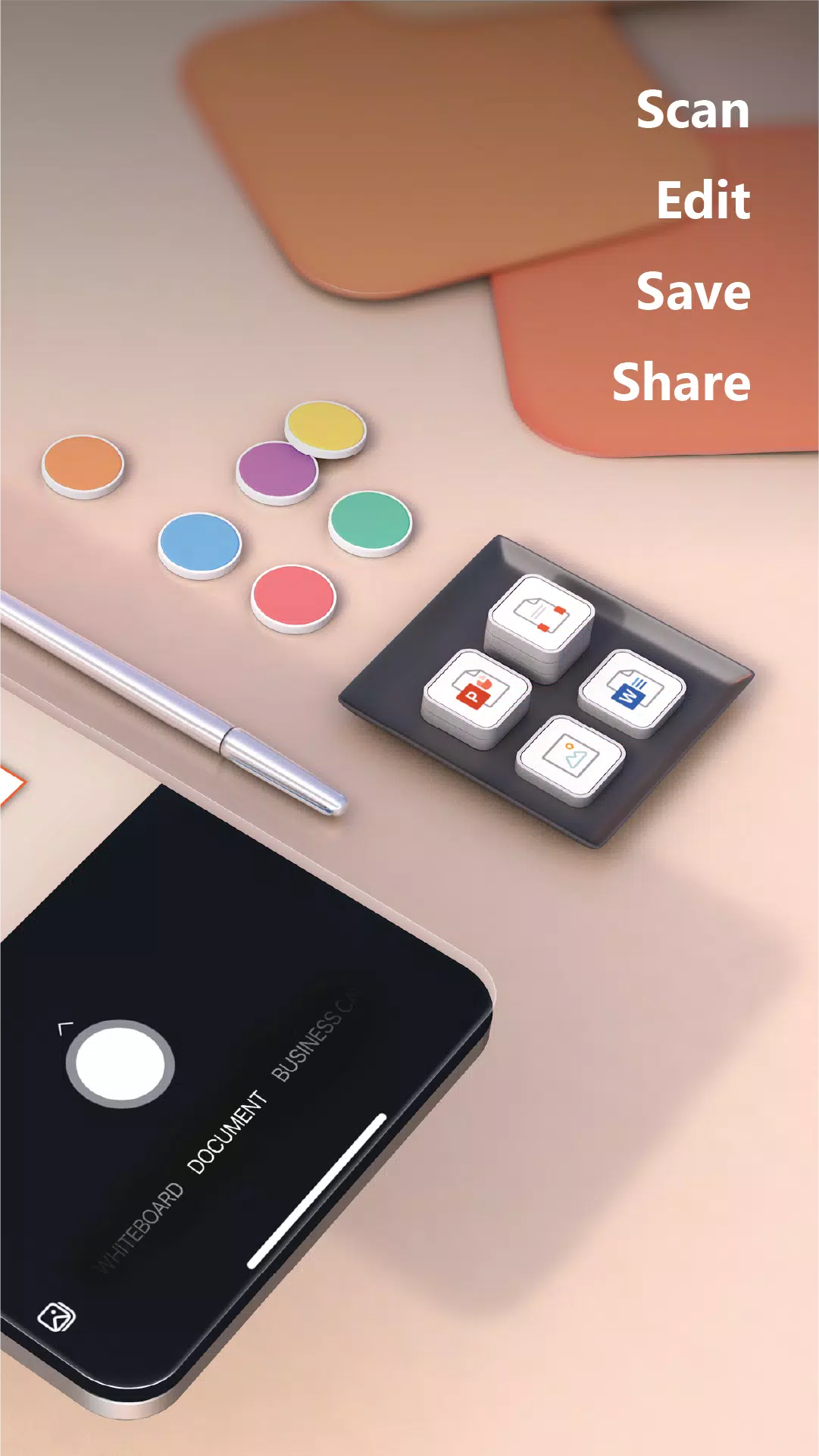
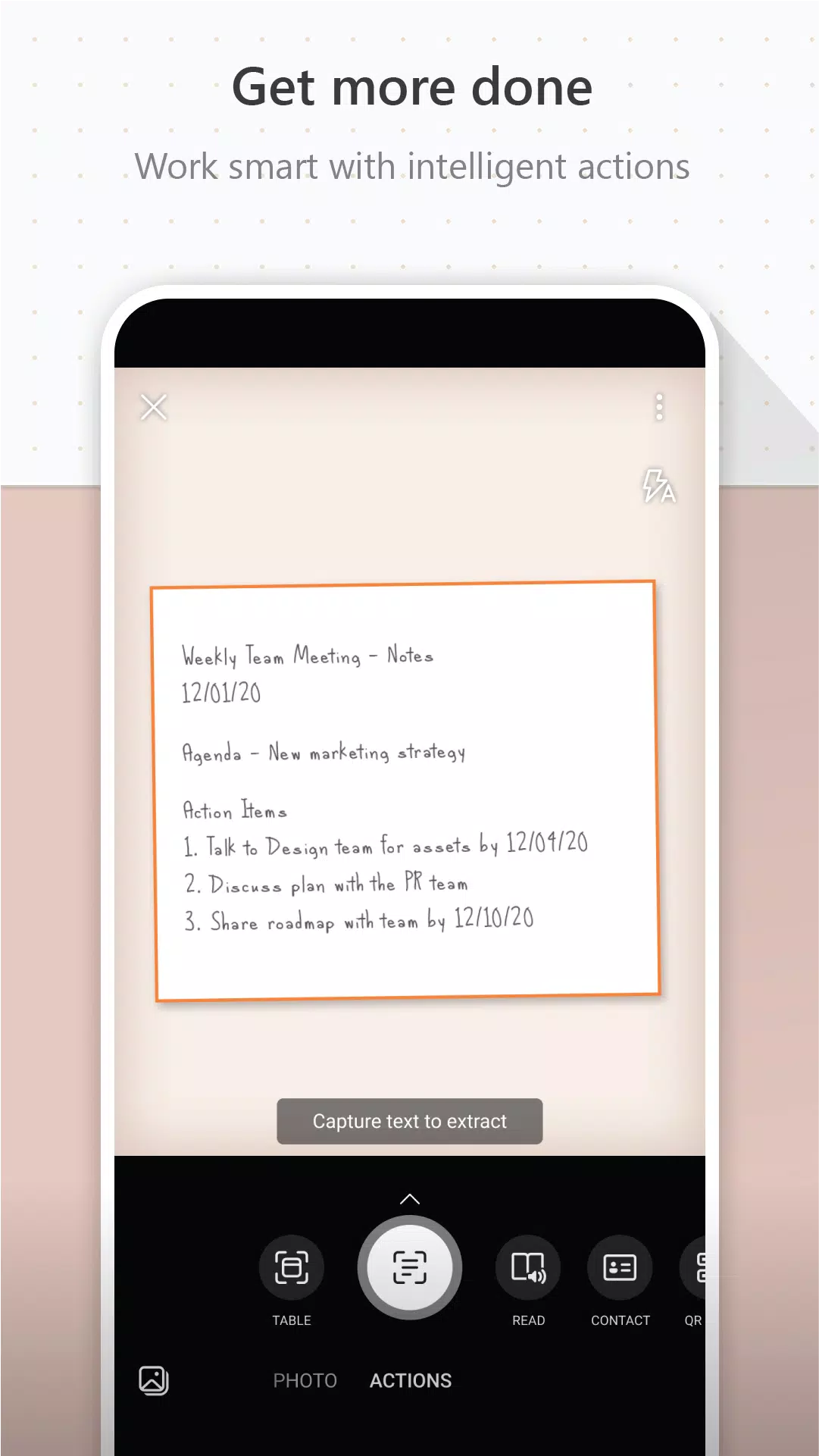
Use Microsoft Lens to turn images into PDF, Word, PowerPoint, and Excel files, digitize printed or handwritten text, and save directly to OneNote, OneDrive, or your local device. You can also import existing images from your device's Gallery.
BOOST YOUR WORK PRODUCTIVITY
• Scan and upload notes, receipts, and important documents
• Capture whiteboard content after meetings to keep action items organized
• Scan printed documents or handwritten notes to edit and share later
• Keep business contacts accessible by scanning cards and saving them to your contacts
• Save scans as PDF, Image, Word, or PowerPoint files to OneNote, OneDrive, or your local device
ENHANCE YOUR SCHOOL PRODUCTIVITY
• Scan classroom handouts and add notes in Word and OneNote
• Digitize handwritten notes for later editing (English language supported)
• Photograph whiteboard or blackboard content to review later, even offline
• Organize class notes and research efficiently with seamless OneNote integration
By installing this app, you agree to the terms and conditions: http://aka.ms/olensandterms.
What's New in Version 16.0.17425.20158
Last updated on Apr 11, 2024
Added ability to rename scanned files
Bug fixes and performance improvements.
Screenshot
Reviews
Apps like Microsoft Lens - PDF Scanner












Trending apps








Top News

![Roblox Forsaken Characters Tier List [UPDATED] (2025)](https://images.dyk8.com/uploads/18/17380116246797f3e8a8a39.jpg)






Latest Apps





Latest Articles