Application Description
Download Pear Launcher — a powerful, customizable home screen designed for speed and personalization.
• Create folders within the app drawer.
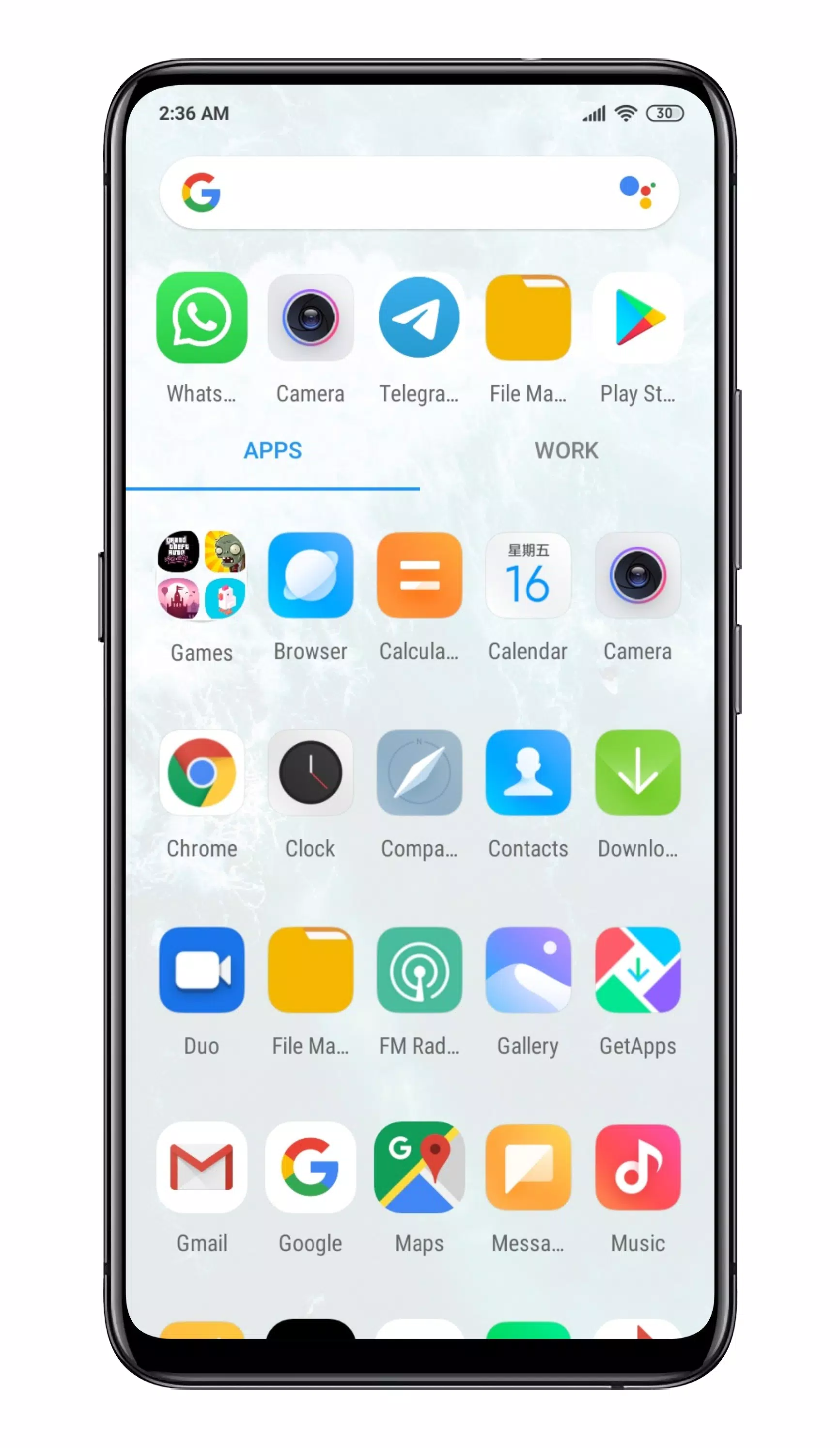
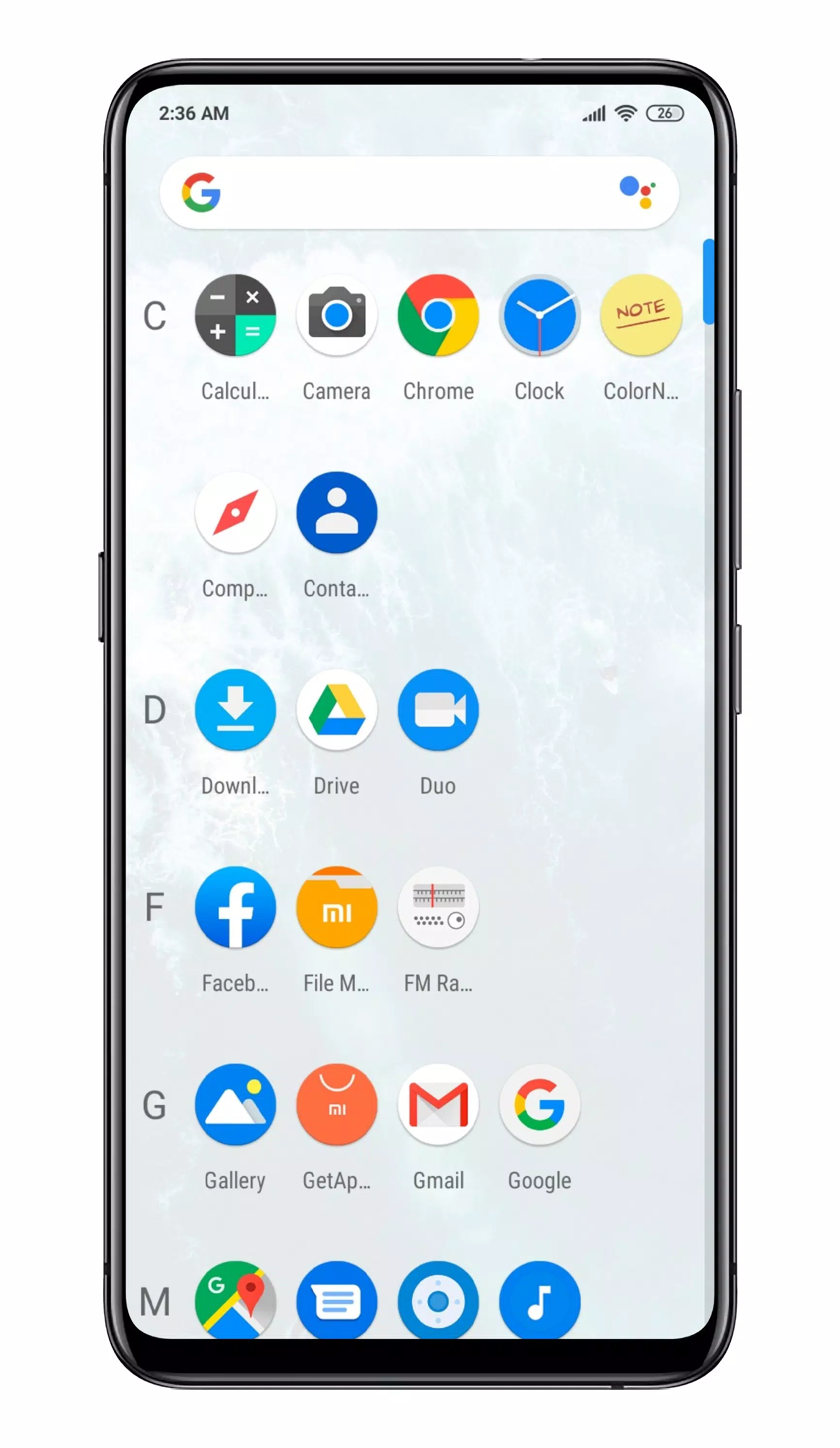
• Select your preferred drawer style (vertical, paged, or sections).
• Set swipe-up actions for quick shortcuts.
• Google Now integration via the Pear Now companion app, with an optional overlay display.
• Fully customizable desktop. Adjust indicators, grid size, icon labels, lock the desktop, add a top shadow, enable wallpaper scroll, and set margins.
• Extensive drawer customizations: card background, grid size, sort mode (alphabetical or by install time), show/hide search bar, predicted apps, accent color, direct scroll, pull-to-open dock, and more.
• Customizable dock. Enable icon labels, change the number of icons, or disable and modify the dock background.
• Hide apps from view.
• App shortcuts backport for older Android versions.
• Customize folder layout, preview colors, background, labels, and opening animations.
• Smart folder support with per-folder settings (swipe to open folder, tap to open first app). Smart folders are badge-indicated. Enable auto-smart folders in settings to make all new folders smart.
• Icon Packs - Access thousands of icon packs for Pear Launcher on the Google Play Store.
• System-wide dark mode for the launcher interface.
• Icon normalization to ensure a consistent shape and size across all icons.
• Apply blur effects to various UI elements.
• Option to display the search bar in the dock (above or below icons).
• Animated clock icon on the desktop.
• Change font style, hide/color the notification bar, set app opening animations, and lock screen orientation.
• Backup & Restore - Securely back up your home screen layout and all Pear Launcher settings.
• Gestures - Configure swipe up, swipe down, double-tap, and edge swipes. Set actions for the home button on the default or any screen. Actions include opening notifications, quick settings, the app drawer, and more.
• Quickstep support for Android 9.
This app can optionally be granted device administrator privileges to lock the phone (using Pear Launcher gestures or actions).
Pear Launcher can optionally be granted accessibility service access to open the notification panel, quick settings, or recent apps, and to lock the screen on Android 9 and above. No data is collected or accessed via accessibility services.
Unlock the following premium features by purchasing Pear Launcher Pro:
Place more than 10 apps in drawer folders.
Create app drawer groups.
Extract badge colors directly from app icons.
Two-finger swipe up and swipe down gestures.
Proximity and shake-based gestures.
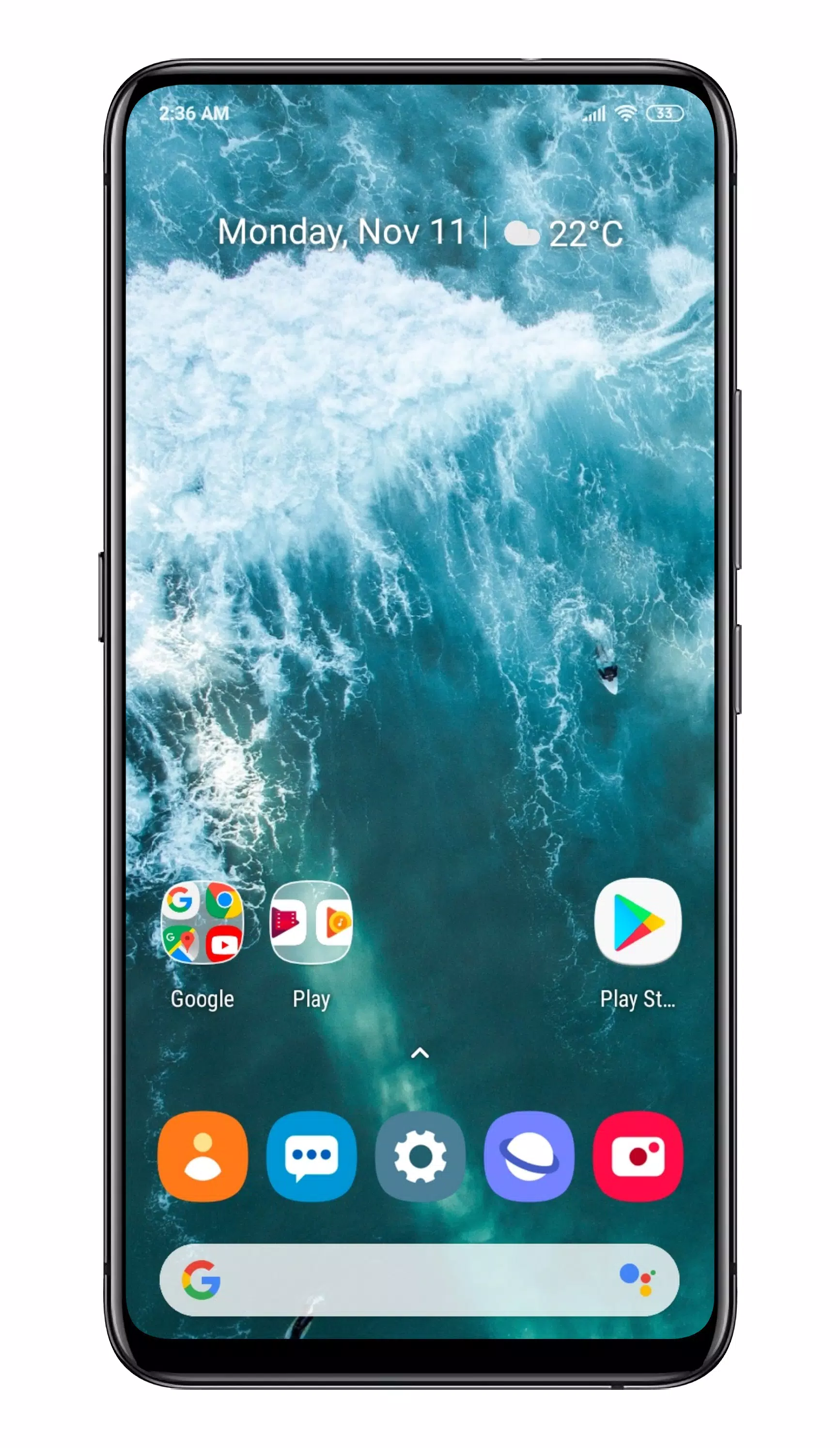
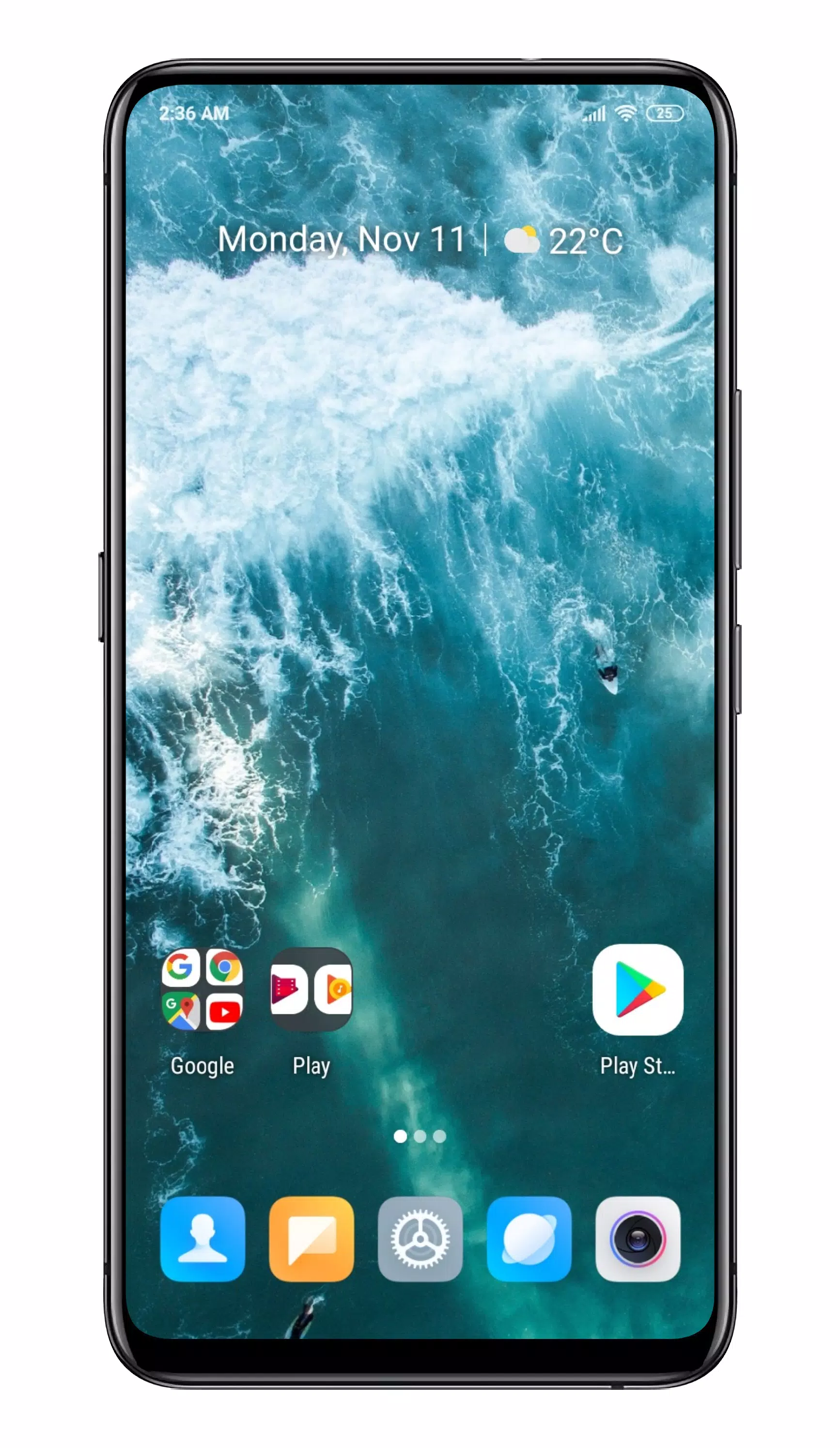
Screenshot
Reviews
Apps like Pear Launcher










Trending apps








Top News
![Roblox Forsaken Characters Tier List [UPDATED] (2025)](https://images.dyk8.com/uploads/18/17380116246797f3e8a8a39.jpg)







Latest Apps



Latest Articles
 Tower of God: New World celebrates 2.5th anniversary with Soo-oh and major in-game events
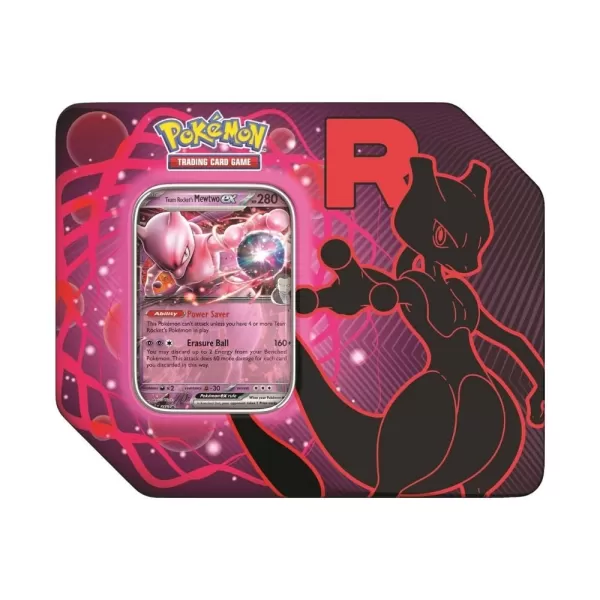 Pokémon TCG: Team Rocket Tin is Back in Stock at Amazon Today, and Includes Destined Rivals Boosters