Application Description
Create incredible posters, add text to photos, and design like a pro with stunning ease.
Crafted with simplicity at its core, Postershop is the ultimate app for poster and typography creation. We've packed it with all the powerful tools and options you'll need to make your posters stand out and feel one-of-a-kind.
It's not just incredibly user-friendly, giving you full control over your designs, but it also offers a range of unique tools you won't find in other apps.
With its comprehensive feature set, we're confident Postershop is the best professional poster maker available for smartphones.
So whether you need to edit photos, create posters, design quotes, or even craft logos, Postershop is the perfect choice.
• Features:
- Ways to start your poster design:
1- Choose from 39 incredible, smart templates you can easily modify.
2- Begin with a colored canvas.
3- Design directly on a photo selected from your gallery. (Use your own images).
4- Start with a blank, transparent canvas.
- Objects you can add to your design:
1- Text.
2- Images from your gallery.
3- Shapes (rectangle, circle, polygon, and more).
4- Freehand drawing (brush).
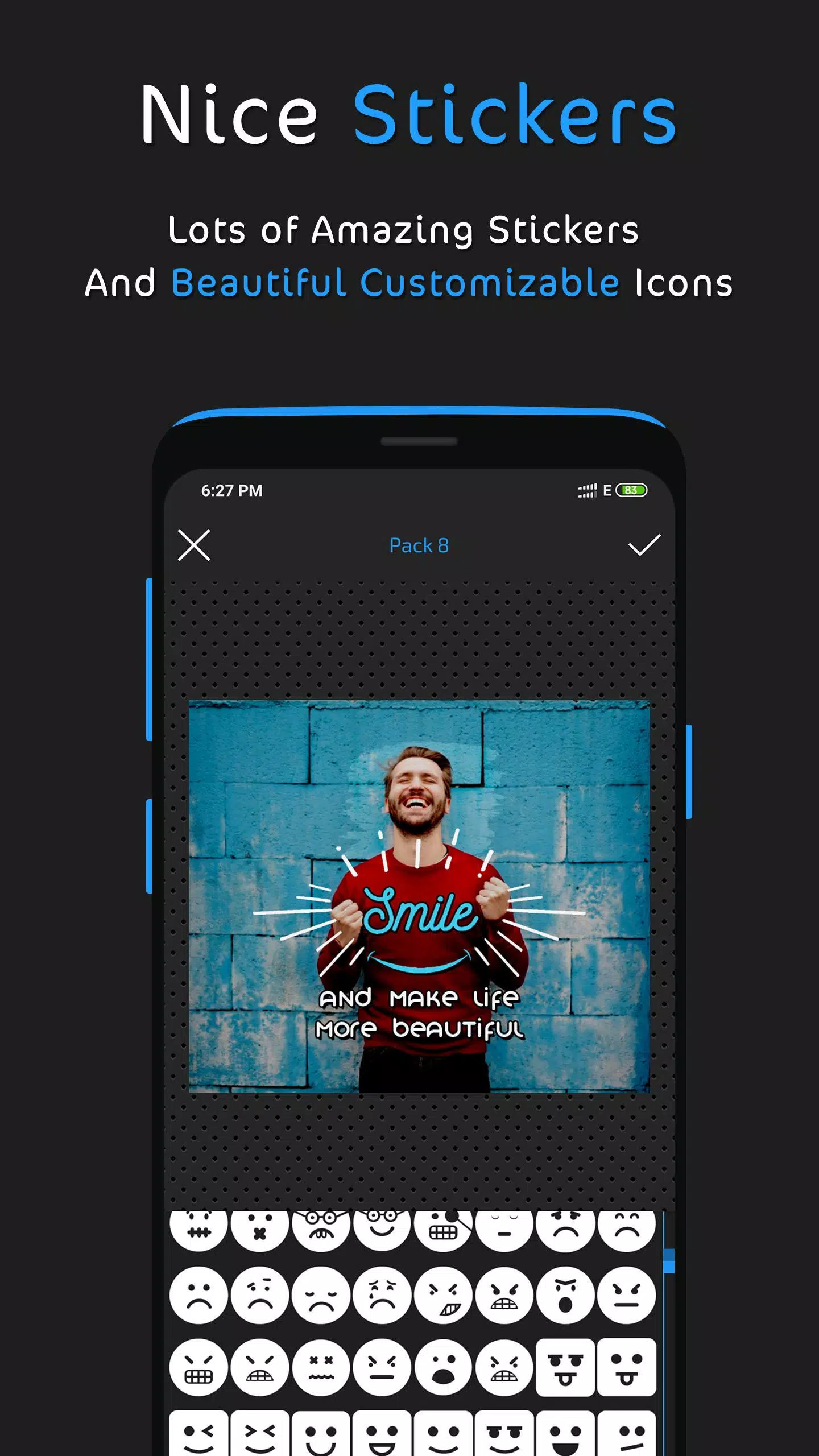
5- Customizable icons.
6- Stickers.
- Text tools and features:
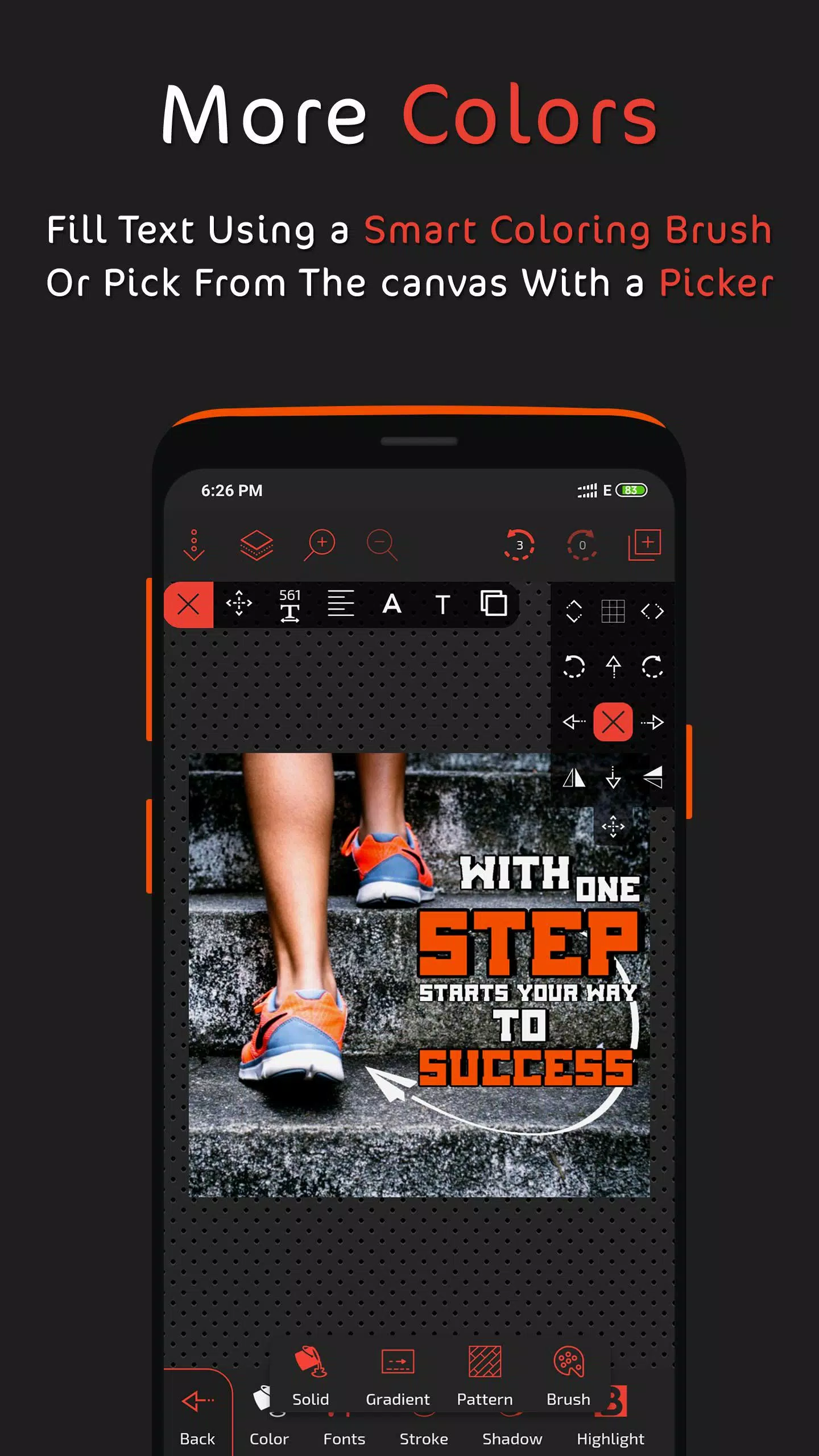
1- Advanced fill options.
2- A vast collection of fonts, plus the ability to add your own custom fonts.
3- Opacity control.
4- Stroke/outline.
5- Shadow effects.
6- Highlight effects.
7- Reflection effects.
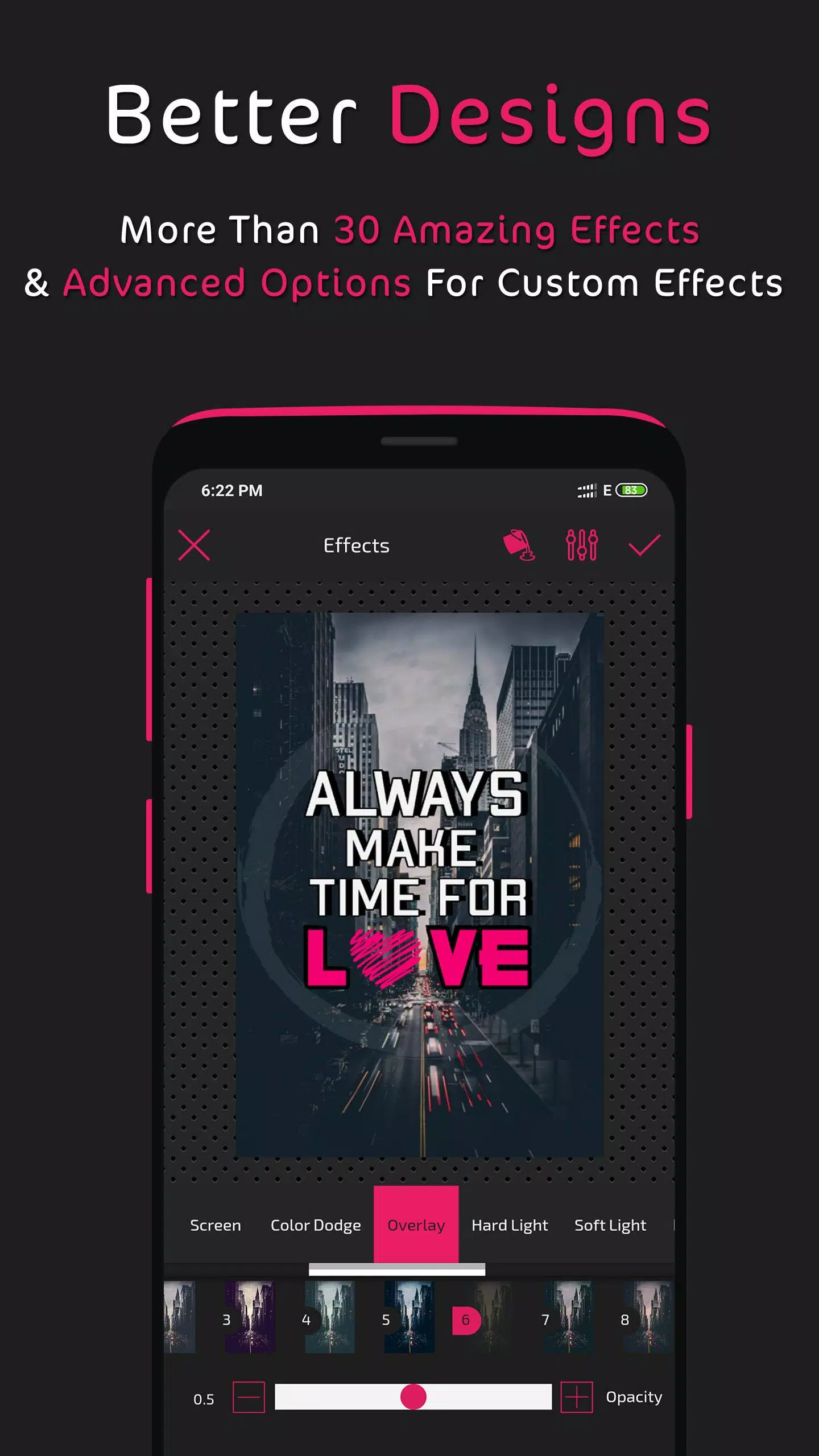
8- Layer blending modes.
9- Filters.
10- Plus additional tools.
- Layers menu:
1- Reorder and sort layers.
2- Duplicate any layer.
3- Lock, hide, or delete layers.
4- Center and/or align layers.
5- Layer blending modes.
- Fill options:
1- Solid color fill.
2- Linear and radial gradients.
3- Pattern fill.
4- Color brush.
5- Fill with an image from your gallery.
6- Color picker (select a color from any image).
7- Color wheel.
- Photo editing tools:
1- Crop and rotate.
2- AI-powered background remover.
3- Eraser brush.
4- Effects and filters (including the ability to create custom effects).
5- Layer blending modes.
6- Add borders.
7- Adjust image corner radius.
8- And other tools.
- Design save and export options:
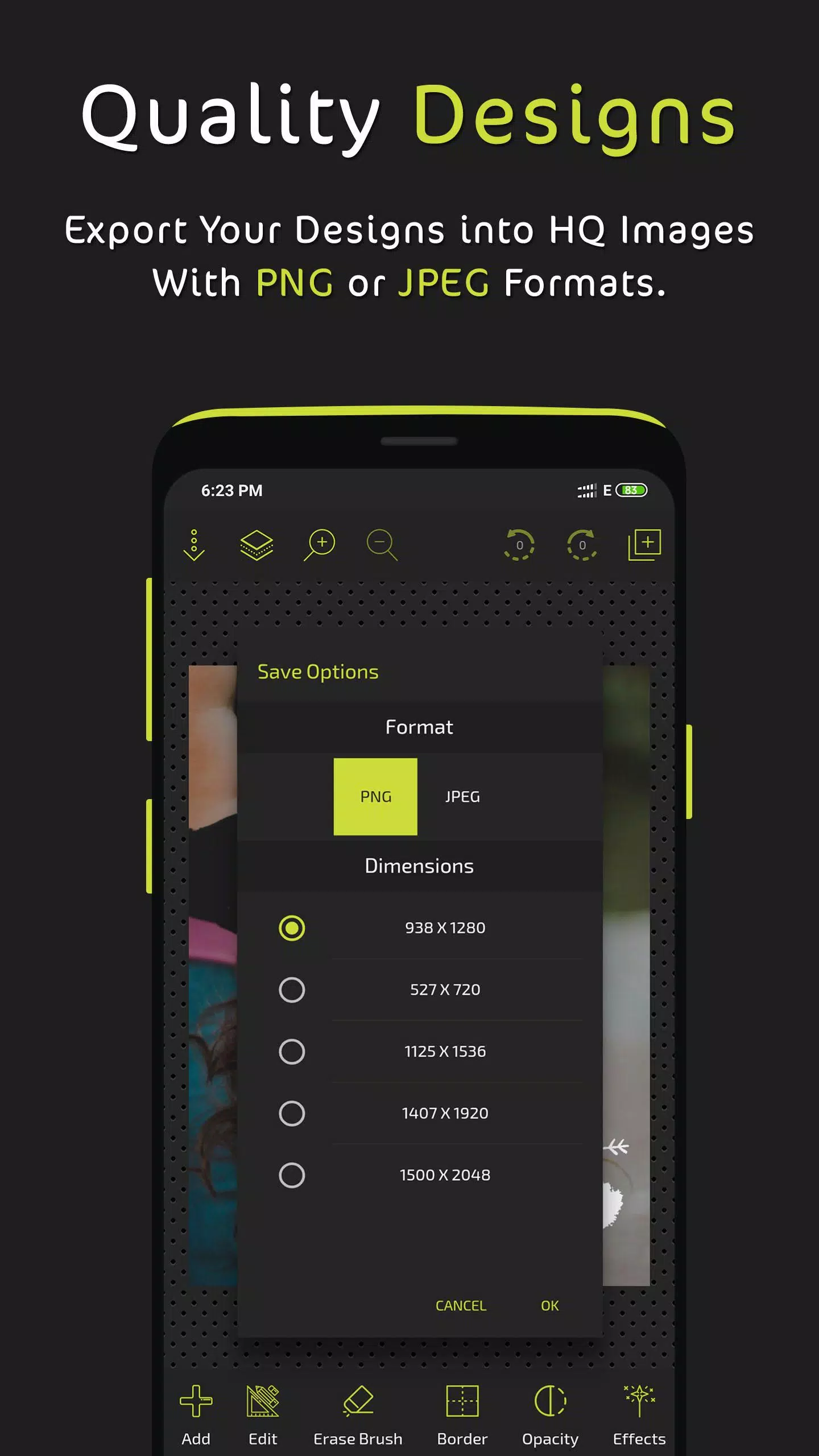
1- Save as a PNG image with multiple resolution options.
2- Save as a JPEG image with adjustable quality and multiple resolution options.
3- Save as an editable project file to revisit and modify later, with auto-save functionality.
- Other features:
1- Draw with a brush in any color, easily adjusting its width and fill.
2- Group and ungroup objects for better design control.
3- Add dashed lines to strokes & borders.
4- Zoom functionality.
5- Tool shortcuts for faster control.
6- Grid and pixel-snap movement.
7- Direct sharing options for your images.
We've also included even more features for you to discover and use creatively as you build your posters and edit your images.
..............................................................
We read all your reviews and consider every suggestion for future updates, so please keep them coming.
You can also follow us and share your creations with us on social media:
www.facebook.com/postershopeditor
What's New in the Latest Version 3.2
Last updated on Aug 30, 2024
* Added an AI background remover tool.
* Fixed an issue with imported fonts.
Screenshot
Reviews
Apps like Postershop - Typography Design










Trending apps








Top News
![Roblox Forsaken Characters Tier List [UPDATED] (2025)](https://images.dyk8.com/uploads/18/17380116246797f3e8a8a39.jpg)







Latest Apps