Application Description
Automatic File Sync & Backup Tool for Google Drive Cloud Storage
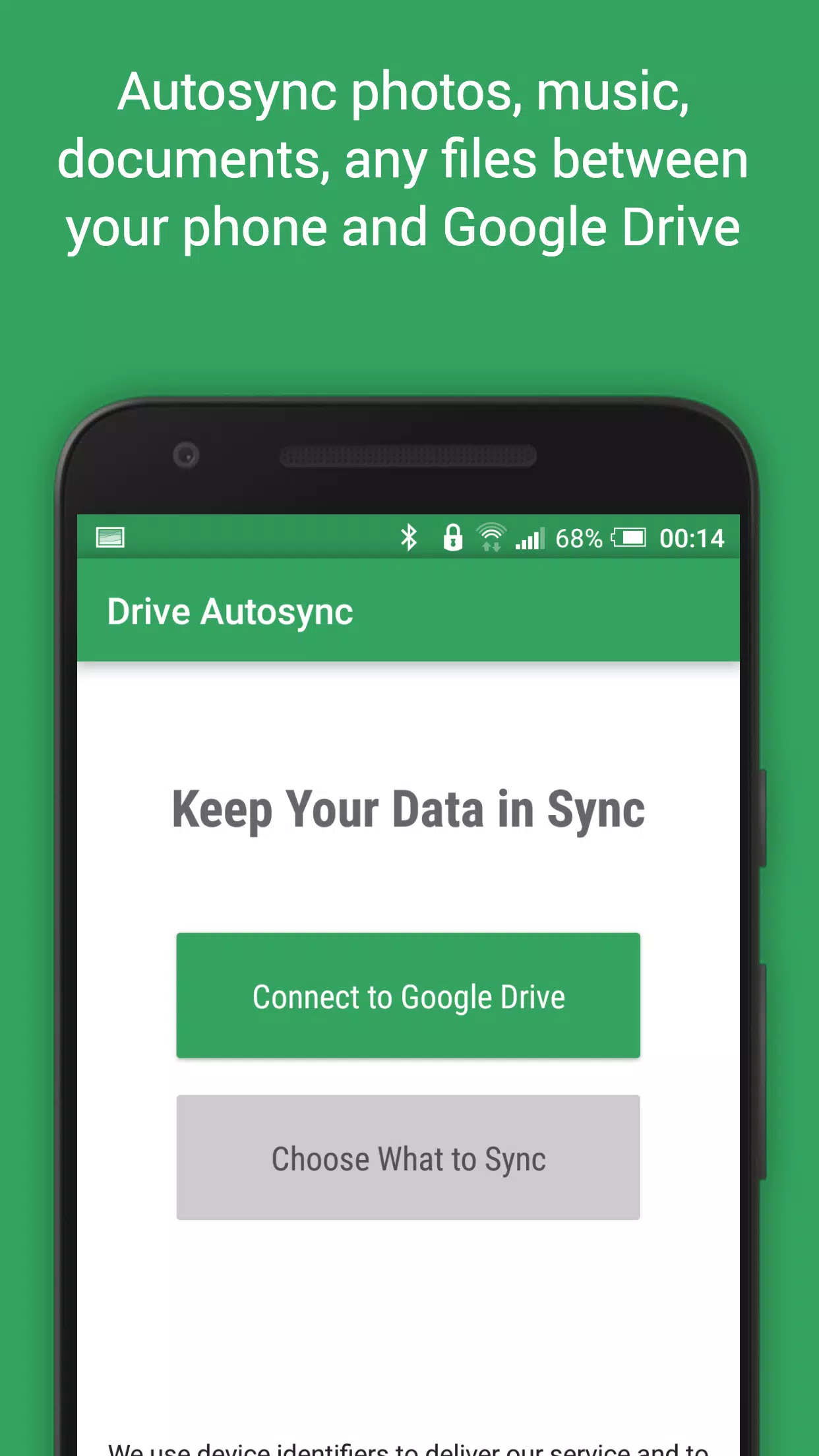
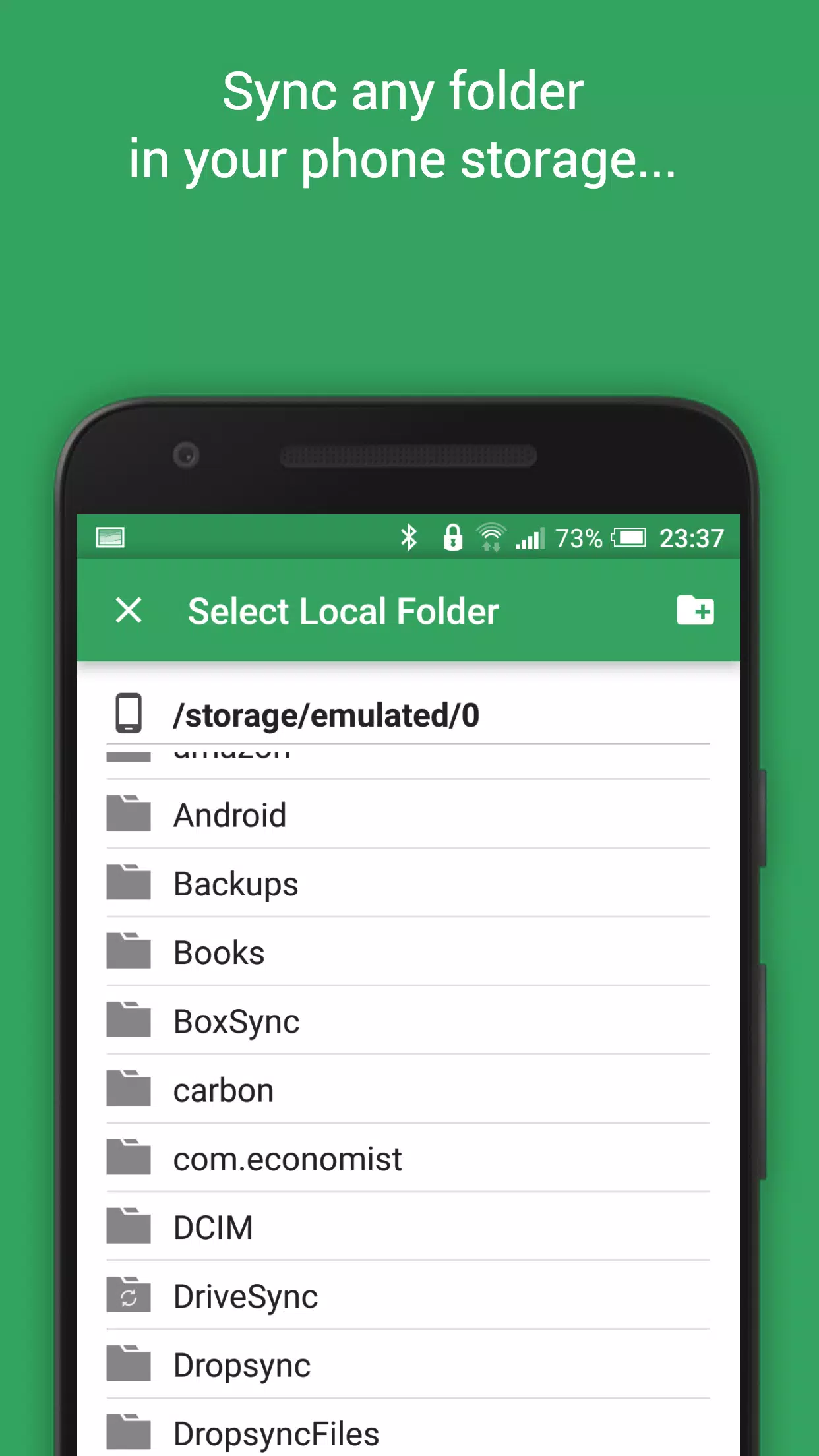
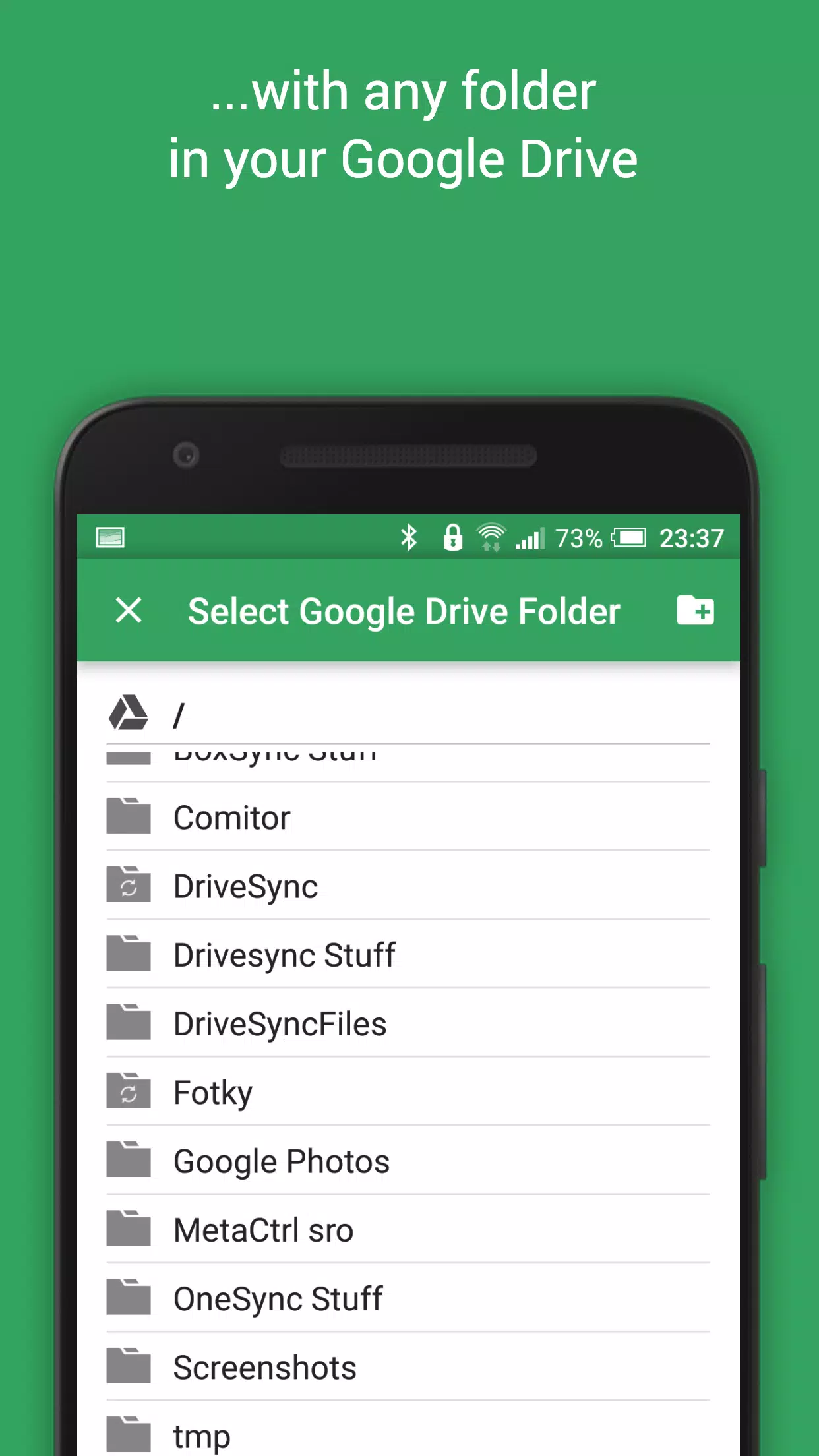
This application serves as an automatic file synchronization and backup solution, enabling seamless syncing of files and folders between your device and Google Drive cloud storage across multiple devices. It is the perfect tool for photo synchronization, document backups, automated file transfers, and cross-device sharing.
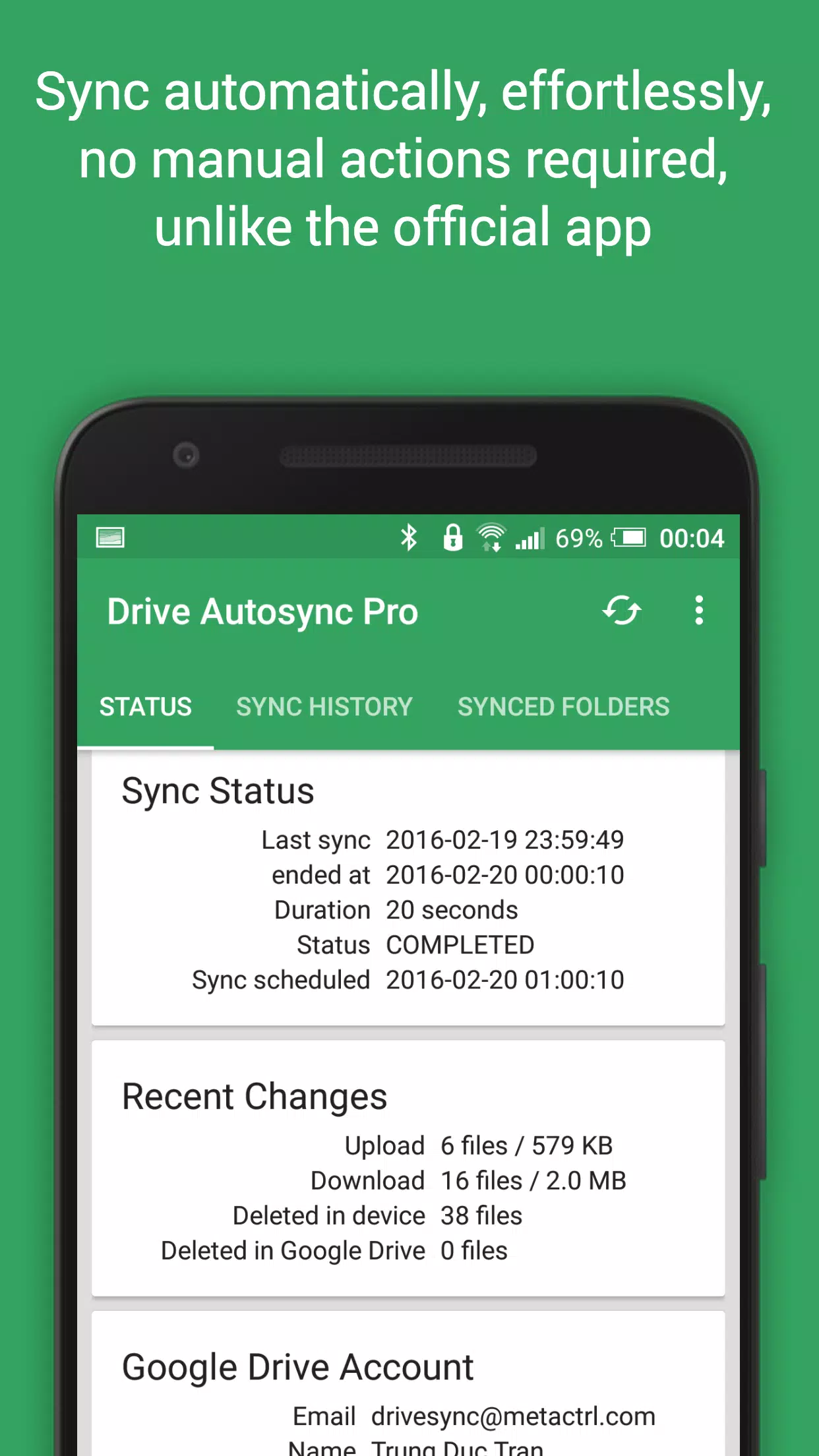
New files added to your cloud account are automatically downloaded to your device, while new local files are uploaded in real-time. Deletions on one side are mirrored on the other. This functionality extends across multiple devices (such as phones and tablets); if their folders are linked to the same cloud account, they remain perfectly synchronized.
While Google Drive offers this seamless experience on computers, it lacks full two-way automatic synchronization on Android—a core feature of its official desktop app. Autosync for Google Bridge fills this gap by restoring essential sync capabilities.
All data transfers and communications between your device and cloud servers are securely encrypted end-to-end without passing through our intermediate servers. This ensures that no third party can decrypt, view, or modify your file contents.
MAIN FEATURES
- Complete two-way automatic synchronization for files and folders
- Highly efficient with minimal battery consumption
- User-friendly setup; once configured, files stay synchronized automatically without manual intervention
- Reliable performance even under fluctuating network conditions on mobile devices
- Smart monitoring of battery levels and connectivity (WiFi/3G/4G/LTE), adapting behavior based on user preferences
- Customizable sync intervals: 15 minutes, 30 minutes, hourly, etc.
If you enjoy this app, please consider upgrading to the Premium version. Your support helps drive development and unlocks exclusive premium features via in-app purchase.
PREMIUM FEATURES
- Synchronize multiple folder pairs simultaneously
- Upload files larger than 10 MB
- Sync your entire cloud account with a single local device folder
- Mult-account synchronization support
- Compatibility with shared drives
- Password protection for app settings
- Ad-free experience within the application
- Dedicated email support from the developer team
SUPPORT
Visit our website (http://metactrl.com/) for comprehensive details, including the User's Guide (http://metactrl.com/userguide/) and FAQ (http://metactrl.com/faq/). For any issues or improvement suggestions, please contact us at [email protected]. We are committed to providing excellent assistance.
Screenshot
Reviews
Apps like Autosync for Google Drive











Trending apps








Top News

![Roblox Forsaken Characters Tier List [UPDATED] (2025)](https://images.dyk8.com/uploads/18/17380116246797f3e8a8a39.jpg)






Latest Apps



Latest Articles