

Application Description
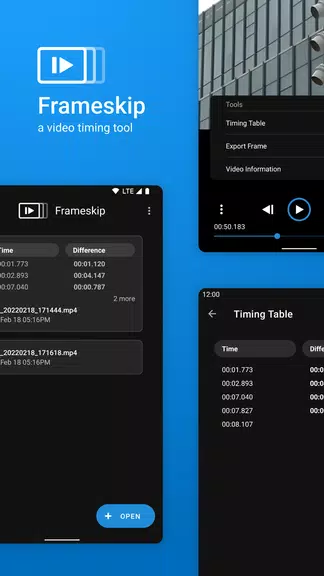
Frameskip - Video Timing Tool is an essential application for anyone needing to analyze videos frame by frame. It offers features like adjustable playback speeds, the ability to save timestamps to a table, and smooth frame-by-frame navigation, making it simple to compare timestamps and view elapsed times. You can also save frames as images and access detailed video properties and metadata. Importantly, Frameskip is completely free—with no advertisements or in-app purchases—because we believe tools this useful should be accessible to everyone. Try it today and elevate your video analysis workflow.
Features of Frameskip - Video Timing Tool:
Variable playback speeds: Control the video's playback rate to review content faster or inspect each frame in slow motion.
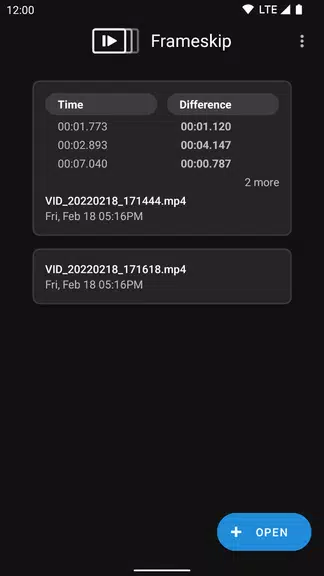
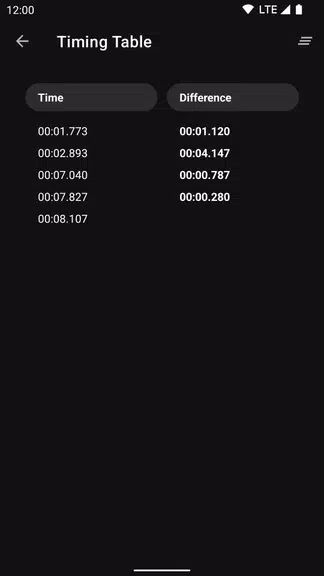
Save times into a table: Organize and store timestamps in a table for quick reference to key moments in your video.
See seconds elapsed between saved timestamps: Instantly view the time difference between any two saved timestamps to measure intervals accurately.
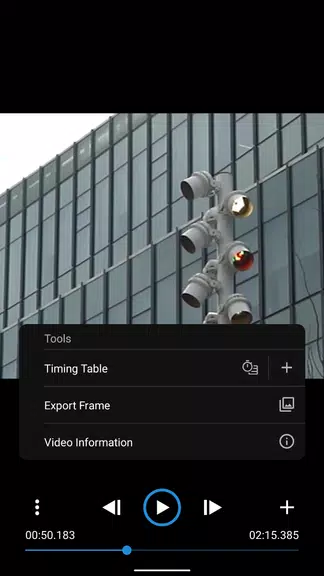
Save a frame as an image: Export any frame as an image file with a single tap, perfect for sharing or keeping a visual record.
Smooth frame-by-frame playback: Navigate seamlessly through each frame with precise controls for detailed inspection.
Video properties and information: View technical details and metadata about your video directly within the app.
the app
Frameskip - Video Timing Tool is a straightforward, user-centric timing utility packed with useful features like adjustable playback, frame export, and comprehensive video data. Entirely free—no ads or in-app purchases—it’s an accessible tool designed for frame-level video analysis. Download now to improve how you examine and understand video content.
Screenshot
Reviews
Apps like Frameskip - Video Timing Tool










Trending apps








Top News

![Roblox Forsaken Characters Tier List [UPDATED] (2025)](https://images.dyk8.com/uploads/18/17380116246797f3e8a8a39.jpg)





Latest Apps





Latest Articles