Whiteout Survival: Smart Spending & Top Buys
In Whiteout Survival, shops are essential for accelerating your growth, strengthening your army, and boosting your city's efficiency. They offer everything from everyday resources to rare hero fragments and speedups, with each shop providing something unique. However, not every item is worth your currency, so making smart purchasing decisions is key to long-term progress. This guide covers the main shops in the game, what to prioritize, and how to avoid wasting your resources.
Understanding Different Currency Types
Before exploring specific shops, it’s important to know the main currencies you'll spend. Each currency has a limited daily earning capacity, so spend them wisely. These include:
Alliance Tokens: Earned through alliance activities, donations, and alliance events.Trade Coins: Acquired from exploration, events, and completing activities.VIP Points and VIP Coins: Gained by logging in, purchasing packs, or taking part in time-limited events.Gems: The premium currency for high-value purchases and VIP upgrades.Honor Badges and Medals: Used in special shops, typically linked to events or ranked gameplay.
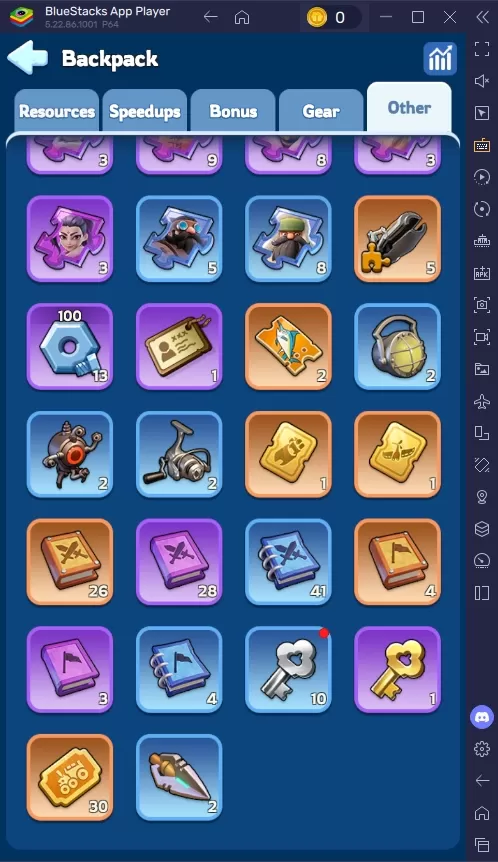
Expedition/Exploration Shop
This shop is linked to PvE campaign progression—the more levels you clear, the more currency you earn. The shop refreshes daily and is a dependable source of key upgrade materials, including hero gear and exclusive relic materials for PvE or PvP advantages. Use it to power up your main heroes and advance faster in the campaign.
Black Market Shop and Deals
The Black Market appears with random discounted deals. While tempting, not all offers are worth your investment. You might find bundles of speedups, rare resources, or special gear at half price. Always weigh an item’s value against your current goals and available funds. Steer clear of overspending on cosmetics, name change scrolls, or one-time items that don’t help your progression.
You can also enjoy Whiteout Survival on a larger PC or laptop screen using BlueStacks, with support for keyboard and mouse controls.
Latest Articles
Trending Games







Top News

![Roblox Forsaken Characters Tier List [UPDATED] (2025)](https://images.dyk8.com/uploads/18/17380116246797f3e8a8a39.jpg)


Latest Games