
Application Description
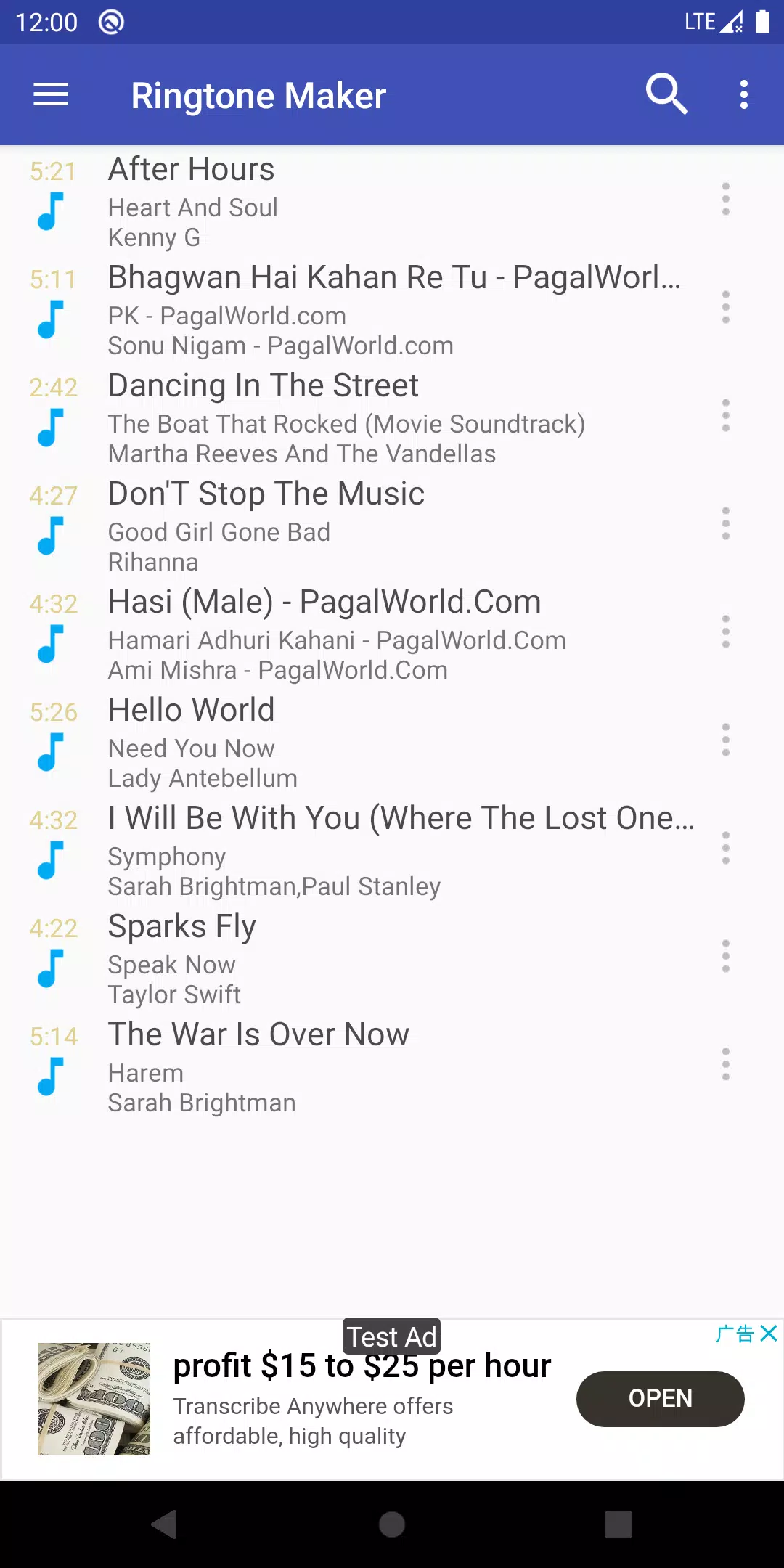
Ringtone Maker is an application that lets you create custom ringtones from your music files or personal recordings.
Ringtone Maker is a free app that creates ringtones, alarms, and notification sounds from MP3, FLAC, OGG, WAV, AAC(M4A)/MP4, 3GPP/AMR, and MIDI files. Simply cut the best segment of any audio and save it as a Ringtone, Alarm, Music File, or Notification Tone.
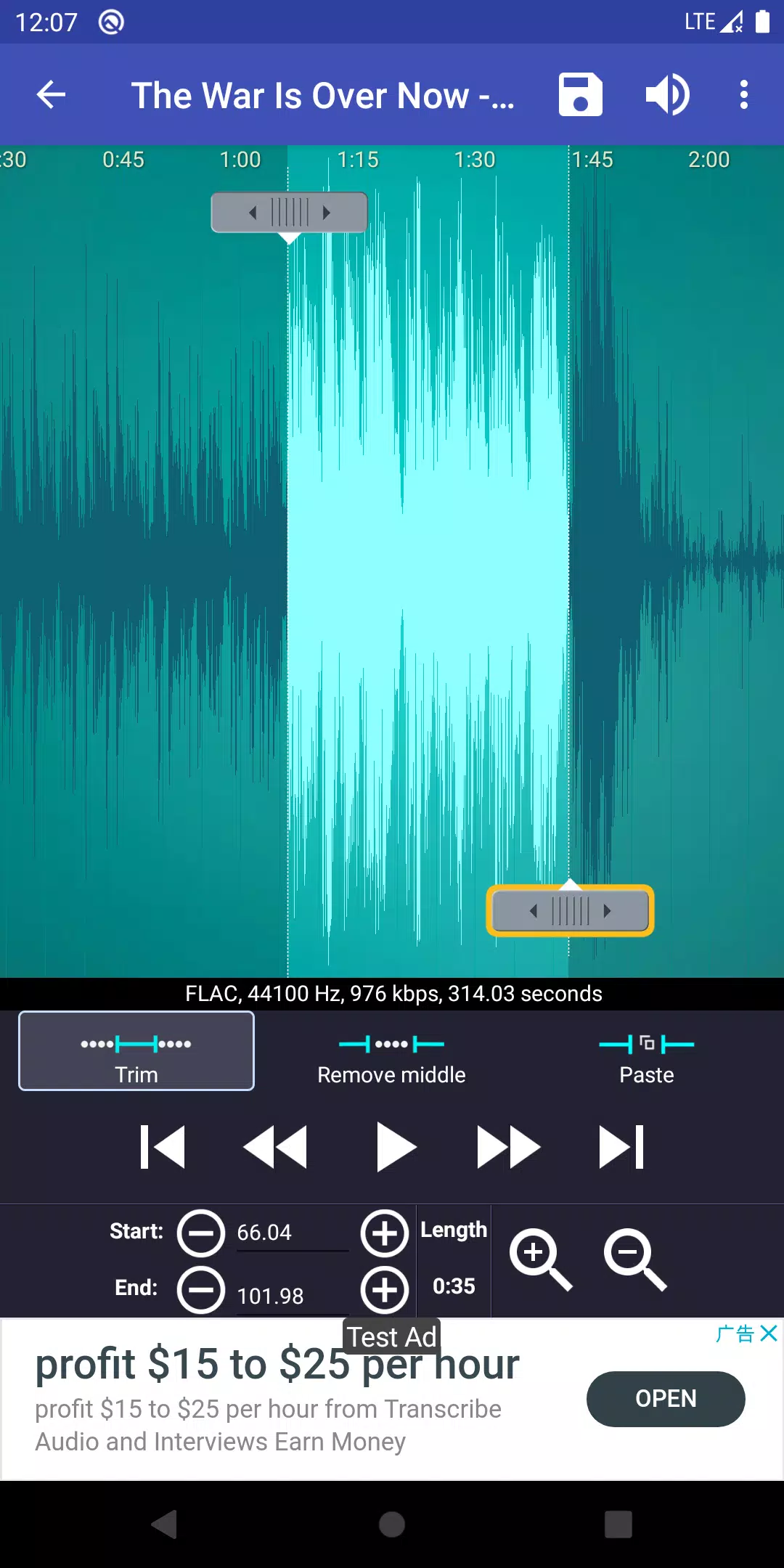
Creating your own unique ringtones is fast and easy. Set start and end points by sliding arrows on the timeline, pressing the Start/End buttons, or entering exact timestamps. This versatile app also functions as a music editor, alarm tone creator, ringtone cutter, and notification tone maker.
You can even record a voice clip—like your child's voice—and turn it into a ringtone or notification. Enjoy being reminded to answer calls with a personalized voice message.
Key Features:
Download free ringtones and music.
Copy, cut, and paste audio clips. (Merge different music files with ease.)
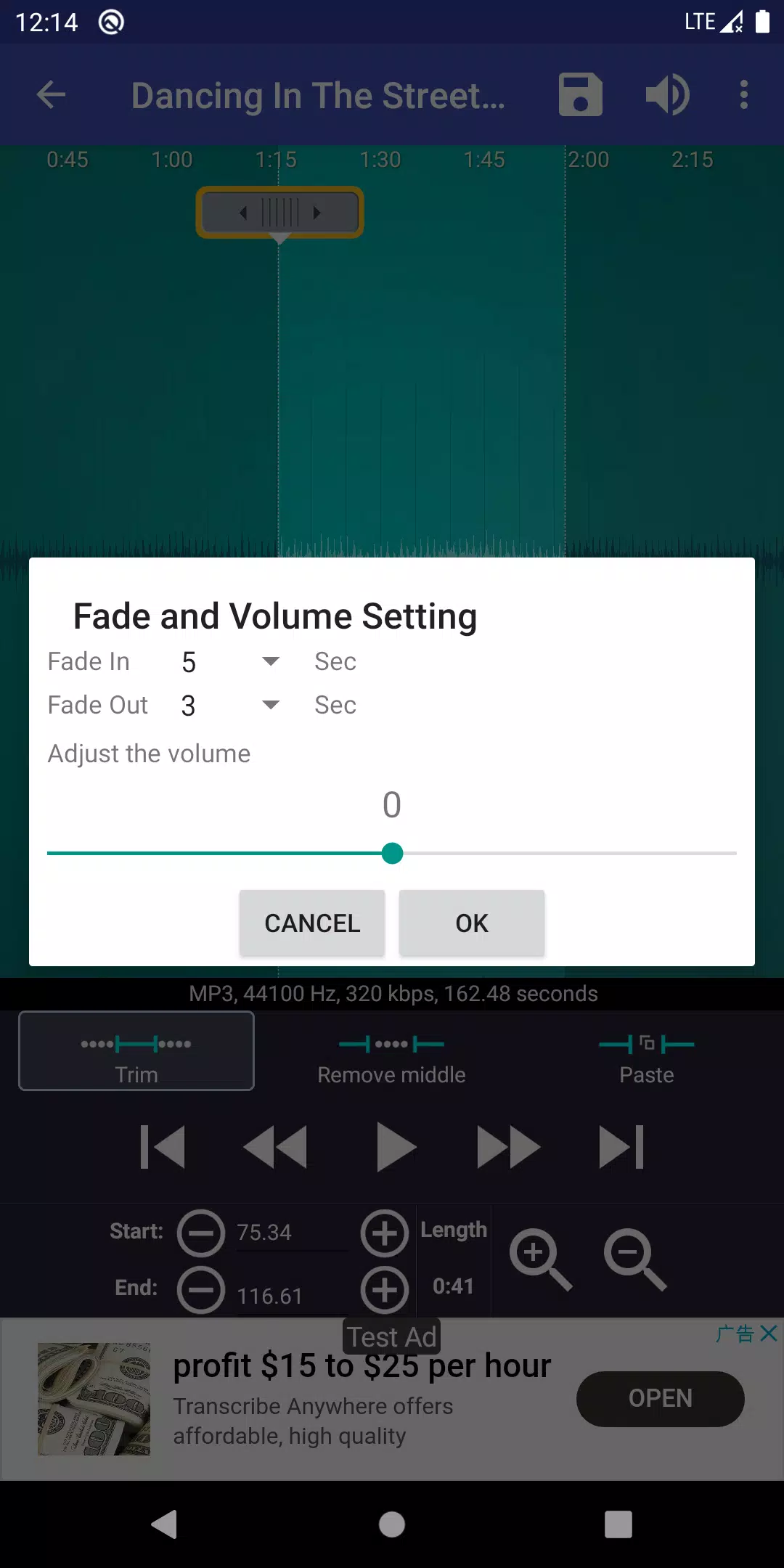
Apply fade in/out effects to MP3s.
Adjust MP3 volume levels.
Preview ringtone files and assign them directly to contacts.
View a scrollable audio waveform with six zoom levels.
Set clip start and end points using an intuitive touch interface.
Play selected audio portions with a visible cursor and auto-scrolling waveform.
Tap anywhere on the screen to play from that point.
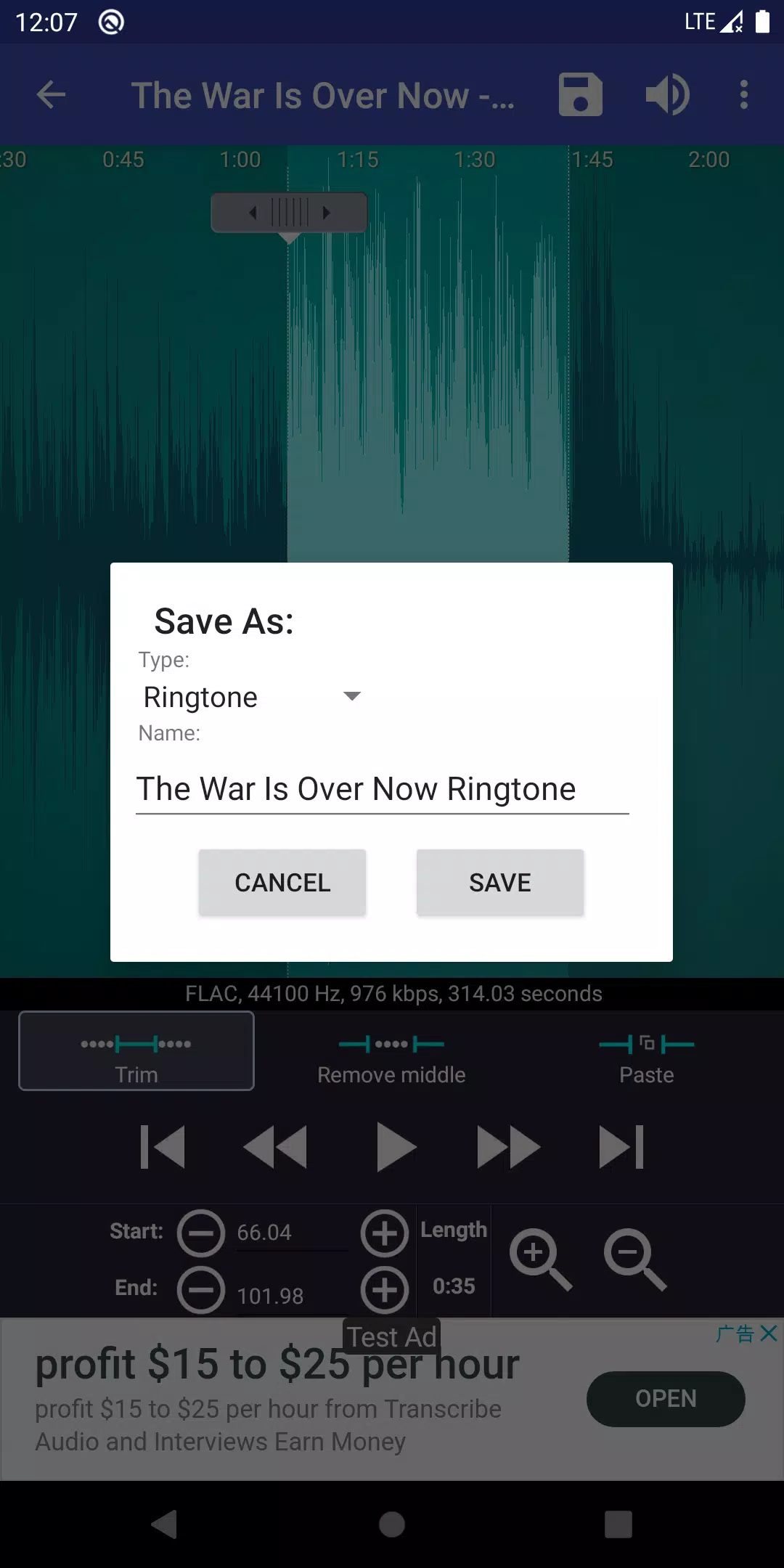
Save your trimmed audio as a new file and categorize it as Music, Ringtone, Alarm, or Notification.
Record a new audio clip for editing.
Delete audio files.
Assign a ringtone directly to a contact, or reassign/delete existing contact ringtones.
Sort your library by Tracks, Albums, or Artists.
Manage your contact-specific ringtones.
Default save paths (customizable in the app's settings):
Ringtones: Internal storage/ringtones
Notifications: Internal storage/notifications
Alarms: Internal storage/alarms
Music: Internal storage/music
Ad-free version available:
https://play.google.com/store/apps/details?id=com.herman.ringtone.paid
If music isn't showing:
Android can be slow to update its media database after downloading new music. Use the "Scan" menu in Ringtone Maker to refresh it manually.
Google Play Music files are inaccessible as they are specially protected.
Workaround: Access Google Music via the Chrome browser on your phone (select "Desktop site"), choose your song, click the three-dot menu, and select "Download to device." The downloaded file will then be accessible in Ringtone Maker.
LEGAL INFORMATION:
Ringtones and music downloads provided within the Ringtone Maker app are under Public Domain or Creative Commons licenses, with credits displayed in-app.
Frequently Asked Questions:
http://ringcute.com/faq.html
Tutorial:
http://www.ringcute.com/tutorial.html
Permission Explanations:
android.permission.INTERNET
android.permission.READ_PHONE_STATE
android.premission.ACCESS_NETWORK_STATE
Required by our ad provider to display and optimize ad quality.
android.permission.READ_CONTACTS
android.permission.WRITE_CONTACTS
These permissions allow you to assign newly created ringtones to contacts. The app reads your contact list to display it for selection but does not collect or transmit this data.
If concerned, try Ringpod—a version of Ringtone Maker that does not require contact permissions.
https://play.google.com/store/apps/details?id=com.herman.ringpod
android.permission.WRITE_SETTINGS
android.permission.WRITE_EXTERNAL_STORAGE
Necessary to save newly created ringtones to your device storage or SD card.
Ringdroid source code:
http://code.google.com/p/ringdroid/
http://code.google.com/p/apps-for-android/
SoundRecorder:
https://android.googlesource.com/platform/packages/apps/SoundRecorder/
Apache License, Version 2.0
http://www.apache.org/licenses/LICENSE-2.0.html
GNU Lesser General Public License
http://www.gnu.org/copyleft/lesser.html
Screenshot
Reviews
Apps like Ringtone Maker:create ringtone












Trending apps








Top News
![Roblox Forsaken Characters Tier List [UPDATED] (2025)](https://images.dyk8.com/uploads/18/17380116246797f3e8a8a39.jpg)







Latest Apps

Latest Articles
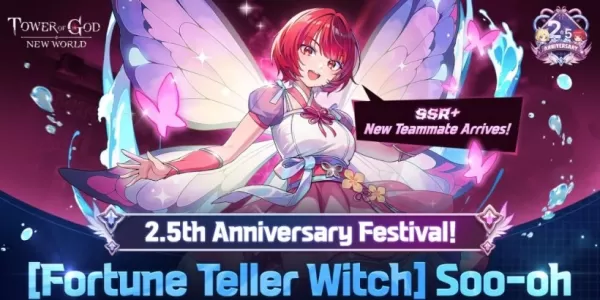 Tower of God: New World celebrates 2.5th anniversary with Soo-oh and major in-game events
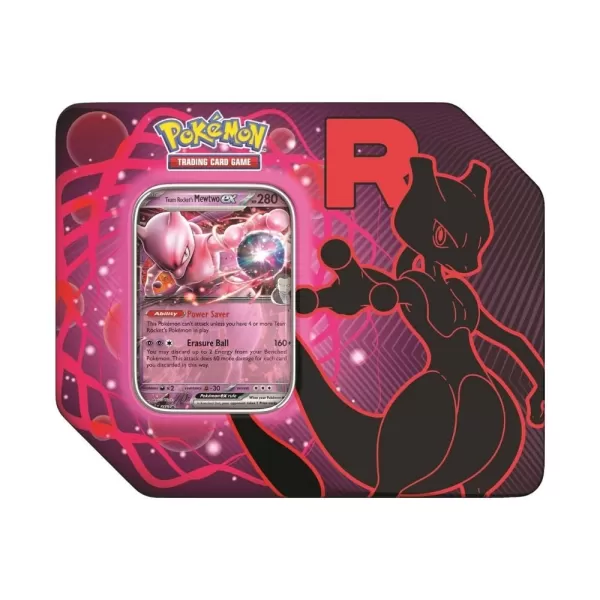 Pokémon TCG: Team Rocket Tin is Back in Stock at Amazon Today, and Includes Destined Rivals Boosters