Application Description
Samsung Notes allows you to create, edit documents, and collaborate with others seamlessly.
Samsung Notes enables document creation and editing across mobile devices, tablets, and PCs, while facilitating seamless collaboration with other users.
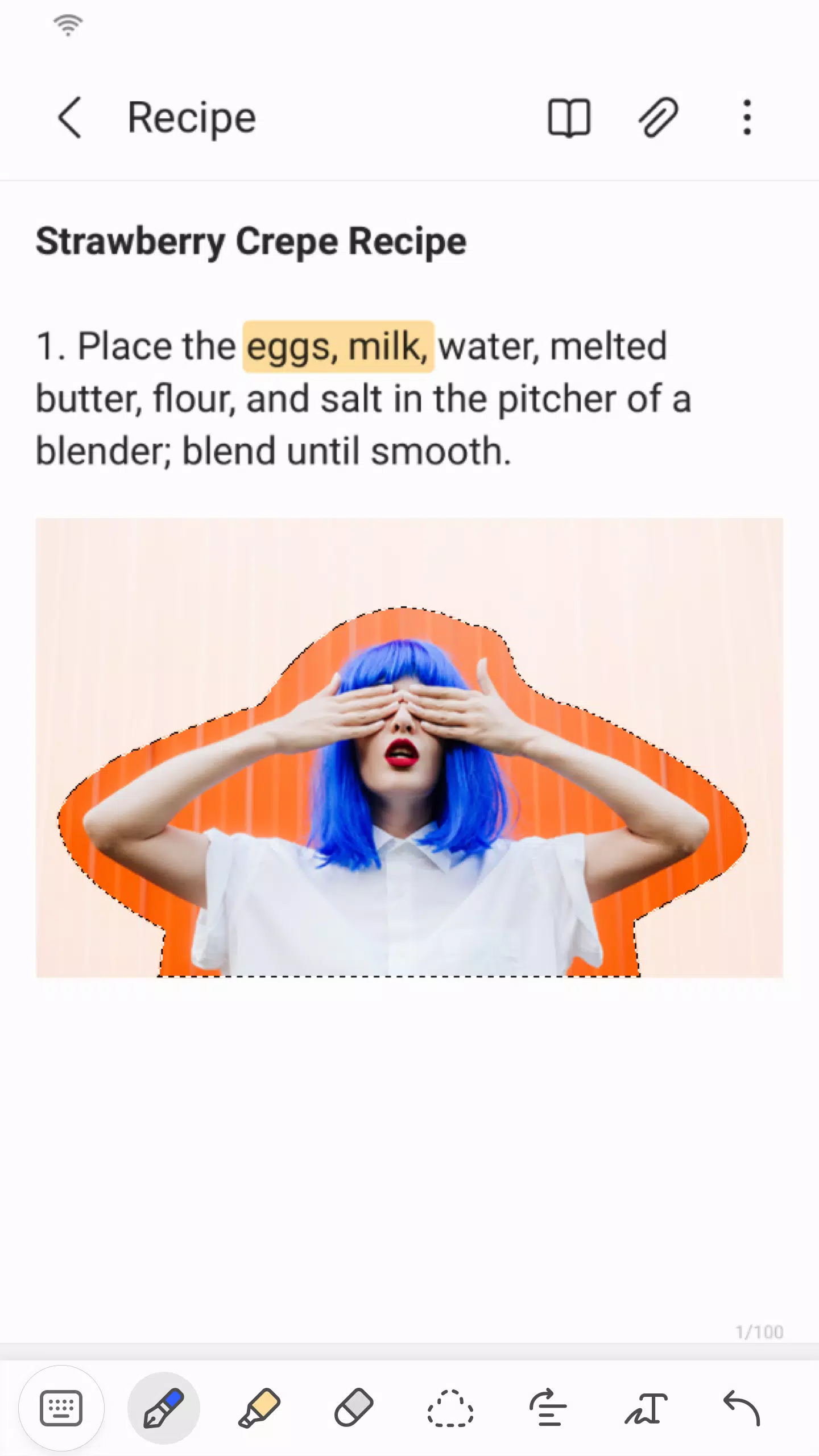
Users can annotate PDFs using the S Pen and generate documents incorporating images or voice recordings.
The app supports integration with various applications, including PDF readers, Microsoft Word, and Microsoft PowerPoint, allowing you to connect your documents effortlessly.
Create a new note today.
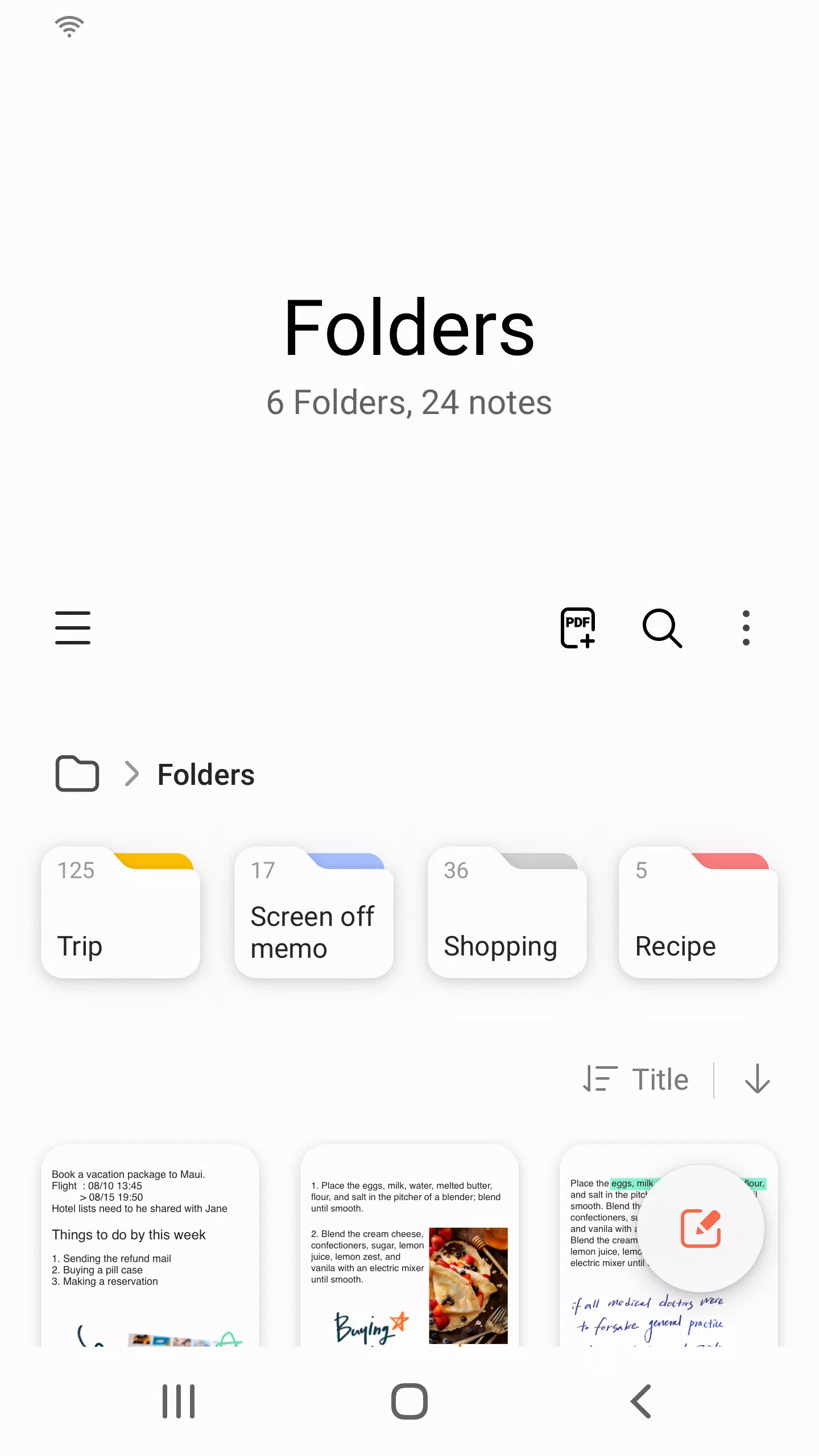
Simply tap the + icon located in the bottom right corner of the main screen to start a fresh note.
All newly created notes will automatically be saved with an “sdocx” file extension for easy management.
Secure your important notes.
1. From the main screen, tap More Options in the upper right corner, choose Settings, and then select Lock Note.
Next, pick your preferred locking method and set a secure password.
2. To protect specific notes, open the desired note, tap More Options on the screen, and select Lock Note to apply security settings.
Draft handwritten notes effortlessly.
Select the Handwriting icon while composing a note to display your natural handwriting directly onto the page.
Insert photos into your documents.
Tap the photo icon within an active note to capture new images or import existing ones; you can also add tags and edit imported pictures as needed.
Record voice memos alongside your text.
Activate the Voice Recording icon during note creation to record audio, allowing you to attach sound clips directly to your notes for a richer experience.
Explore diverse writing tools.
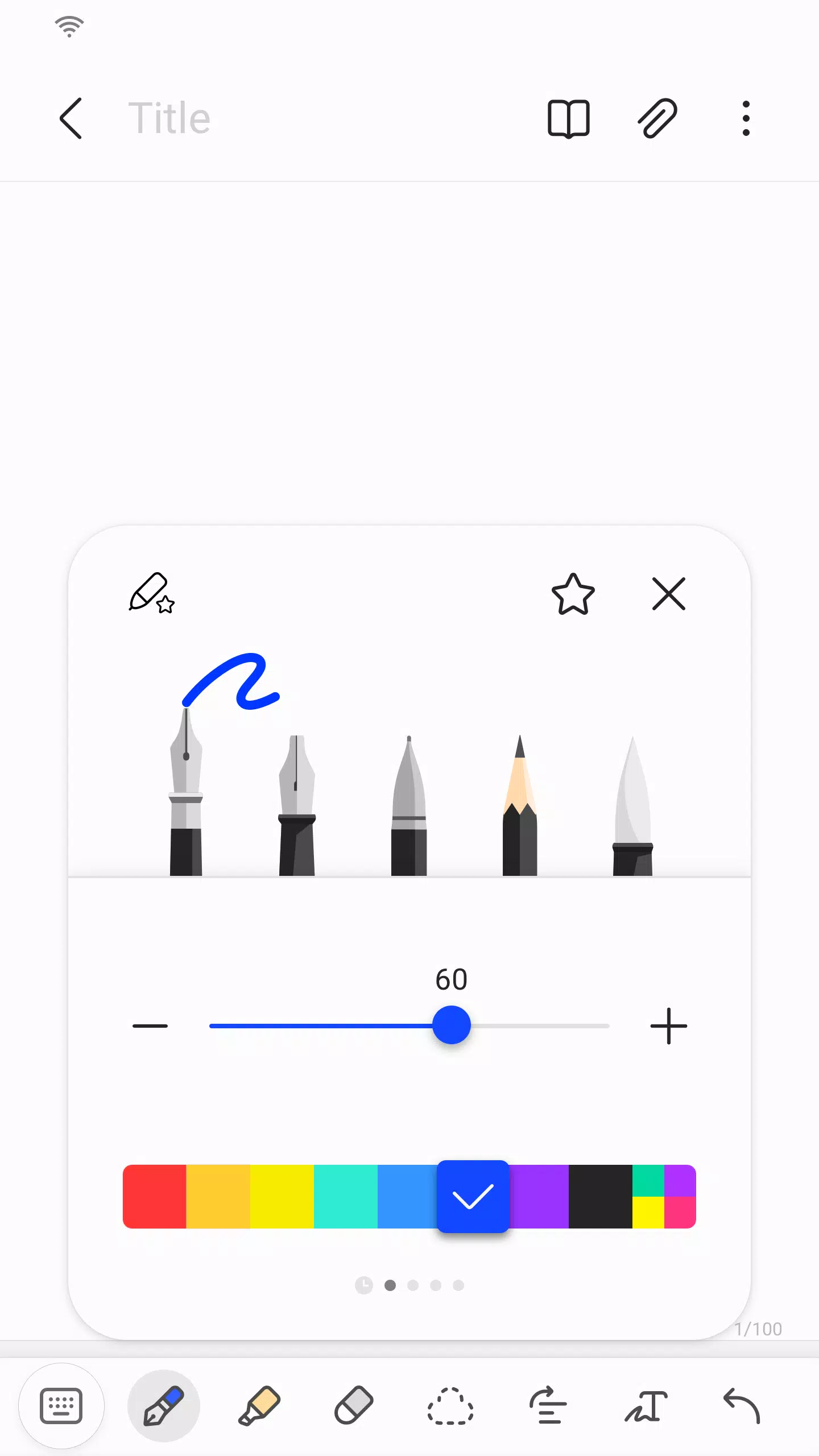
Tap the Pen icon while editing to choose from various instruments like fountain pens, pencils, and highlighters, along with customizable colors and line thicknesses.
Use the Eraser icon to precisely select and remove unwanted content or mistakes from your document.
Import legacy notes and memos easily.
Utilize the Smart Switch feature to transfer data created in S Note and Memo applications from other devices into Samsung Notes.
You can also retrieve previously saved notes and memos by signing in with your Samsung account.
* Notice regarding app access permissions:
The following permissions are necessary to deliver this service effectively.
Core features remain accessible even if Optional permissions are declined.
Required permissions
• Storage: Essential for saving or loading document files on your device.
Optional permissions
• Photos and videos : Enables adding pictures and video clips to your notes.
• Notifications : Alerts you regarding shared note invitations, syncing status, and other updates.
• Music and audio : Allows the inclusion of audio files within your notes.
• Phone : Checks for available app version updates on your device.
• Microphone : Facilitates adding voice recordings directly into your notes.
• Camera : Supports capturing pictures or scanning documents to insert into notes.
Basic functionality remains fully operational even if optional permissions are not granted.
What's New in the Latest Version 4.9.06.8
Last updated on Aug 29, 2024
This update includes minor bug fixes and performance improvements. Install or update to the newest version today to experience these enhancements!
Screenshot
Reviews
Apps like Samsung Notes







Trending apps








Top News
![Roblox Forsaken Characters Tier List [UPDATED] (2025)](https://images.dyk8.com/uploads/18/17380116246797f3e8a8a39.jpg)







Latest Apps




Latest Articles