
Application Description
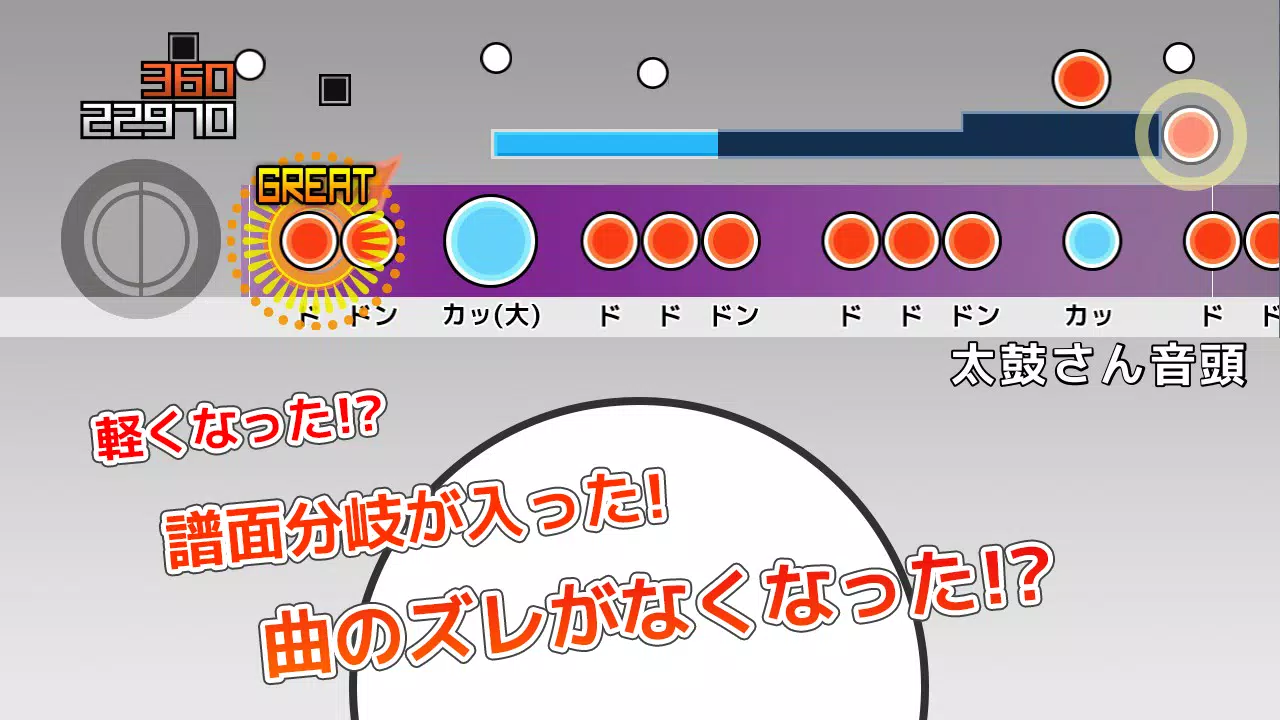
This app enables you to play TJA files from the PC software "Taiko Sanjiro 2".
This application supports TJA files originally created for the PC version of "Taiko Sanjiro 2".
Due to the wide variety of Android devices available, we cannot test the app on every model. We apologize, but we are unable to provide support for devices that fail to launch.
We do not answer questions regarding how to obtain TJA files or custom skins. Thank you for your understanding.
How to Add Songs
A "TJA" folder is automatically created in the root directory of your device's internal storage or SD card upon first launch.
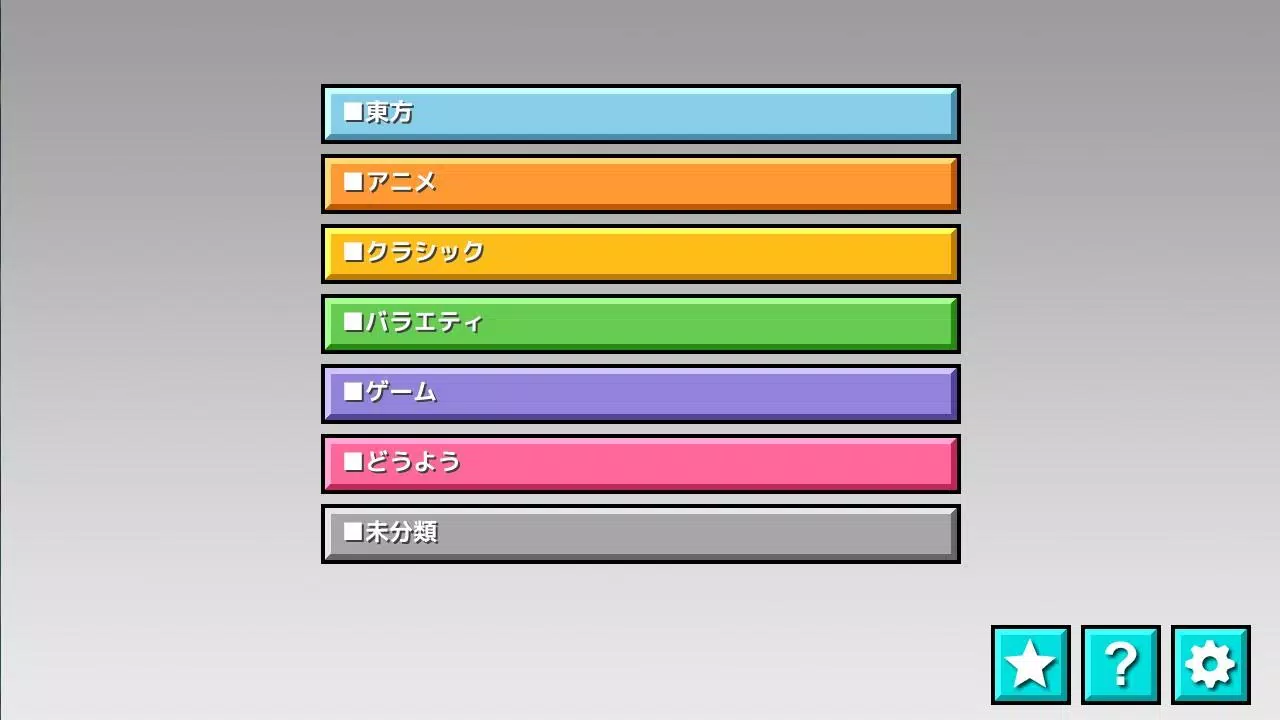
Inside the "TJA" folder, create a genre folder and place your TJA files there.
If no genre.ini file is present in the genre folder, it will be labeled as "Uncategorized".
On Android 4.4 or later, high score saving may not be available in some cases.
The "record location" setting has been added. Please select your preferred storage location.
How to Install Skins
The app supports skin data from "Taiko Sanjiro 2". (Some features may not be fully implemented.)
Skins from the original "Taiko-san Jiro" (non-*2 version) are not compatible.
The app reads skin data from theme-default/default.csv.
Please note that performance may vary depending on your device and the skin data used.
Contents of genre.ini (Required for genre folder recognition)
[Genre]
GenreName=Name of the genre
GenreColor=#66cc66
FontColor=#ffffffff
Help→http://chaos3.iruka.us/daijiro_help/ja/
What's New in the Latest Version 1.4.4
Last updated on Jun 29, 2023
- Due to Android security updates, the app can no longer access folders outside its designated directory.
If updating the app, please move your "/TJA" folder to "Android/data/com.daijiro.taiko2/files/TJA" using a file manager.
- Various bug fixes
Screenshot
Reviews
Games like Taiko-san Daijiro













Trending Games







Top News

![Roblox Forsaken Characters Tier List [UPDATED] (2025)](https://images.dyk8.com/uploads/18/17380116246797f3e8a8a39.jpg)




Latest Games





Latest Articles