
Application Description
Find Free WiFi Anywhere
Locate Fast WiFi Networks
Access a Map of WiFi Hotspots with Speed Ratings
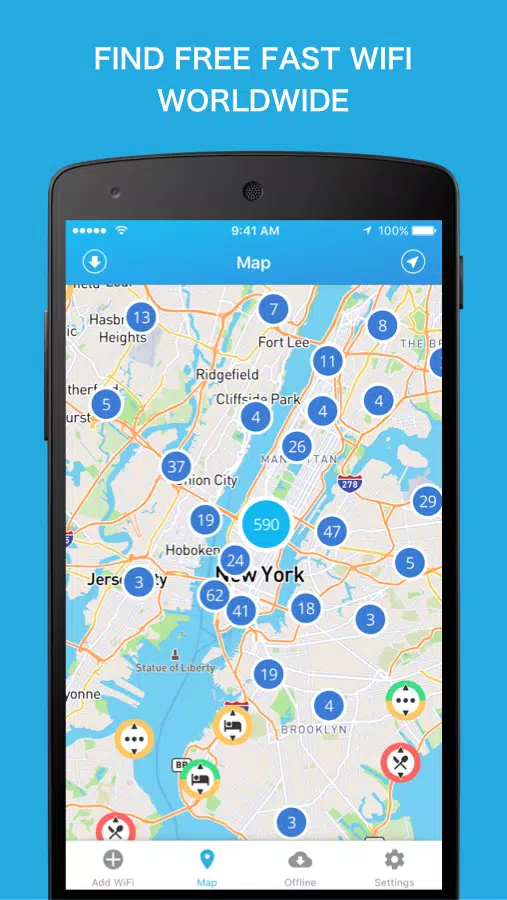
WiFi Finder helps you locate fast internet connections wherever you travel. Its offline feature allows you to download maps of your destination ahead of time, so you can find reliable WiFi anywhere. While many WiFi scanners are cluttered with outdated or private networks, our WiFi Map focuses exclusively on verified hotspots. Each listing includes venue type and speed information.
Main Features:
✓ Discover WiFi hotspots near your current location
✓ Find fast WiFi connections anywhere in the world
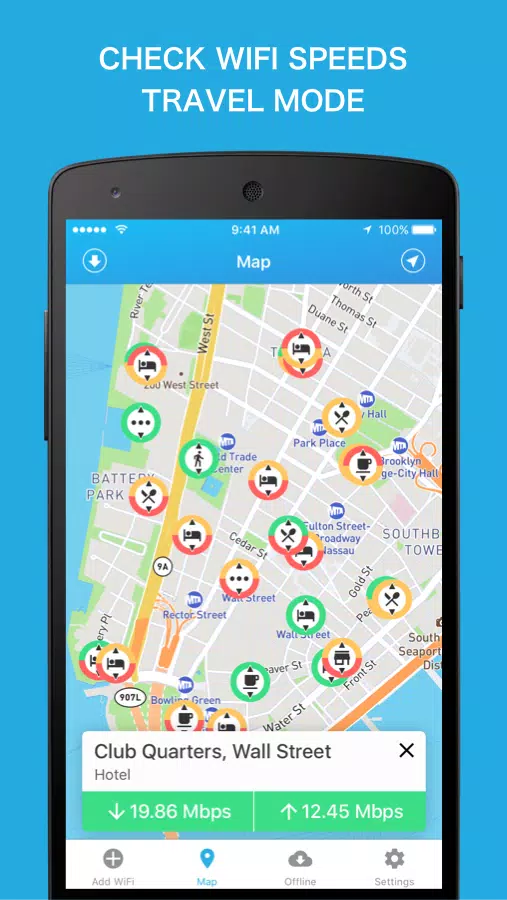
✓ All hotspots are verified and tested for speed
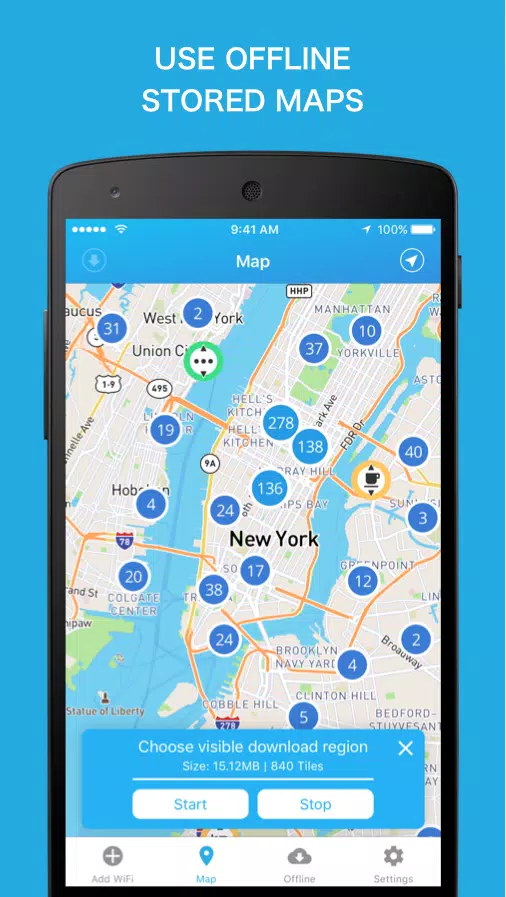
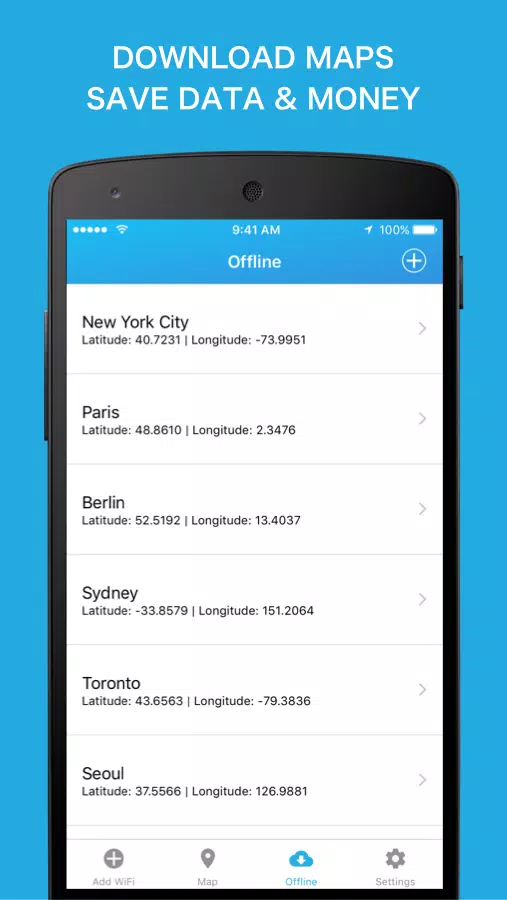
✓ Download maps for offline use while traveling (no internet connection needed)
✓ Filter the WiFi map by venue type: hotel, cafe, restaurant, bar, store, and more
✓ Works both online and offline
Why We Focus on WiFi Speed
Many believe password access is the most crucial feature of a WiFi database. However, connection quality and internet speed are far more important. Passwords change frequently and are often readily available once you're at a venue, like a cafe or hotel, where guests typically receive individual login credentials. Anyone who has searched for a dependable connection knows the frustration of finding a weak or unstable signal. Our approach lets you locate internet with the quality you need. Each spot is color-coded to indicate its suitability for email, browsing, gaming, streaming, or video chat.
Where Our Hotspot Data Comes From
The WiFi Finder pulls data directly from SpeedSpots' crowdsourced database of hundreds of thousands of global hotspots. It's the only database that rates WiFi by hotspot speed. Using our Wi-Fi analyzer tools, we gather key details:
✓ Stability and speed for download/upload in Mbps, plus latency in ms, ensuring the Wi-Fi meets your needs.
✓ Wi-Fi signal strength in dBm, helping us estimate connection stability to prevent dropouts.
✓ Encryption type (None, WEP, WPA, WPA2), so you know the hotspot's security level if concerned about hacking.
✓ Usage charge (free or paid). Avoid paying for poor internet when a good connection is nearby.
We consider all these factors when adding a Wi-Fi hotspot to our map, ensuring you have the best possible experience.
More About SpeedSpot
With over 10 million users, the SpeedSpot community is one of the fastest-growing WiFi-sharing networks globally. Our network performs over 100,000 daily tests on Edge, 2G, 3G, 4G, LTE, and WiFi, keeping our SpeedSpots database current and frequently updated. Join our community to share and locate WiFi wherever you go.
Wi-Fi Connection Recommendations
WiFi networks based on the IEEE 802.11 standard operate on 2.4 GHz and 5 GHz bands (the latter sometimes labeled "5G" in SSID names). We recommend using the 5 GHz band, as it typically offers higher speeds, especially in fast hotspots, compared to 2.4 GHz.
Screenshot
Reviews
Apps like WiFi Finder - WiFi Map










Trending apps








Top News

![Roblox Forsaken Characters Tier List [UPDATED] (2025)](https://images.dyk8.com/uploads/18/17380116246797f3e8a8a39.jpg)






Latest Apps






Latest Articles