Application Description
Keep your computer active during remote work with our simple mouse movement solution :)
Mouse Jiggler prevents your screen from locking!
Description:
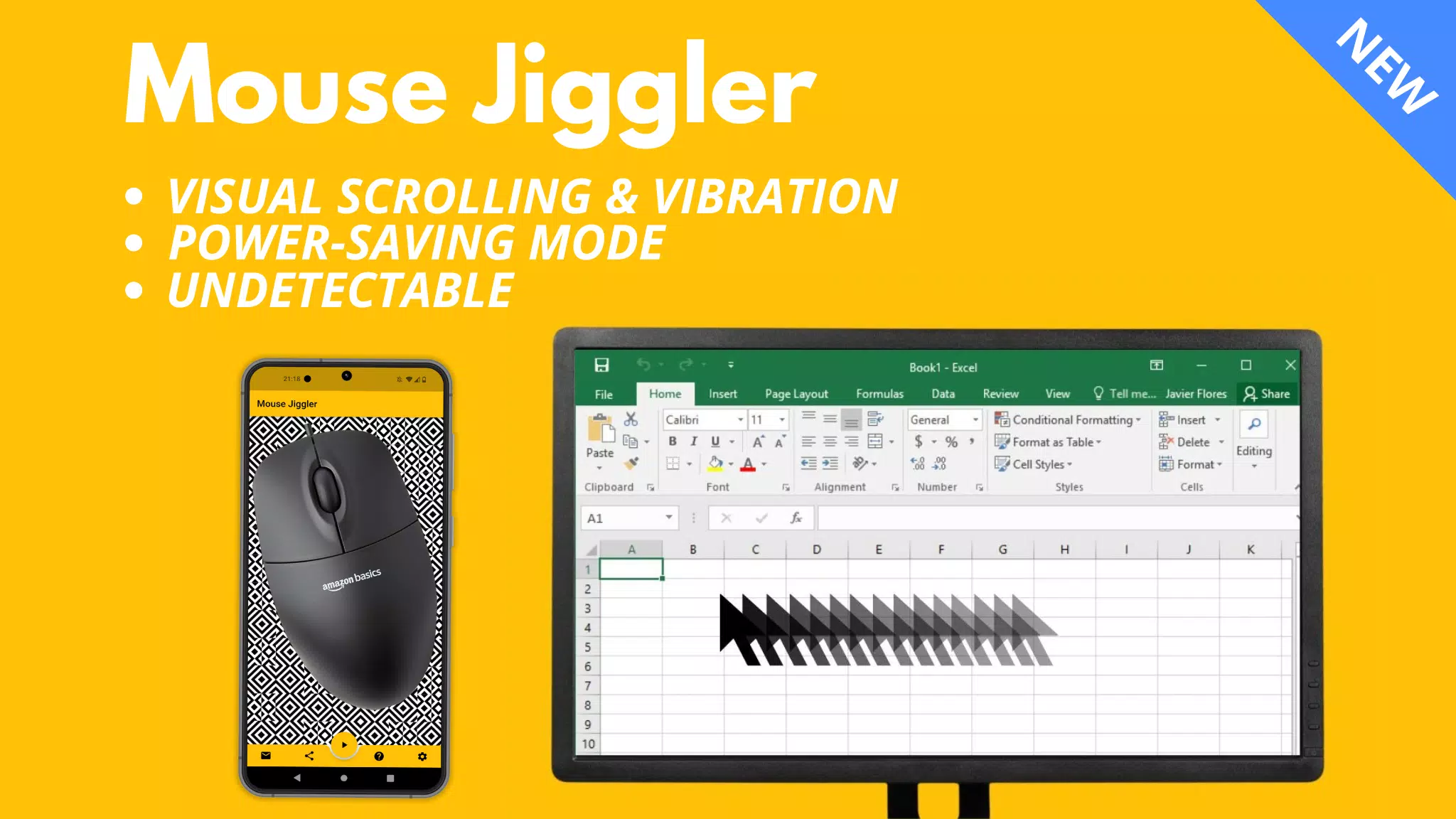
This app works with both Windows and Mac computers. It keeps your screen active by moving your mouse cursor a few millimeters at regular intervals.
⚠️ Compatibility:
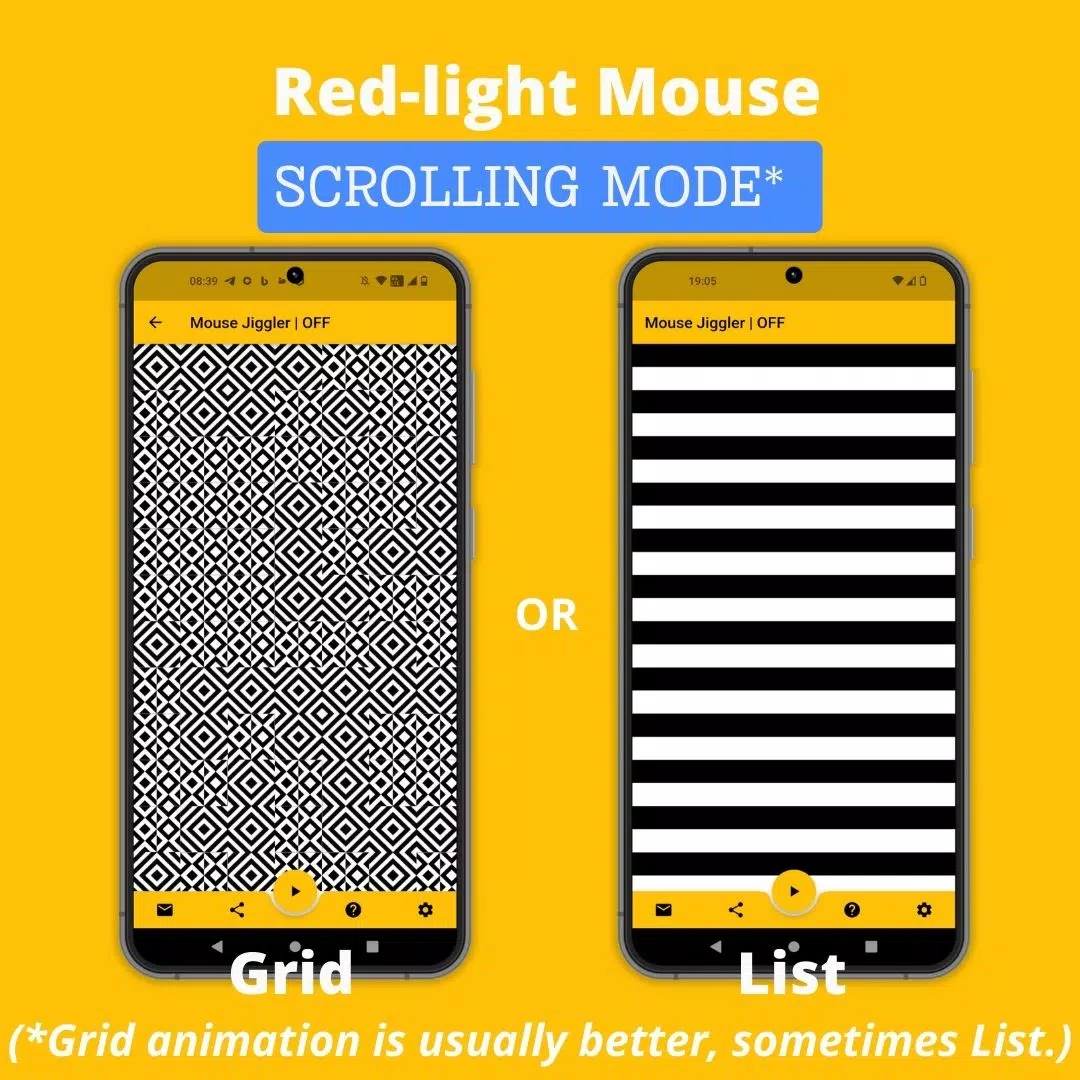
Mouse Jiggler works best with most optical mice that use a red light.
Its effectiveness is reduced with mice that use an invisible (laser) light.
This is not a software bug. Performance depends on your mouse sensor's sensitivity and your phone's maximum screen brightness and vibration intensity.
If you have trouble, try using a different mouse with a red light. You can also try my newer "Bluetooth Mouse Jiggler" app, which doesn't require a mouse:
https://play.google.com/store/apps/details?id=be.mm.mousejiggler2
Main Features:
Scrolling Mode: For red-light mice, the app scrolls an image on your phone screen to trigger mouse movement.
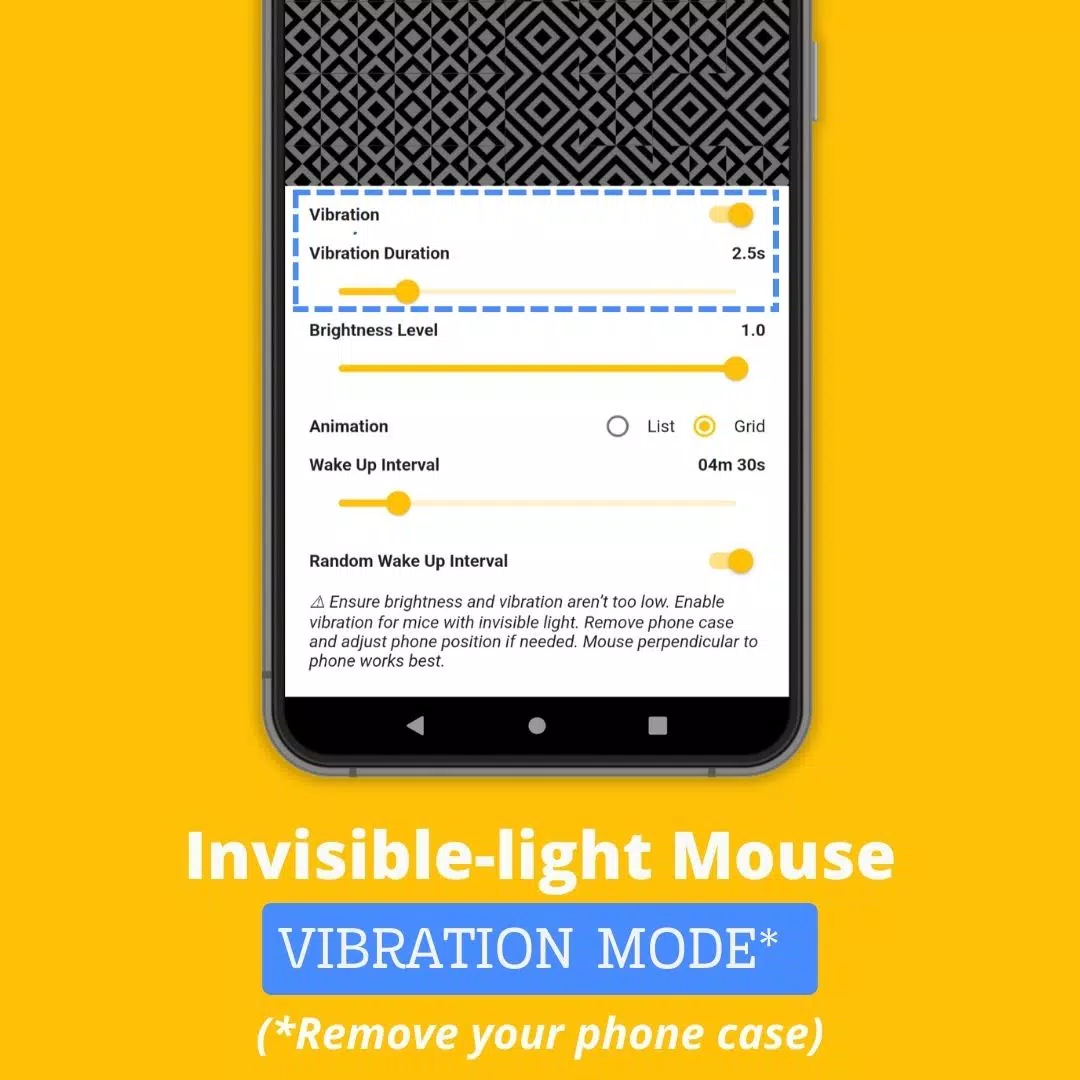
Vibration Mode: For invisible-light mice, the app vibrates your phone to move the mouse cursor.
How to Use Mouse Jiggler
1. Identify your mouse: Does it use a red or invisible light?
2. For invisible-light mice, enable "Vibration" mode in the app settings. Removing your phone case may improve vibration strength.
3. Place your mouse sensor directly on your smartphone screen.
4. Press the ► icon to start scrolling or vibrating.
Advanced Settings:
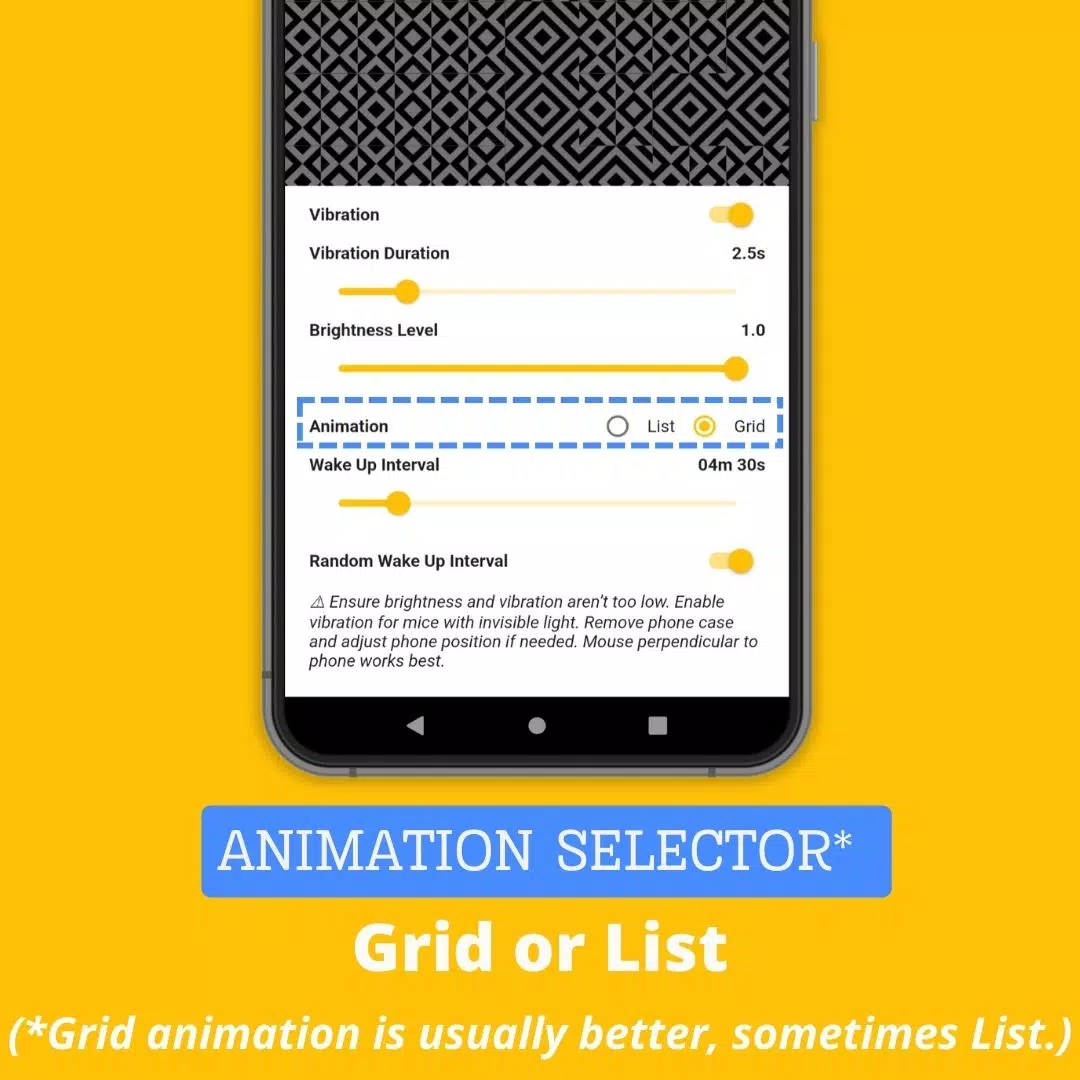
* Vibration: Turn vibration mode on or off.
* Vibration Duration: Set how long each vibration lasts (setting this too low may stop the app from working).
* Wake Up Interval: Set the delay between movements or vibrations.
* Brightness Level: Set the maximum screen brightness when active (setting this too low may stop the app from working).
* Random Wake Up Interval: Enable a random delay between actions. The delay will be between 0 and your set "Wake Up Interval." This helps make the mouse movement less predictable and more natural.
Why Choose the Mouse Jiggler Mobile App?
While other screen-lock prevention tools exist, the Mouse Jiggler Mobile App offers distinct benefits:
* Convenience: No extra hardware like physical jigglers or dongles is needed. Just use your smartphone and mouse.
* Undetectability: As a mobile app, it leaves no software traces on your computer, making it a discreet option for workplace use.
* Cost-effective: The Mouse Jiggler Mobile App is free, unlike many hardware jigglers which can cost $30 or more.
Website: https://mousejiggler.lol/
Screenshot
Reviews
Apps like Mouse Jiggler














Trending apps








Top News
![Roblox Forsaken Characters Tier List [UPDATED] (2025)](https://images.dyk8.com/uploads/18/17380116246797f3e8a8a39.jpg)







Latest Apps





Latest Articles