Application Description
* Supports over 20 2D and 3D CAD formats, and converts PDF to DWG or DWG to PDF.
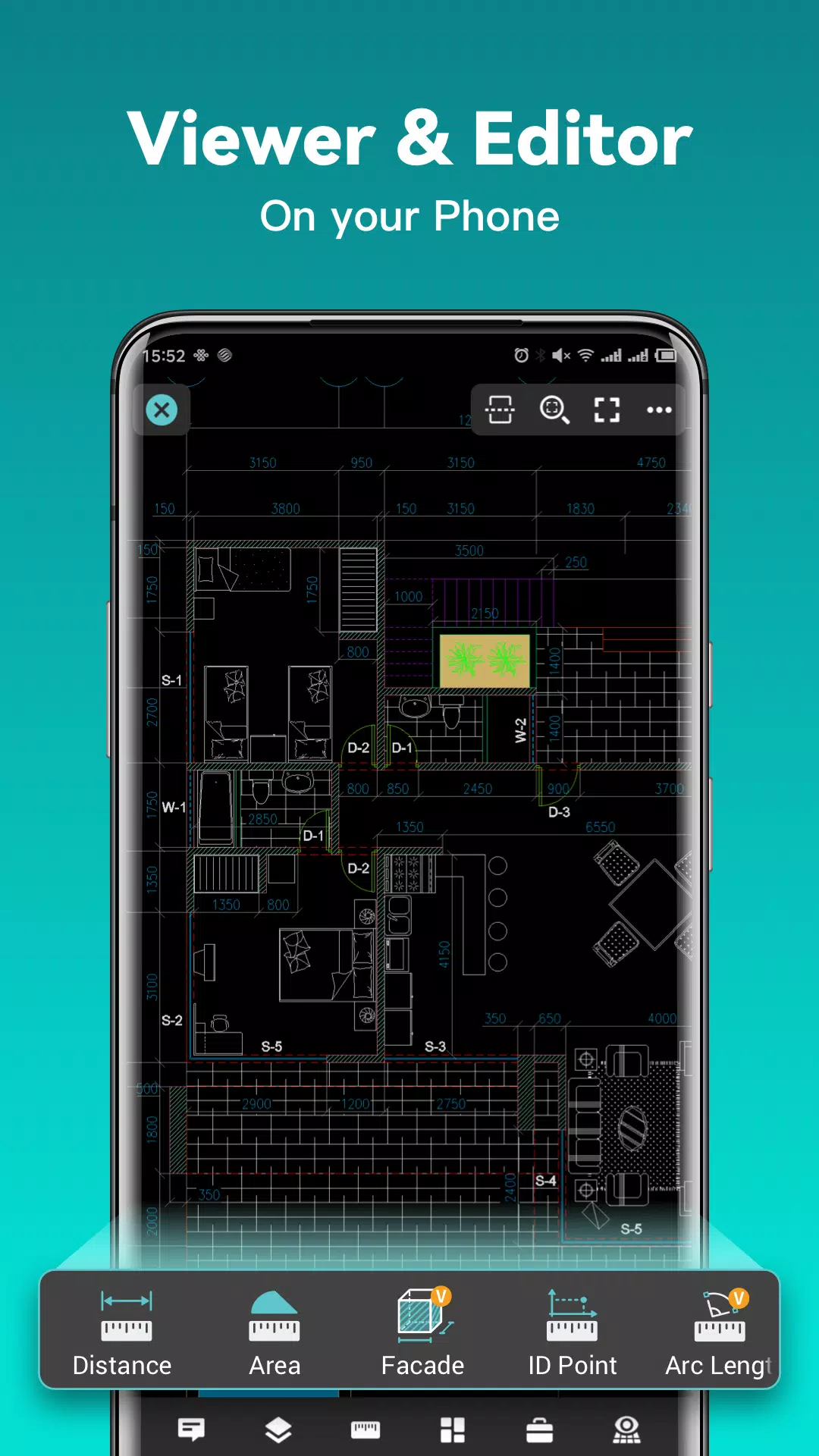
DWG FastView is a cross-platform CAD solution that meets the needs of designers in any situation. It offers full compatibility with DWG and DXF files. An array of CAD features—including editing, viewing, measuring, dimensioning, and text search—allows you to perform real CAD work anywhere and enjoy a top-tier mobile CAD experience.
View, edit, create, and share all your CAD drawings. Sync them to the cloud across multiple devices with a single click, and join over 70 million users worldwide in designing anytime, anywhere.
DWG FastView Highlights
(1) Accurate and fast access to your drawings.
• Create, view, and edit using intuitive, advanced tools.
• Supports all AutoCAD DXF and DWG versions without file-size restrictions.
• Easily view AutoCAD DWG and DXF files with full AutoCAD compatibility.
(2) No registration & offline access.
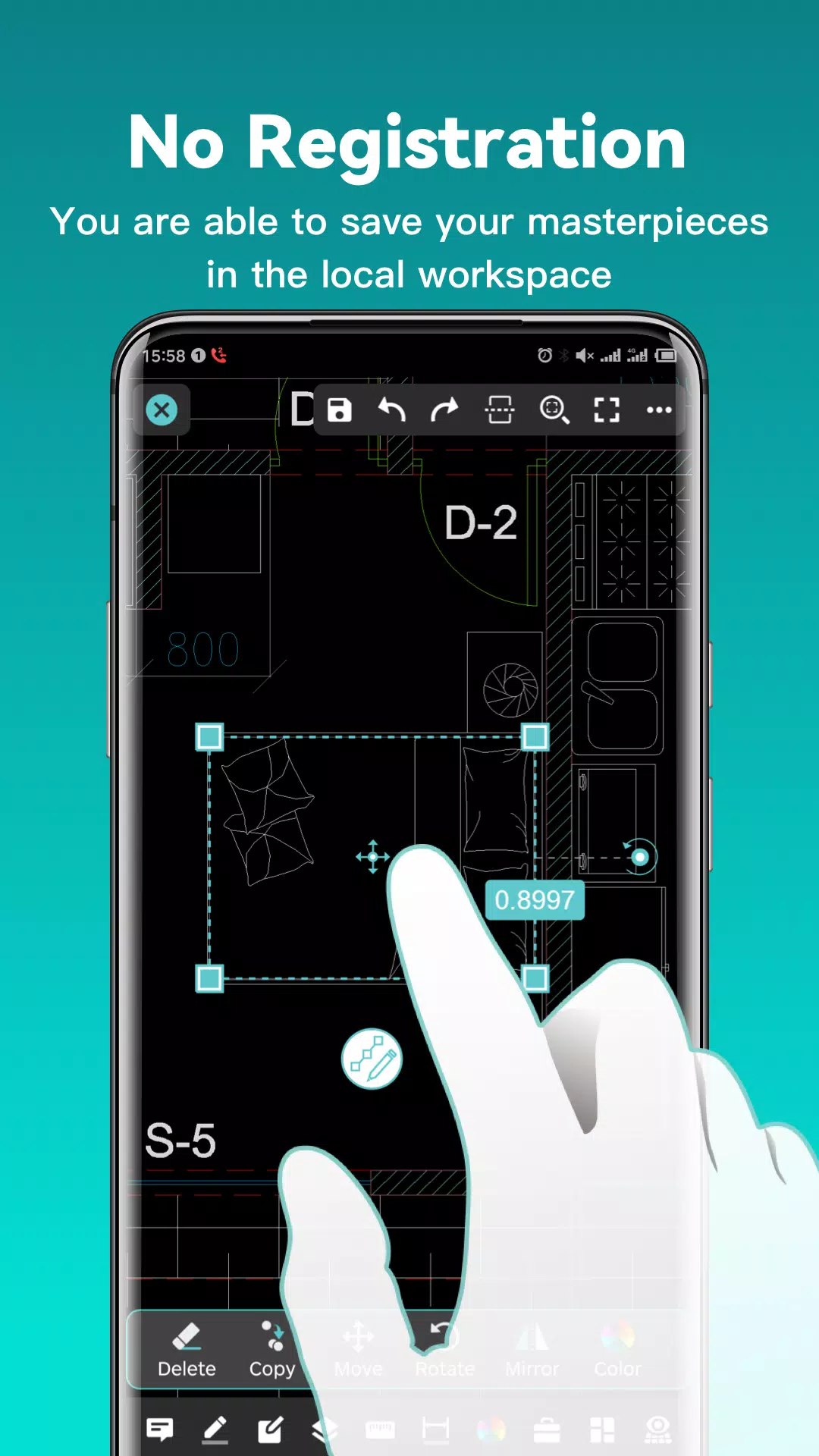
• Simply download DWG FastView and start using it immediately—no registration required.
• Work offline and save your projects locally.
• With an internet connection, open, view, edit, and share drawings from email, cloud services, or network drives like Dropbox, OneDrive, Google Drive, Box, or WebDAV.
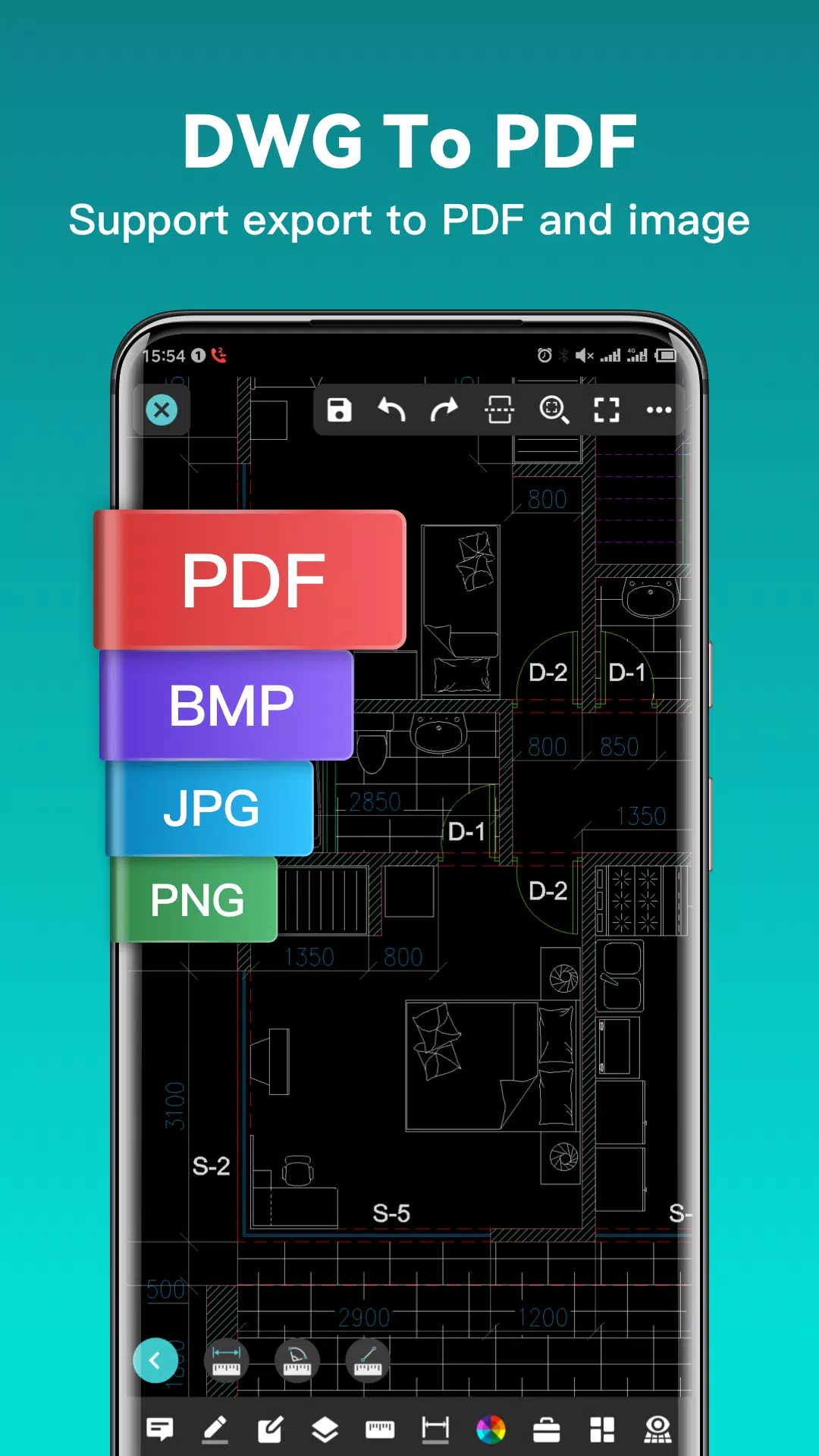
(3) Export to PDF, BMP, JPG, and PNG, and share freely.
• Convert CAD drawings to PDF with customizable paper size, orientation, color, and more.
• Convert CAD drawings to different file versions.
• Convert PDF files to DWG format.
(4) Perform real CAD work on mobile.
• Move, copy, rotate, scale, color, measure objects, record management results, manage layers, and use Layout.
• Use advanced drawing and editing tools like trim, offset, dimension, and find text.
• Set precision and display formats for coordinates, distance, and angle.
• Zoom in or out of a CAD drawing by pinching with two fingers.
• Import or download CAD drawings along with their fonts and symbols to the font folder to ensure all special fonts display correctly.
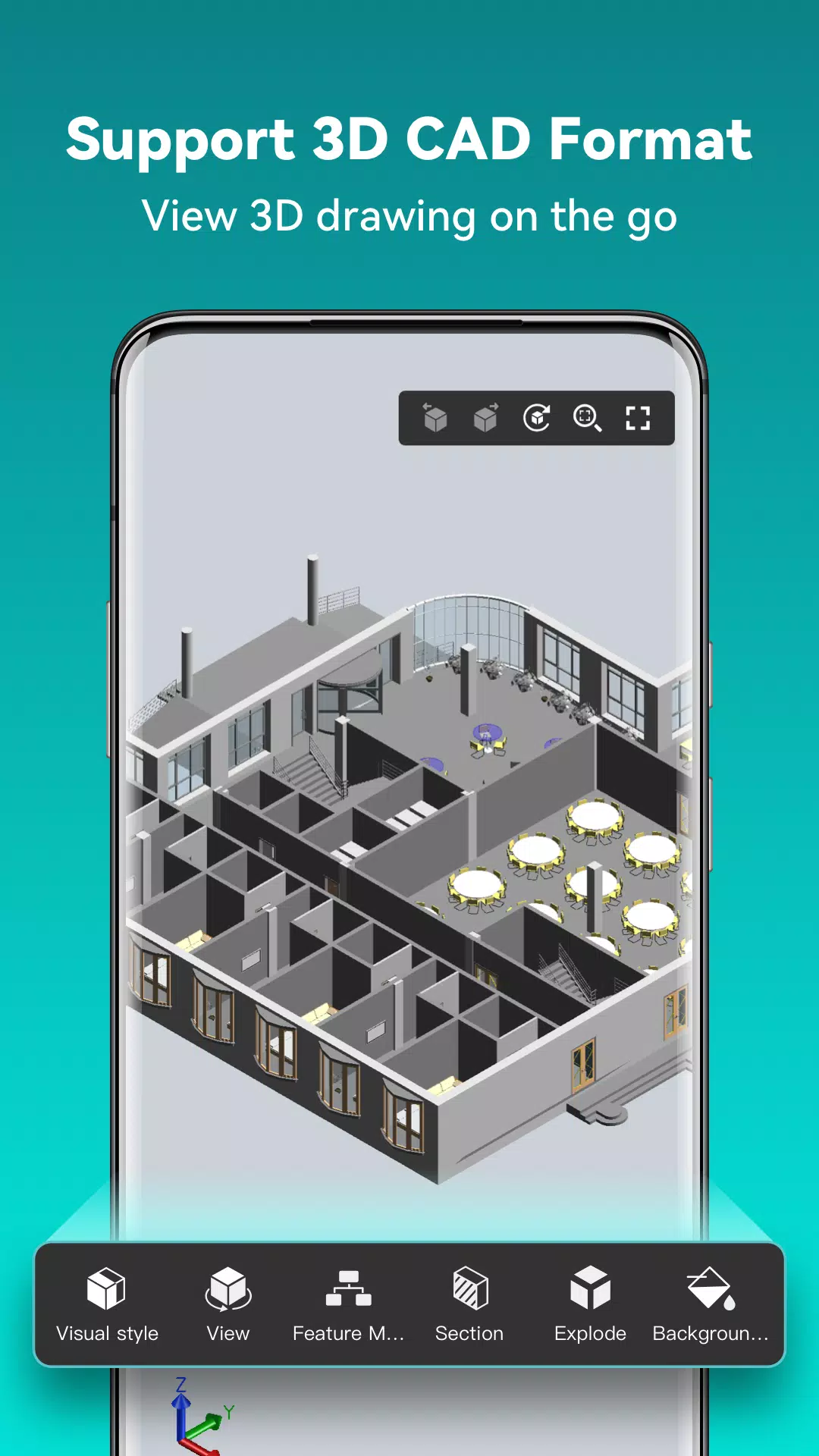
(5) Easily switch between 2D and 3D Visual modes. 3D modes include Wireframe, Realistic, and Hidden, plus powerful Layer and Layout tools and ten different viewing perspectives.
• View 3D models and numerous CAD file formats, including RVT, Solidworks, Creo, NX, CATIA, Inventor, SolidEdge, and over 20 others.
• Rotate 3D CAD drawings by touching and dragging the drawing area for a comprehensive 360-degree view. Tap to stop rotation and lock the optimal perspective.
• Tap the drawing area to open a magnifier, displaying an enlarged view of the touched area for easy detail inspection and object snapping.
(6) Precise drawing capabilities—for example, adjust coordinate values to move points with accuracy.
• Supports 2D absolute, relative, and polar coordinates, as well as 3D spherical and cylindrical coordinates.
• Draw lines, polylines, circles, arcs, text, revision clouds, rectangles, and sketches, and create annotations.
(7) Stay connected. Receive helpful and responsive technical support.
Click the “Feedback” button to email us with any technical issues.
Upgrade to DWG FastView Premium for advanced editing and tools. Subscription plans are available as follows:
• Premium/Super monthly
• Premium/Super annual
Download the FREE trial of the premium version to unlock the most advanced, easy-to-use drawing, drafting, and editing tools.
Facebook: https://www.facebook.com/DWGFastView
Email: [email protected]
Terms of use: http://www.gstarcad.net/About/Terms-of-use
Privacy policy: http://www.gstarcad.net/privacy/
Screenshot
Reviews
Apps like DWG FastView-CAD Viewer&Editor











Trending apps








Top News

![Roblox Forsaken Characters Tier List [UPDATED] (2025)](https://images.dyk8.com/uploads/18/17380116246797f3e8a8a39.jpg)






Latest Apps






Latest Articles