Simple Calculator
5.0
Application Description
Do simple and scientific calculations easily.
[Key features]
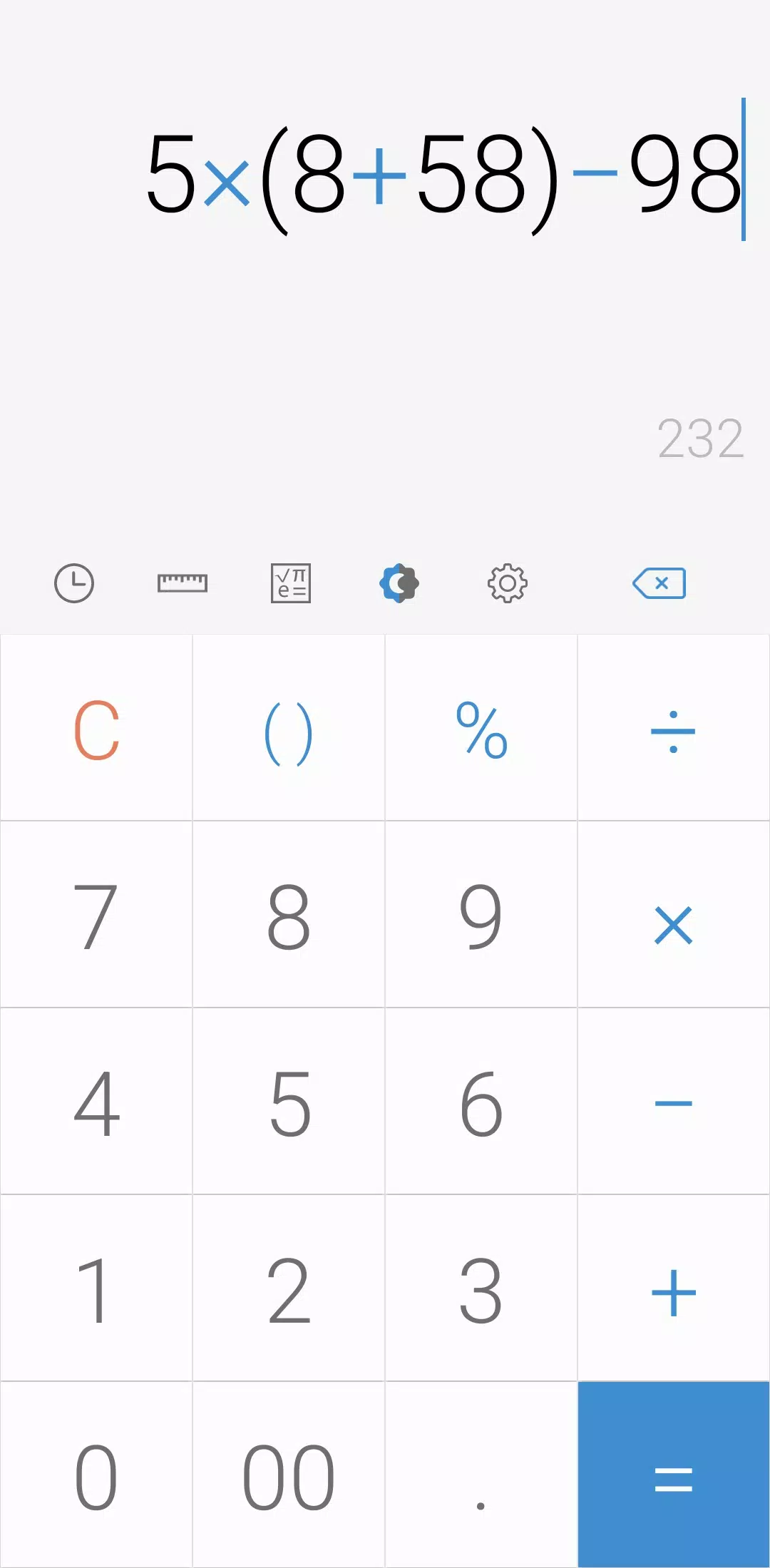
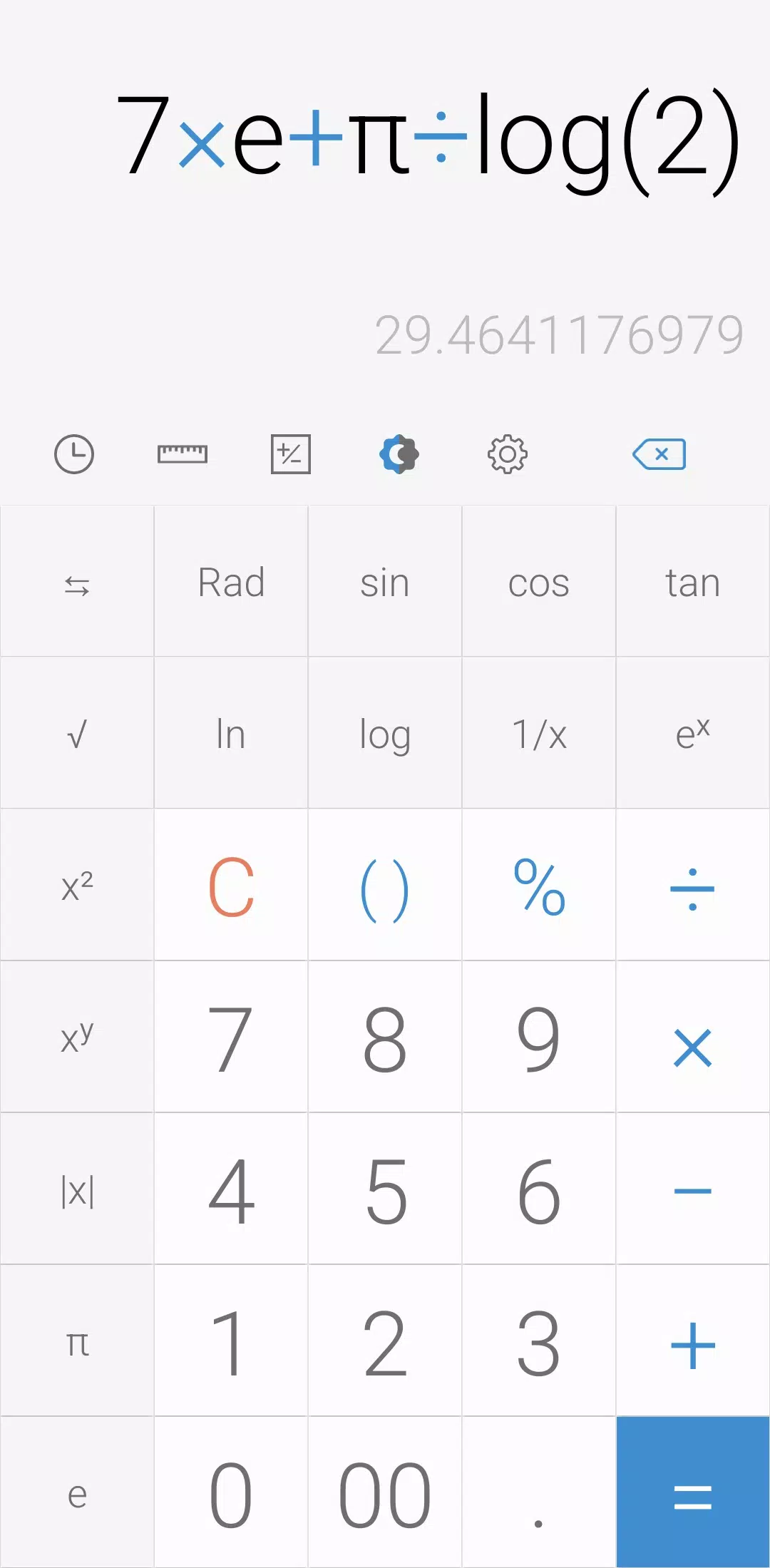
- Perform four fundamental operations and engineering calculations.
- To start the engineering calculator, tap the engineering calculator icon.
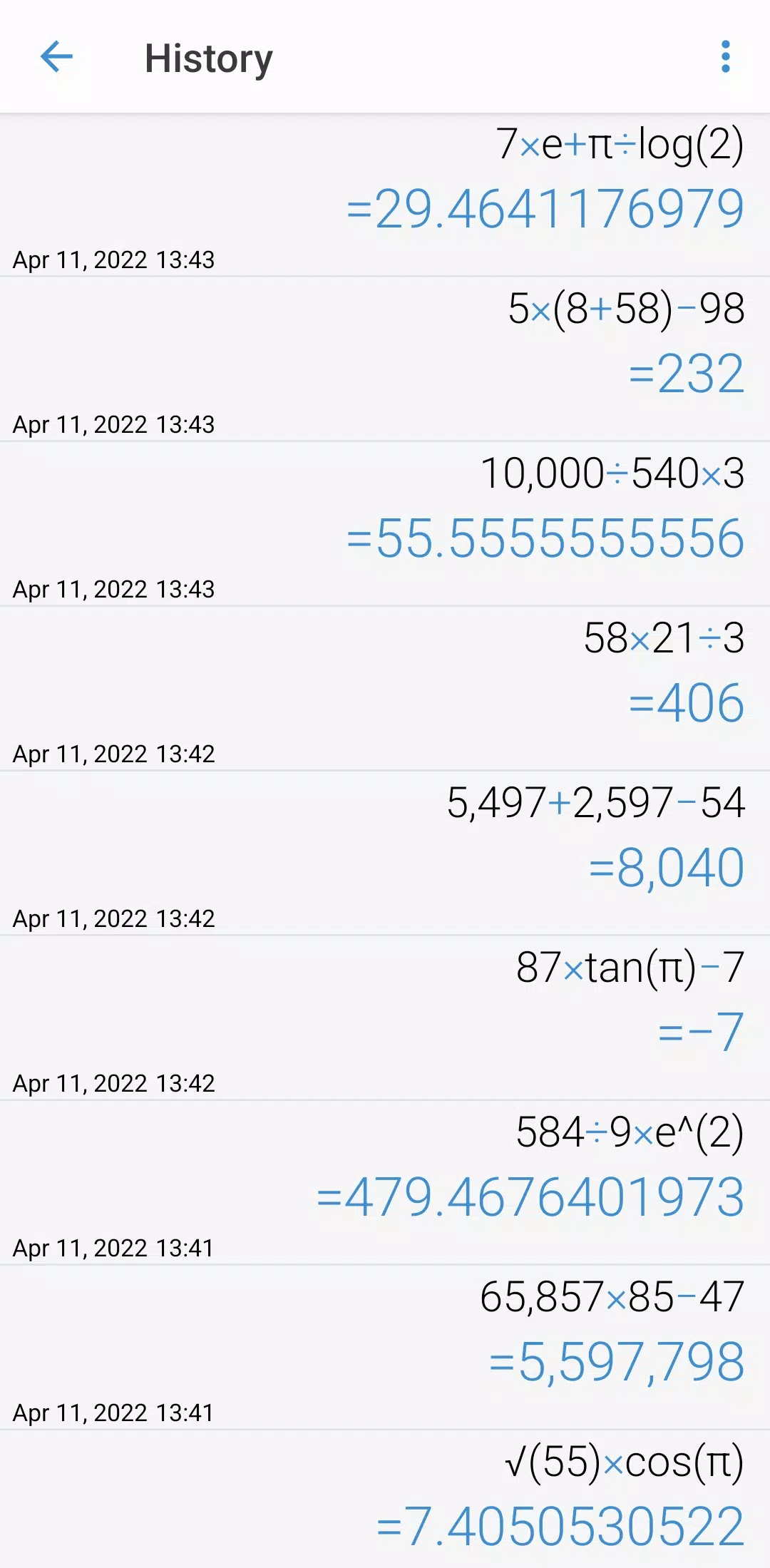
- To check the calculation history, tap the calculation history icon.
- You can use all the previously inputted formulas. Tap the formula you need from the calculation history.
[Additional features]
- To convert units, tap the unit calculator button. You can easily convert various types of:
- Currency,
- Area,
- Length,
- Temperature,
- Volume,
- Mass,
- Data,
- Speed,
- Time,
- Date,
- BMI,
- Discount,
- Age,
- Numeral System,
- GST,
- Split bill,
- Frequency,
- Fuel,
- Angle,
- Pressure,
- Force,
- Power,
- Loan
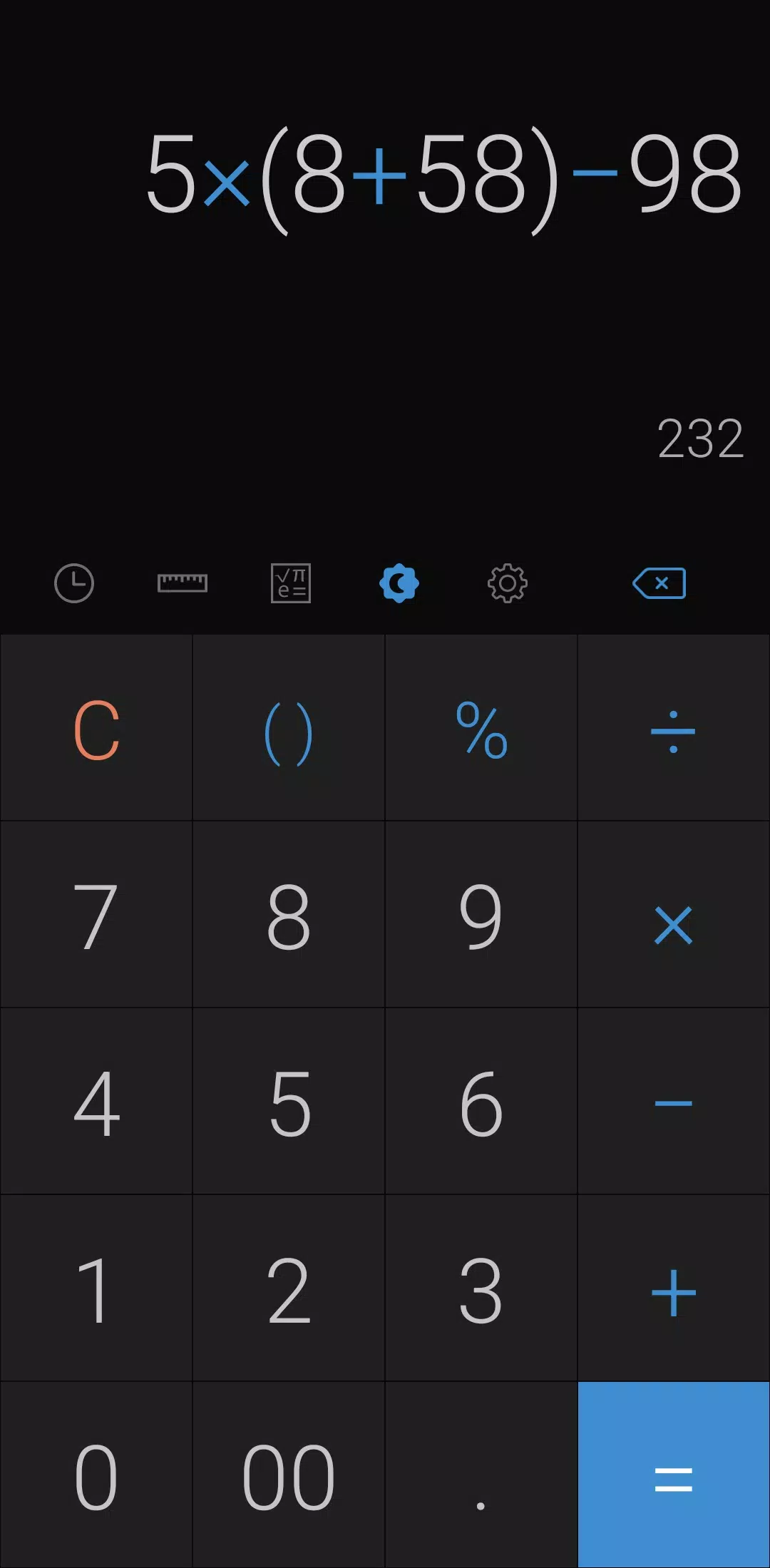
- To change theme mode, tap the night mode icon.
- To specify the time of night mode, select time range from settings.
- To change color, chose the color you want from settings
- To delete a history, long press on it in the history page
- To change language, select preferred language from settings.
- To play a beep or vibrate when pressing a button, go to settings.
- To change numerals, select preferred numerals from settings (All numerals are supported)
- To change number format, select the preferred format from settings
- To change decimal places after the comma, select the number of decimal places from settings
- To enable / disable full screen, enable / disable it from settings.
- To keep calculation record, enable/disable it from settings.
- To keep the screen on, enable/disable it from settings.
- To hide an icon, go to settings.
*****
Last but not least, all of these features come in small size and it is completely free.
Screenshot
Reviews
Apps like Simple Calculator











Trending apps








Top News

![Roblox Forsaken Characters Tier List [UPDATED] (2025)](https://images.dyk8.com/uploads/18/17380116246797f3e8a8a39.jpg)






Latest Apps





Latest Articles