Application Description
Track your journeys, analyze performance stats, and share with friends!
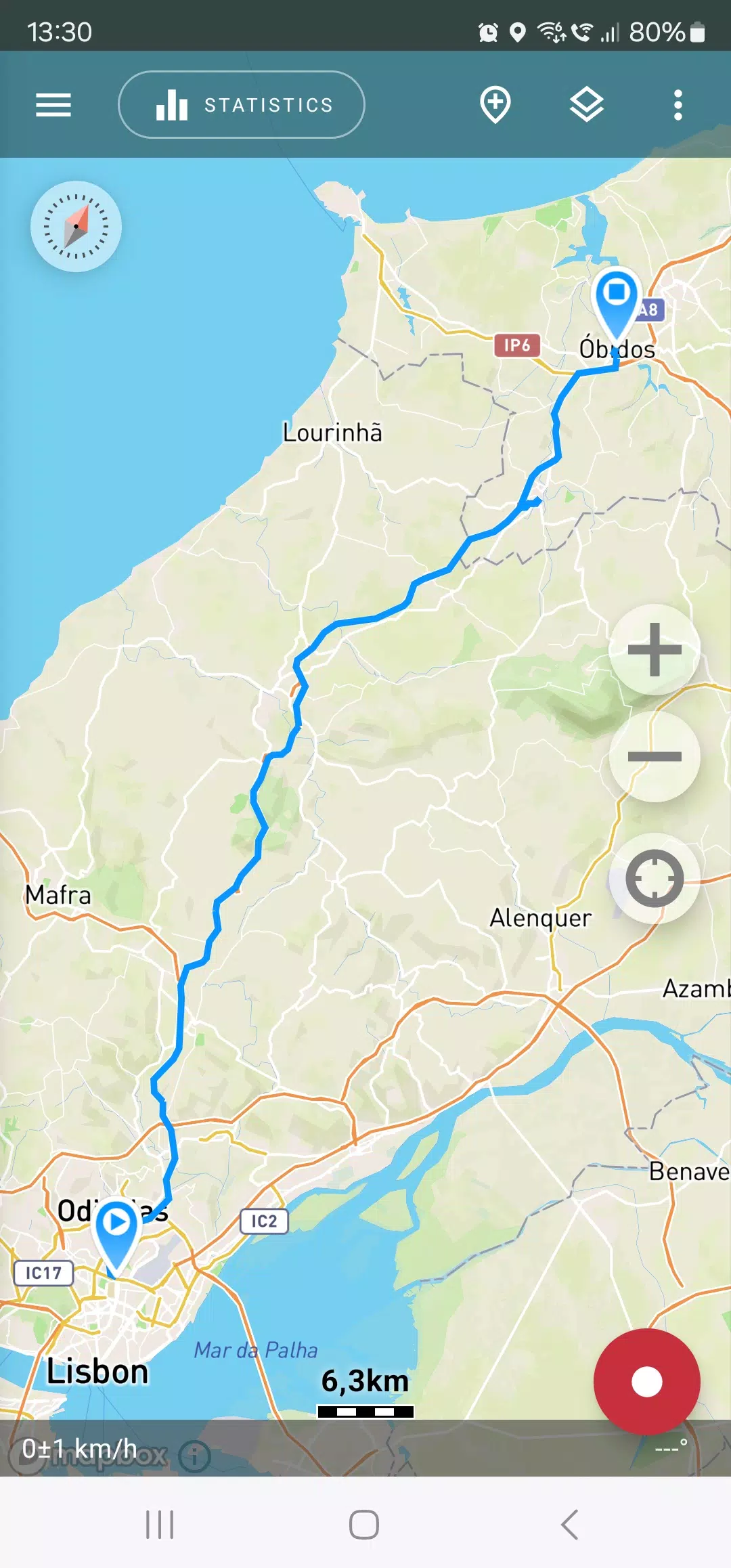
Looking for a top-tier GPS tracker compatible with OpenStreetMap or Google Maps? Whether you love outdoor adventures or travel frequently, this app is perfect for you.
Capture GPS tracks of your trips, review statistics, and share them with friends!
Geo Tracker helps you:
• Navigate back to familiar spots in unfamiliar areas without getting lost; • Share your routes with friends; • Import someone else's route from GPX, KML, or KMZ files; • Mark important or interesting points along the way; • Locate a specific point on the map using known coordinates; • Showcase colorful screenshots of your achievements on social media.
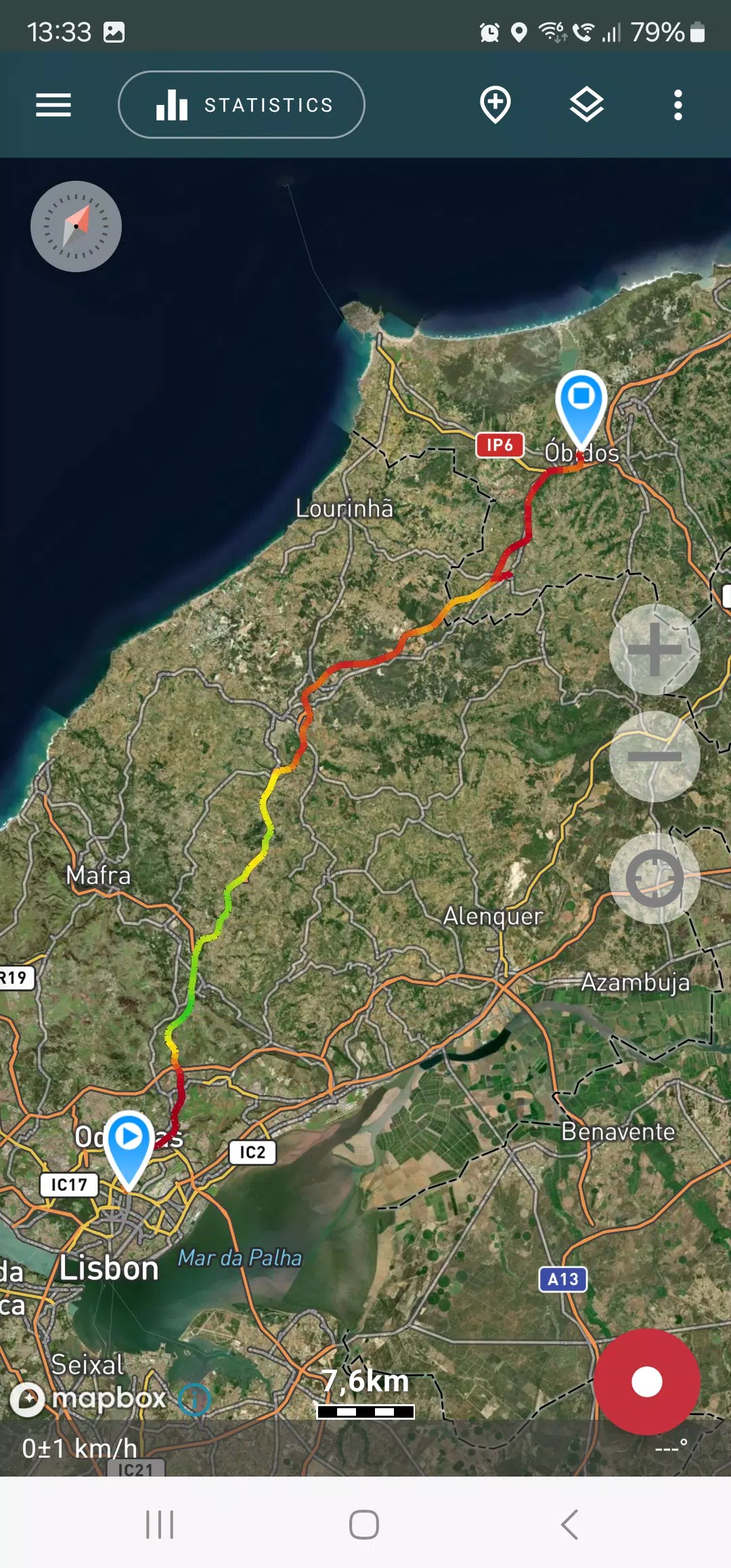
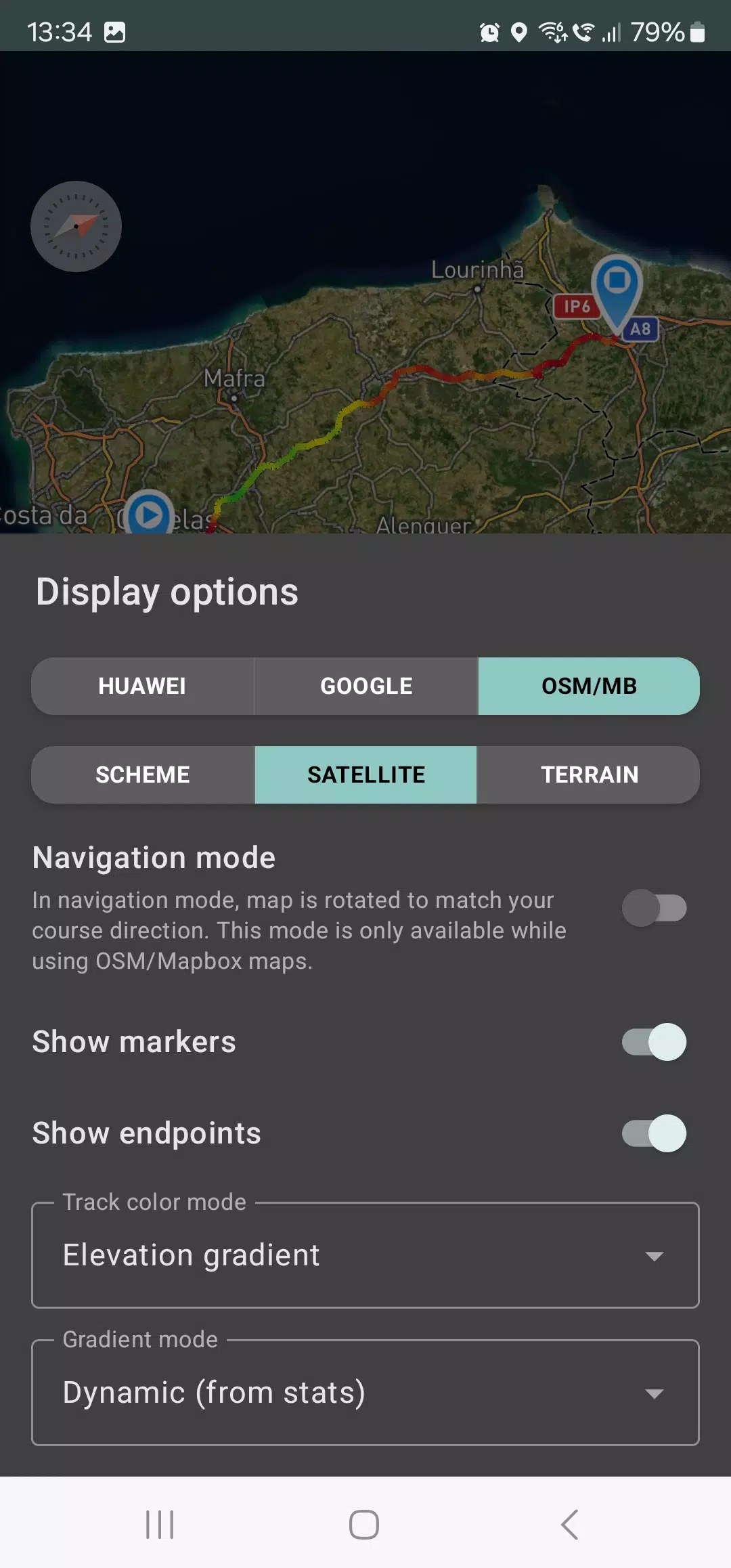
View tracks and surrounding areas in the app using OSM or Google maps, as well as satellite imagery from Google or Mapbox—ensuring you always have detailed maps anywhere worldwide. Viewed map areas are cached locally for offline use (works best with OSM maps and Mapbox satellite images). Recording track statistics requires only a GPS signal; internet access is needed solely to download map tiles.
Enable navigation mode while driving, which automatically rotates the map in your direction of travel, greatly simplifying guidance.
The app records tracks in the background (on many devices, this requires additional system configuration—check the instructions within the app). Power consumption in background mode is highly optimized; on average, one charge lasts a full day of recording. An economy mode is also available via app settings.
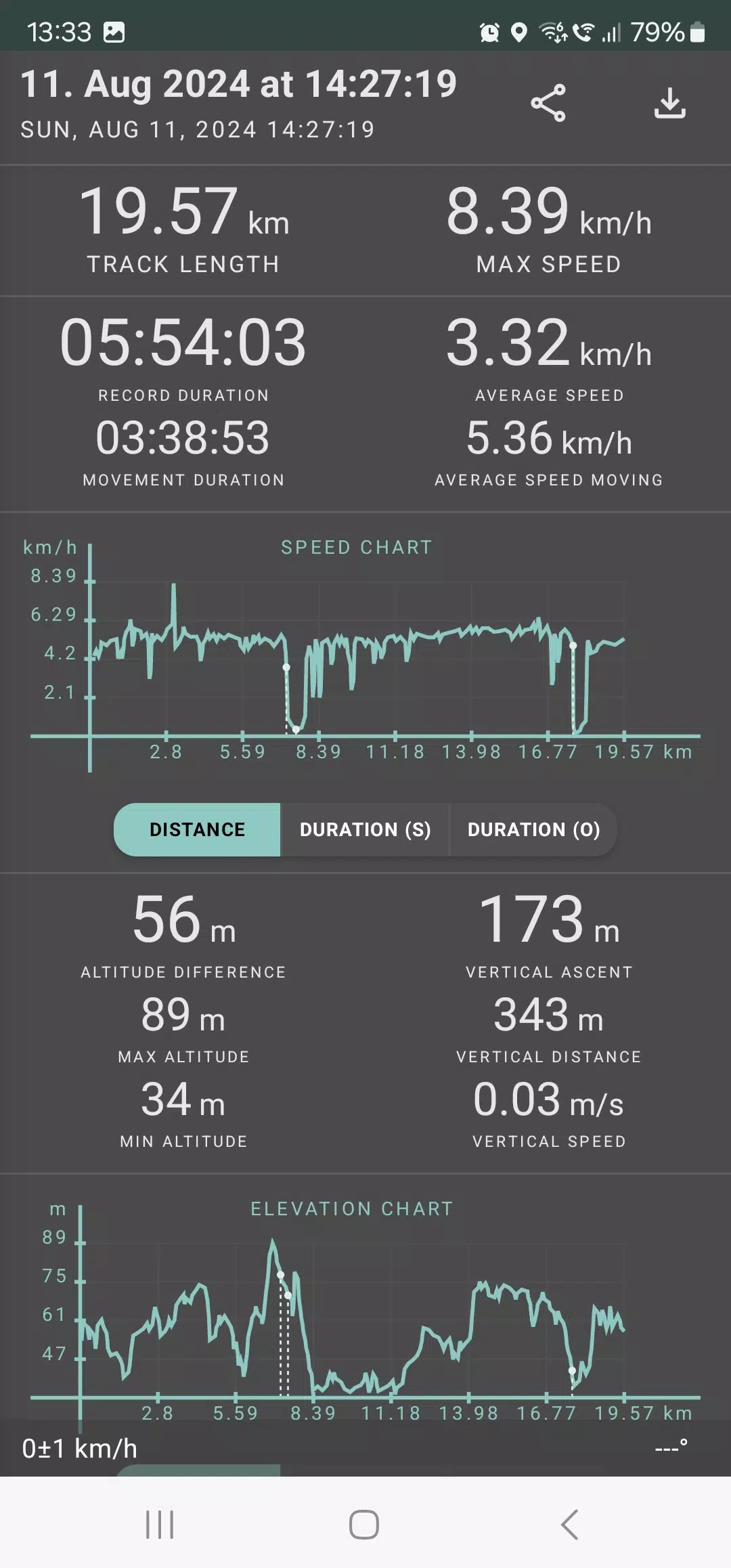
Geo Tracker calculates these statistics:
• Distance traveled and total recording time; • Maximum and average speed on the track; • Moving time and average moving speed; • Minimum and maximum altitude on the track, plus elevation difference; • Vertical distance, ascent, and vertical speed; • Minimum, maximum, and average slope.
Detailed charts for speed and elevation data are also available.
Recorded tracks can be saved as GPX, KML, or KMZ files, making them compatible with other popular apps like Google Earth or Ozi Explorer. Tracks are stored locally on your device and never uploaded to any servers.
The app is free from ads and doesn't monetize your personal data. To support development, you can make a voluntary donation within the application.
Useful tips & tricks for resolving common GPS issues:
• After starting tracking, wait briefly until the GPS signal locks on. • Restart your smartphone and ensure a clear view of the sky before starting (avoid obstructions like tall buildings or dense forests). • Reception conditions vary due to weather, season, satellite positioning, poor coverage areas, high-rise buildings, forests, etc. • Go to phone settings, select "Location," and enable it. • In phone settings under "Date & time," activate "Automatic date & time" and "Automatic time zone." Incorrect time zones can delay GPS signal acquisition. • Disable airplane mode in your phone settings.
If these tips don't resolve the issue, uninstall and reinstall the app.
Note that Google Maps uses not only GPS data but also location data from nearby WLAN and/or mobile networks.
For more FAQs and solutions to common issues, visit: https://geo-tracker.org/faq/?lang=en
Screenshot
Reviews
Apps like Geo Tracker - GPS tracker














Trending apps








Top News

![Roblox Forsaken Characters Tier List [UPDATED] (2025)](https://images.dyk8.com/uploads/18/17380116246797f3e8a8a39.jpg)






Latest Apps






Latest Articles