Application Description
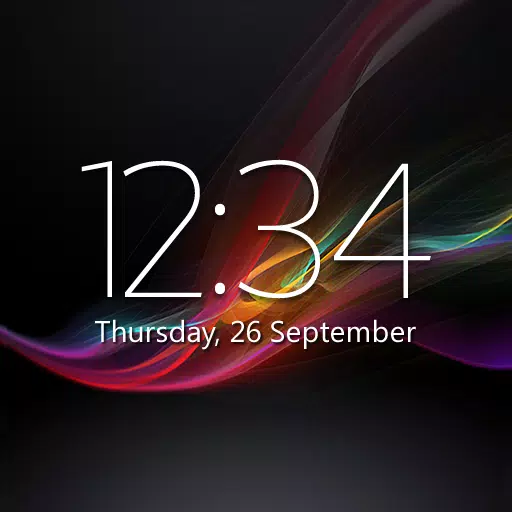
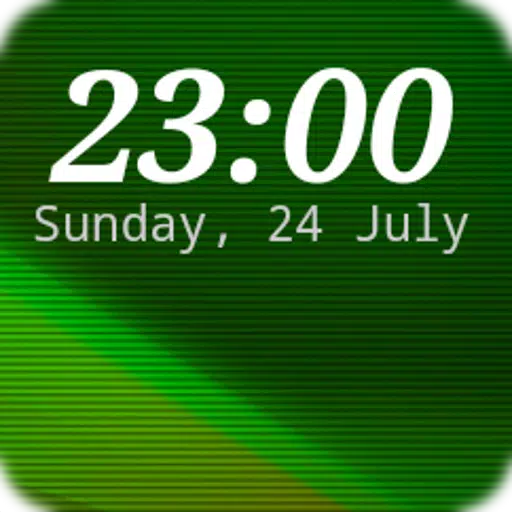
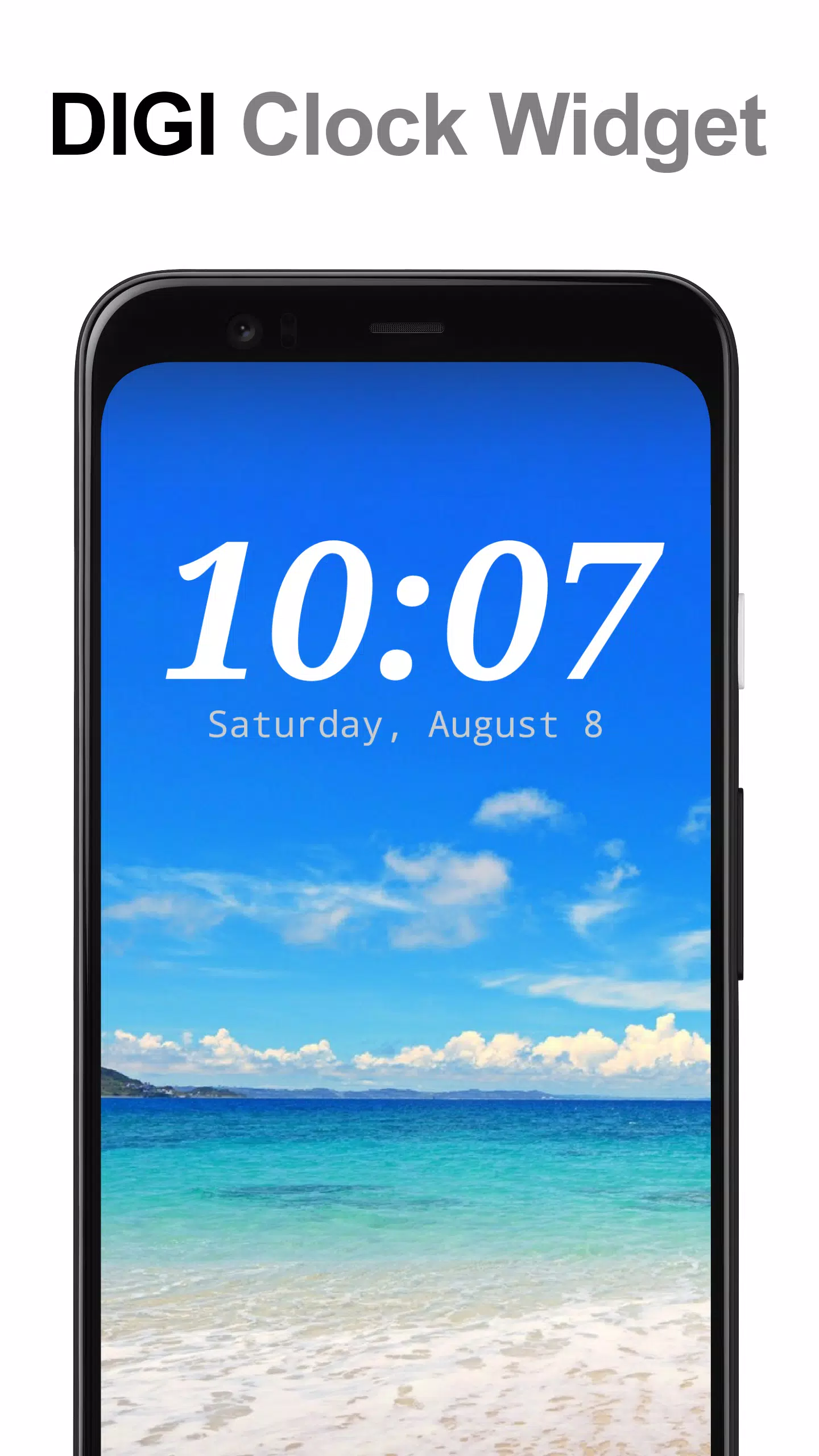
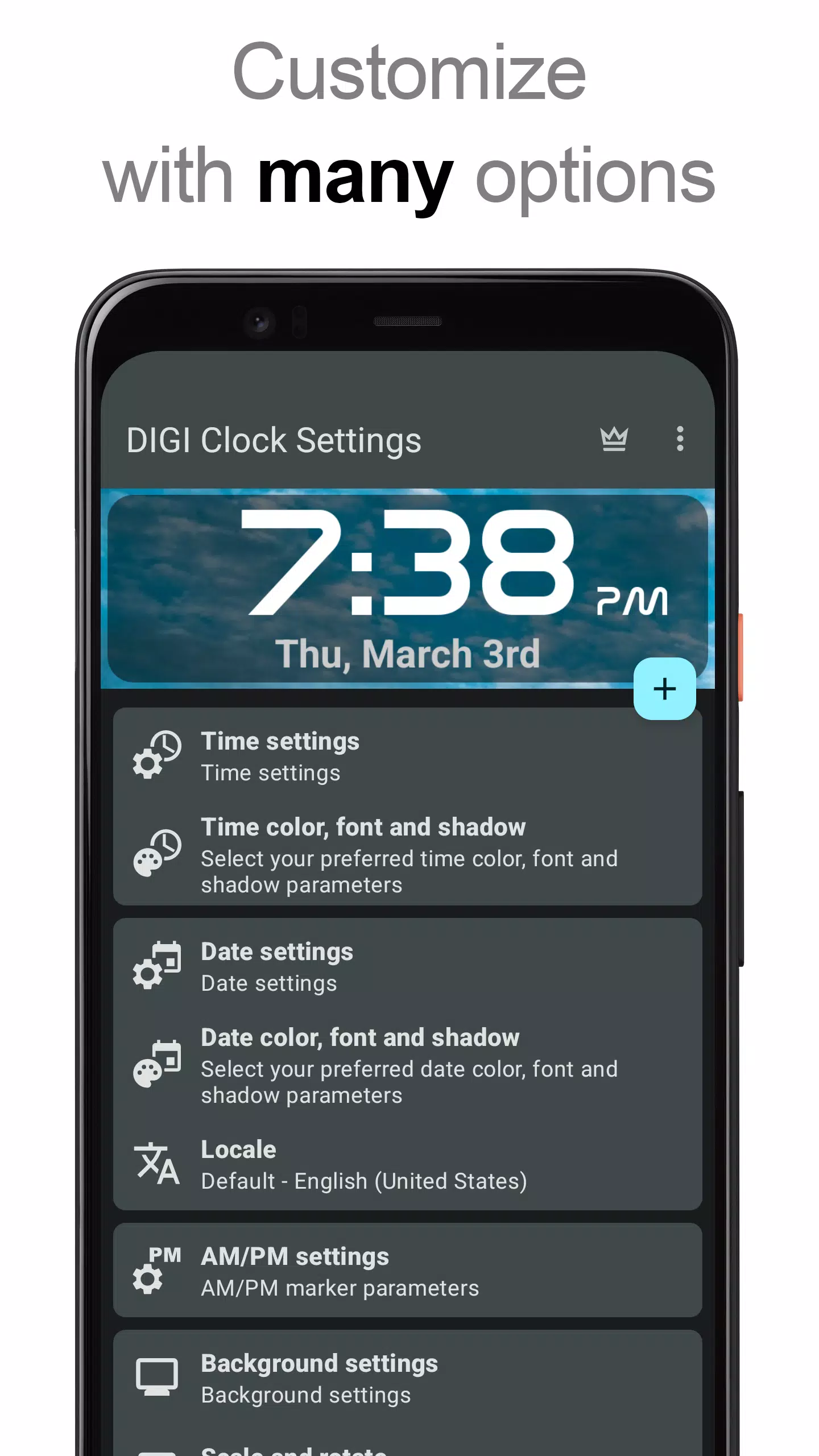
A highly customizable digital time and date widget for your Home screen.
"DIGI Clock Widget" is a collection of free, fully customizable digital time and date widgets:
2x1 widget - compact size
4x1 and 5x1 widget - wide format, with an optional seconds display
4x2 widget - large display
5x2 and 6x3 widget - optimized for tablets.
It offers extensive customization, including:
- live widget preview during setup
- configurable tap actions: open the alarm clock, widget settings, or any installed app
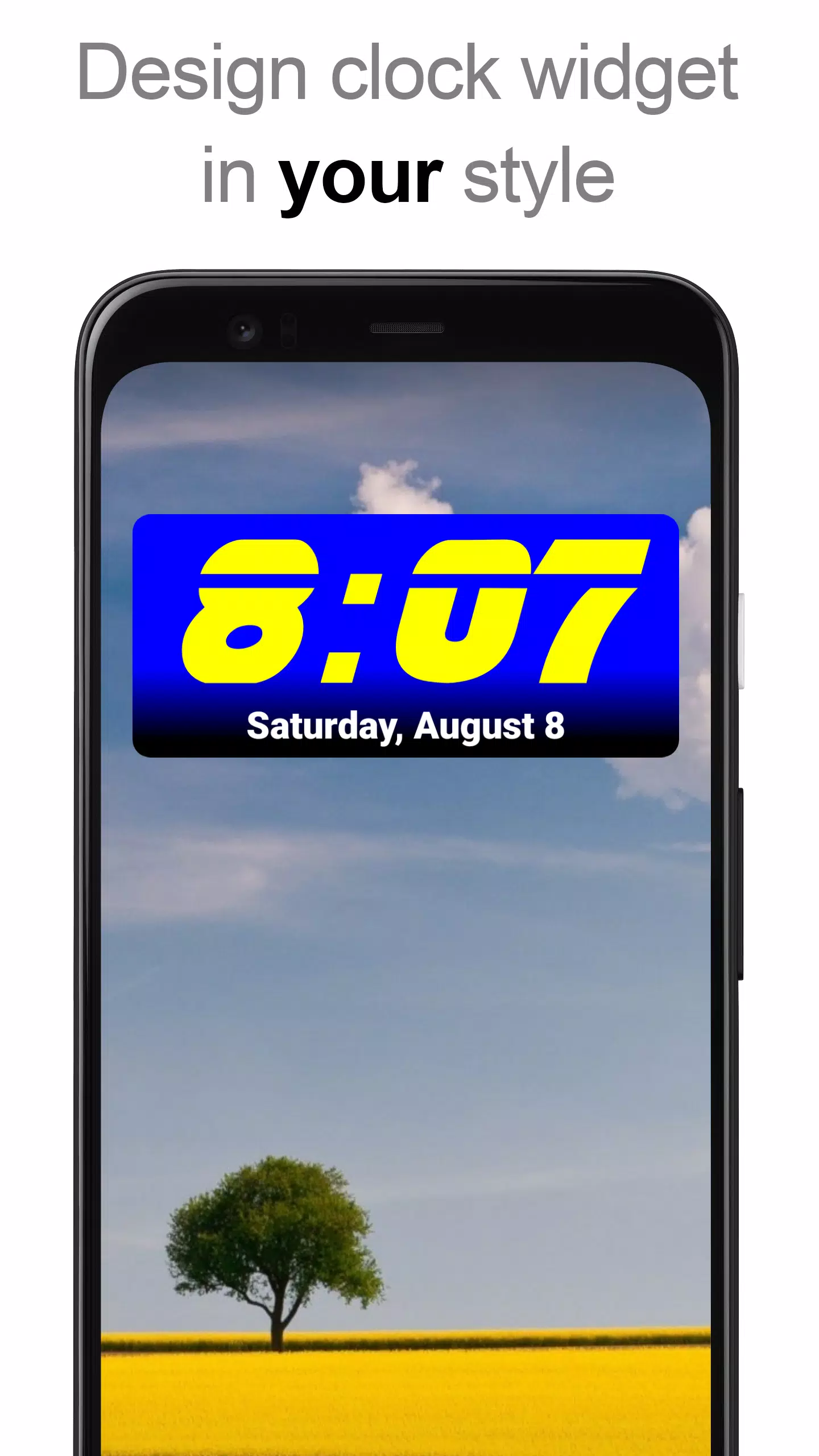
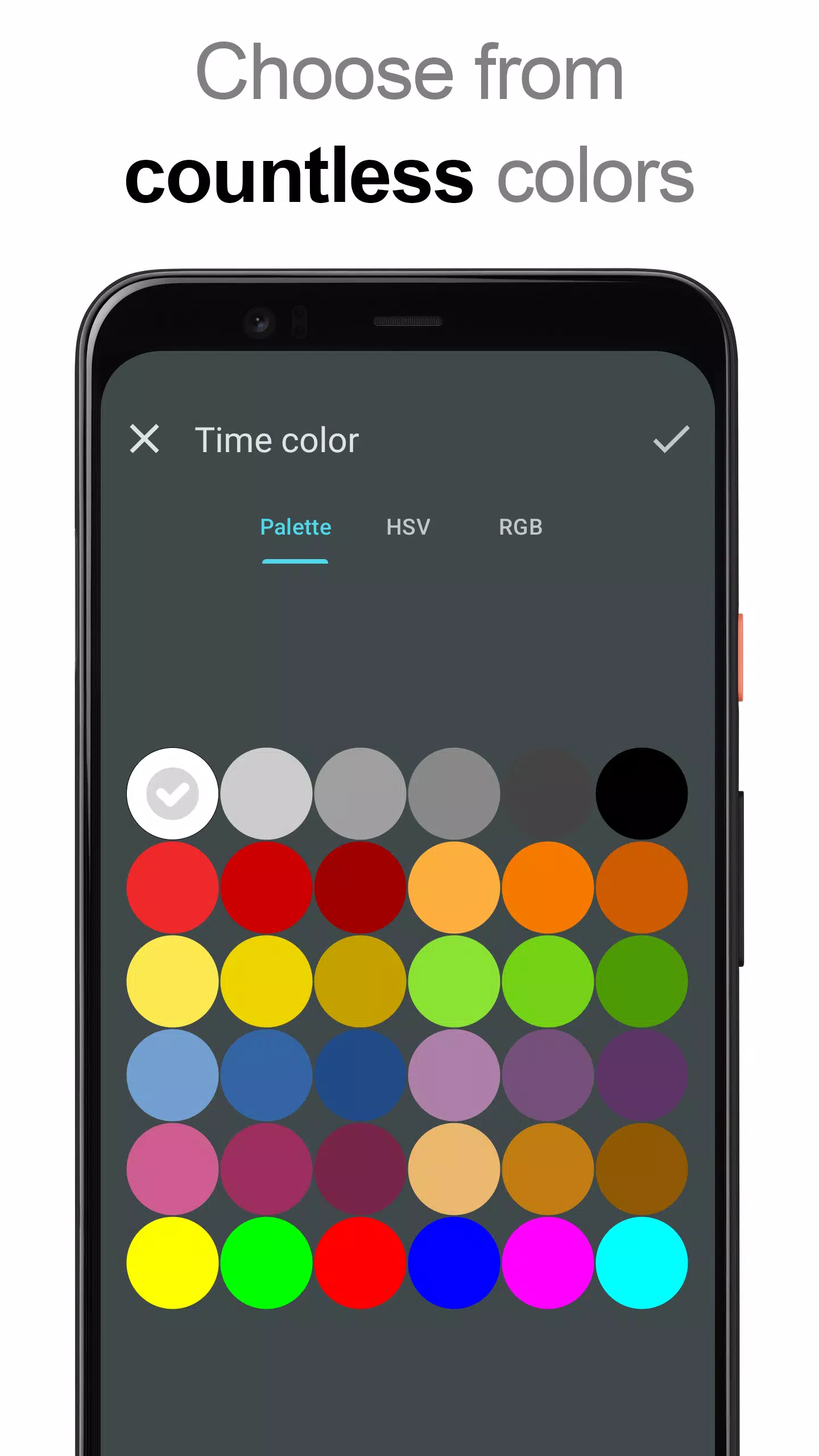
- choose custom colors for the time and date display
- shadow effects with adjustable color
- text outlines
- locale settings to display the date in your language
- numerous date formats plus a fully customizable date format
- toggle AM/PM indicator on or off
- 12 or 24-hour time format
- alarm status icon
- option to show seconds (for 4x1 and 5x1 widgets)
- adjustable widget background with selectable color and opacity from 0% (transparent) to 100% (solid)
- use a solid color, a two-color gradient, or your own photo as the background
- over 40 great fonts included, hundreds more available for download, or use your own font files from device storage
- compatible with Android 11
- fully optimized for tablets
... and many more features ...
How to use it?
This is a Home screen widget. Please follow these steps to add it to your Home screen:
• Tap the plus (+) button under the widget preview when available.
• Choose your desired widget size.
• Add the widget to your Home screen from the dialog that appears.
Or, add the widget manually:
• Long-press an empty area on your Home screen.
• Select “Widgets” from the menu.
• Scroll to find "DIGI Clock".
• Touch and hold the widget icon, drag it to your desired location, and release.
Note: These steps may vary slightly depending on your device or manufacturer.
If "DIGI Clock" is missing from the widgets list, try restarting your device.
NOTICE
To prevent the time from freezing, please exclude this widget from any battery savers or task killers.
Thank you for using DIGI Clock Widget. Enjoy!
Screenshot
Reviews
Apps like DIGI Clock Widget











Trending apps








Top News
![Roblox Forsaken Characters Tier List [UPDATED] (2025)](https://images.dyk8.com/uploads/18/17380116246797f3e8a8a39.jpg)







Latest Apps